
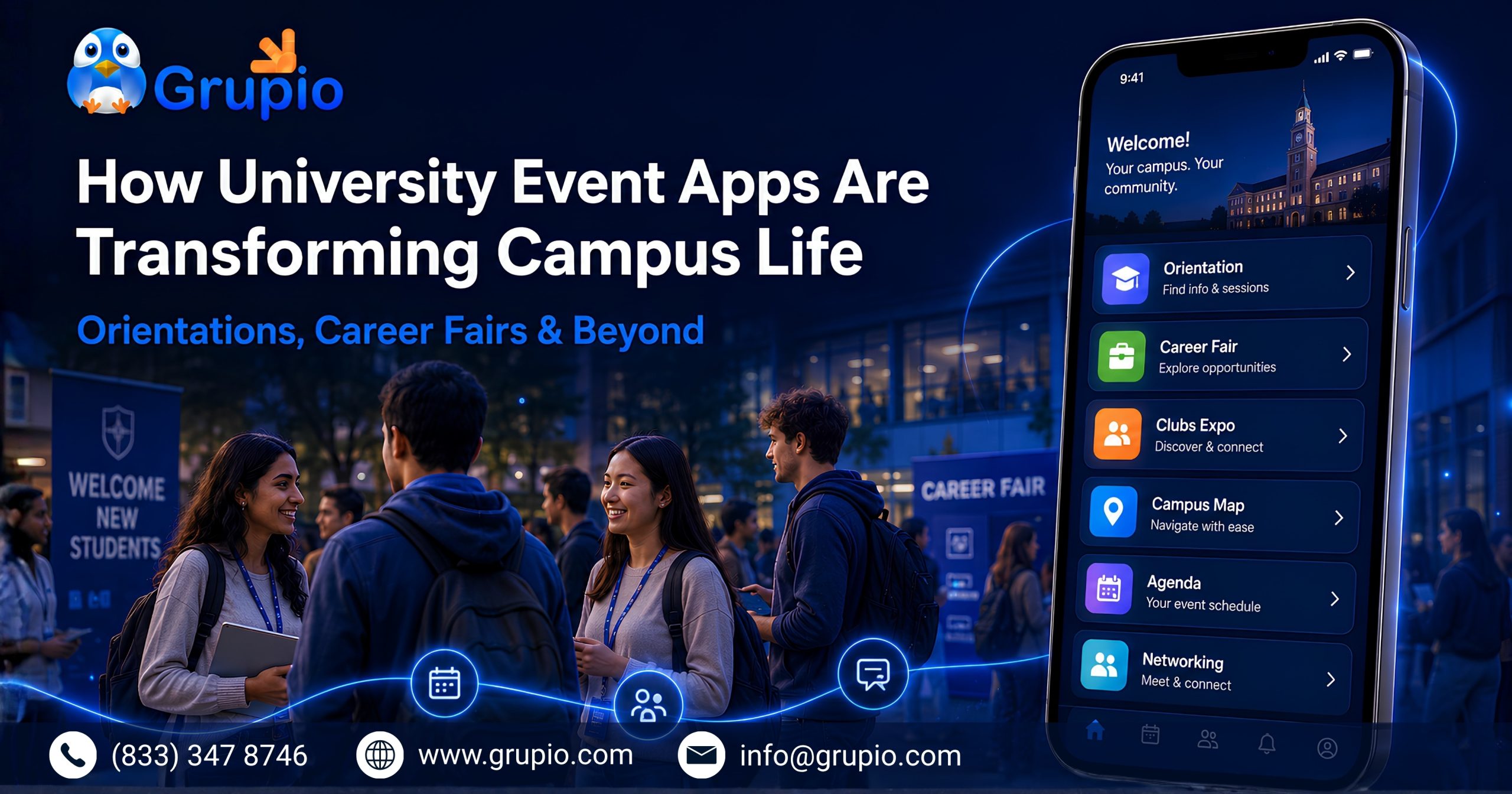
Picture a first-year student on move-in day. She has a paper map that’s already smudged from the humidity, a printed schedule that doesn’t match the one posted outside the dining hall, and a growing sense that she’s going to miss the one session that actually matters. A University Event App solves these common challenges by giving students instant access to schedules, maps, notifications, and event updates in one place.
Now multiply that experience by three thousand incoming students. Add a career fair with 120 employers spread across a field house. That is the reality of campus event logistics today. This is exactly why a University Event App has become an essential tool for universities looking to improve orientation, career fairs, and student engagement.
This is the world a dedicated campus event app was built to fix — and it’s worth understanding why that shift is happening now, not just how the apps work.
Why Every University Event App Matters for Modern Campus Events
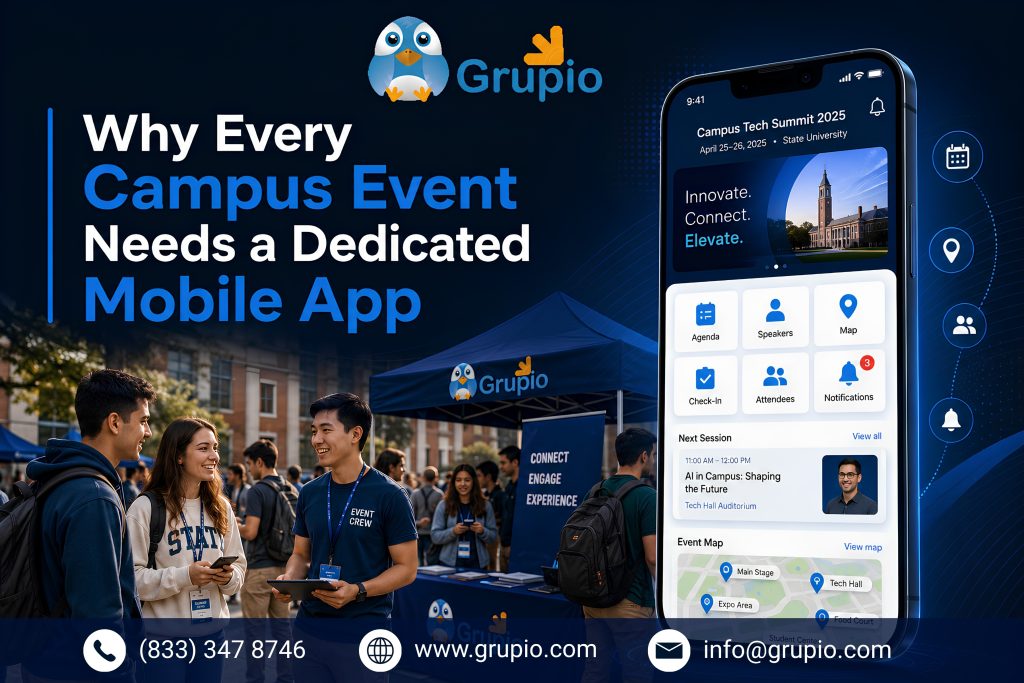
Every semester, universities host high-stakes events like orientation week, career fairs, homecoming, commencement, and club recruitment nights. Every semester, the same coordination problems return. Schedules live in one PDF. Room changes are announced through emails that many students never check. Exhibitor and speaker information is often printed in booklets that become outdated by lunchtime.
The status quo isn’t for lack of effort. Event staff and student affairs teams often prepare for months. They build spreadsheets, print signage, and manually update a campus-wide “master schedule.” Even then, students rarely receive those updates in real time. The tools are solid, but paper, email blasts, and static webpages create the bottleneck.
Eventually, a schedule change, weather delay, or packed orientation session exposes the problem. Hundreds of students arrive at the wrong room. An employer may sit at an empty table because the printed map is outdated. That’s usually the moment a university starts looking seriously at a dedicated event app instead of another spreadsheet.
Because of that shift in thinking, campus event technology has moved from “nice to have” to a standard line item in student affairs and career services budgets. According to EDUCAUSE’s ongoing research on student technology expectations, students increasingly expect mobile-first, real-time information from their institutions, not static PDFs. A dedicated app meets that expectation. It provides schedules, maps, notifications, and directories in one place. It is built for how students already use their phones instead of forcing a general campus app to manage high-volume events.
Simplifying Orientation Days with Real-Time Schedules & Notifications
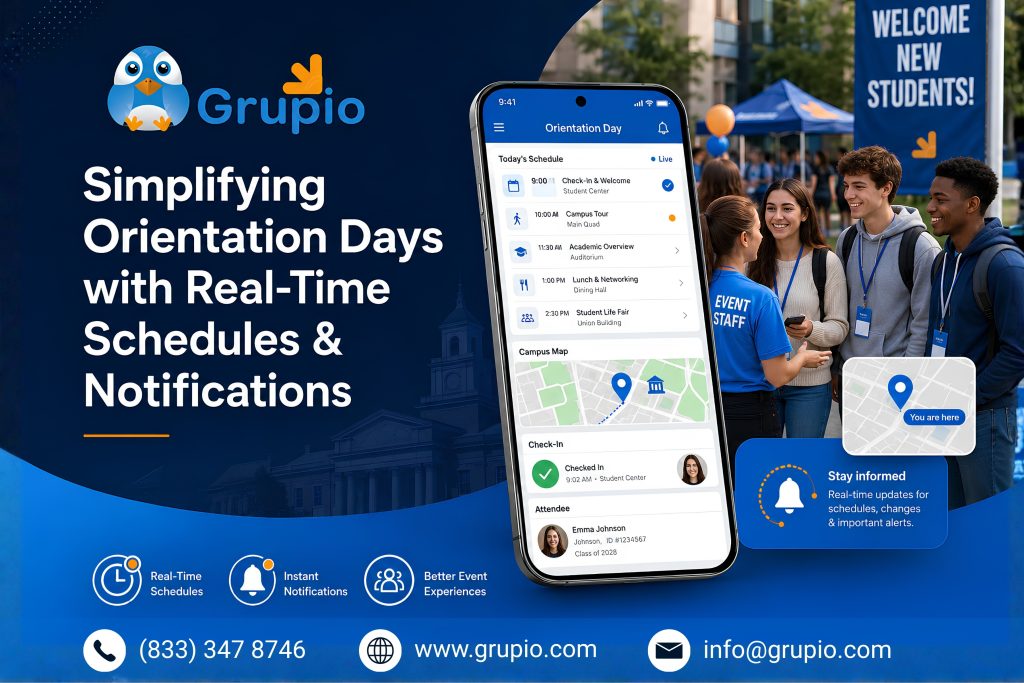
Orientation is often the first real test of a campus event app. It compresses an entire semester’s worth of coordination into just two or three days. New students are learning the campus, meeting advisors, and choosing courses. They are also trying to find their next session. At the same time, their families often attend separate activities.
A dedicated app turns that chaos into something navigable. Instead of using a printed booklet, students receive a live, personalized schedule. It updates instantly when a room changes or a session runs longer than expected. Push notifications replace the group text that inevitably gets three replies of “wait, where are we meeting?” And because the schedule lives on the device students already have in their pocket, there’s no “I lost my folder” excuse on day two.
Once that first layer works, the real value appears in the data. Administrators can see which sessions are overcrowded and which are under-attended. They also learn where students spend their time instead of waiting weeks for survey results. That turns orientation from a one-shot event into something a university can actually iterate on year over year.
Boosting Career Fair Success with Interactive Maps & Exhibitor Profiles
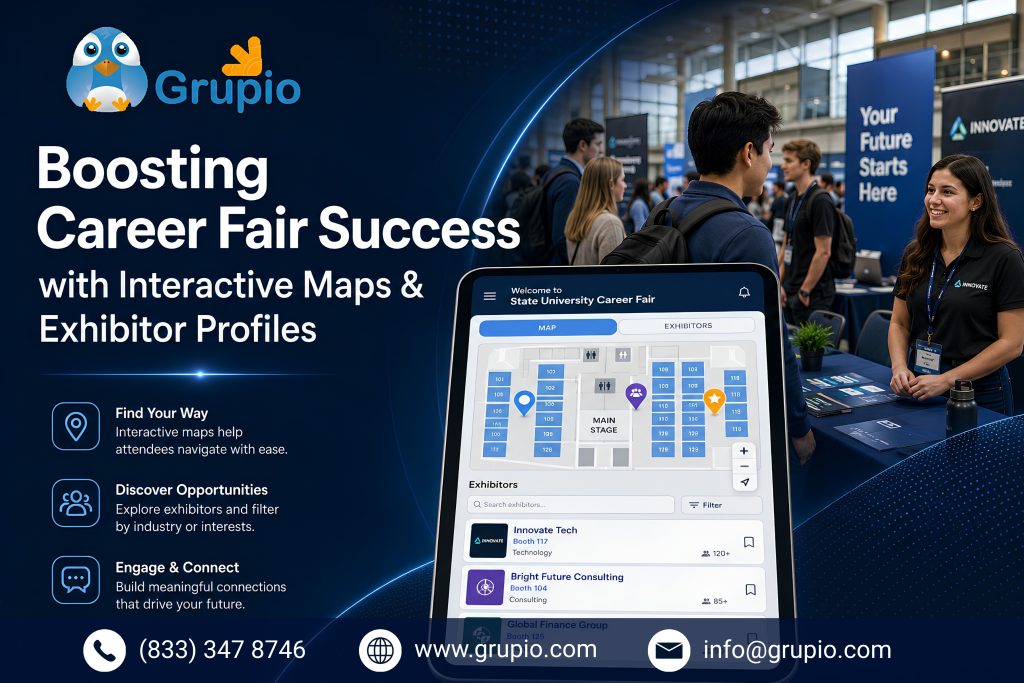
Career fairs carry a different kind of pressure. Students have a limited window to impress employers. Recruiters are also managing back-to-back conversations. A confusing floor plan can cost a student an important opportunity.
An interactive map inside the event app solves the most basic version of this problem — showing exactly where each employer’s table sits, updated instantly if a company has to relocate. The bigger advantage comes from exhibitor profiles. Students can review company descriptions, open roles, and recruiter bios before the event. They arrive with specific questions instead of a generic introduction.”
Better-prepared students have more meaningful conversations with employers. They are also more likely to receive follow-up interviews. This strengthens career services outcomes and employer relationships. which matters directly to a university’s career services outcomes and, increasingly, to the employer relationships that keep companies coming back year after year. Career fair platforms built specifically for higher education, such as Career Fair Plus, have grown around exactly this need: giving students a searchable employer directory and giving career services teams a way to measure engagement instead of guessing at it from sign-in sheets.
Building Student & Faculty Connections Through In-App Networking
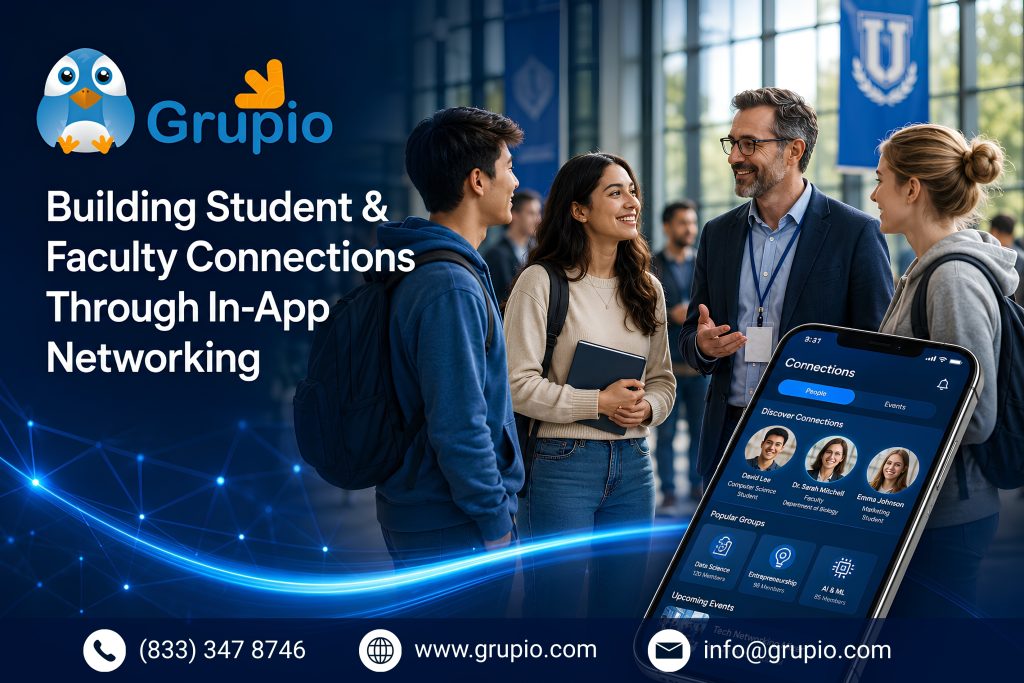
Orientation and career fairs are the obvious use cases, but the deeper transformation is what happens between events. A well-built campus app doesn’t disappear once the career fair ends — it becomes a year-round layer of connection between students, faculty, and each other.
In-app directories help students find classmates in the same major. They can RSVP to club meetings or message faculty advisors without searching through old emails or syllabi. Discussion boards and interest groups keep students connected after events. Activities like hackathons, guest lectures, and student mixers give them more reasons to continue using the app.
This ongoing engagement gives universities something that career fairs and orientation alone cannot provide. They gain a reliable communication channel with students. This supports daily campus activities and helps create a stronger sense of belonging.
Branding Your University’s Identity Across Every Student’s Phone
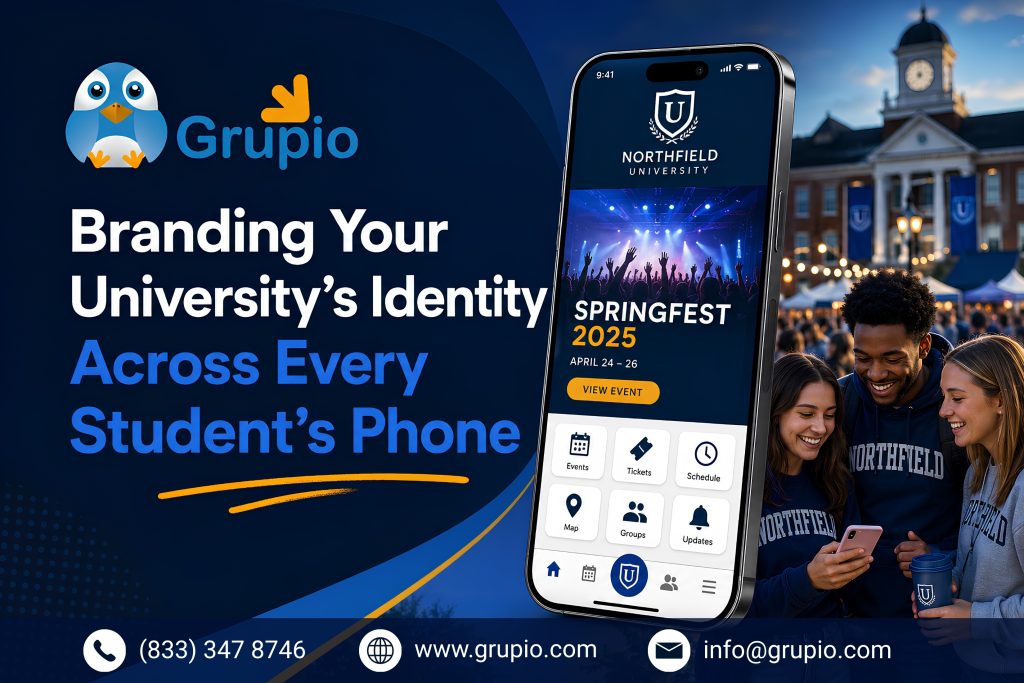
There’s a quieter benefit underneath all of this: every time a student opens the app to check an orientation schedule or browse career fair exhibitors, they’re seeing the university’s colors, mascot, and voice — not a generic third-party tool with the school’s logo pasted on top as an afterthought.
A well-designed campus app becomes a consistent brand touchpoint across the entire student lifecycle: the same visual identity from the first orientation notification a freshman receives to the graduation-day schedule a graduating senior checks four years later. That consistency matters more than it might seem — it signals that the university invested in the experience, not just the event.
Over time, what started as a solution for orientation challenges becomes something bigger. The app becomes a trusted, branded home for campus life. Students can find accurate information in one place instead of managing paper, emails, and outdated updates.
Frequently Asked Questions
1. What is a university event app, and how is it different from a general campus app?
A university event app is a mobile tool designed for live event management. It supports orientation, career fairs, homecoming, and commencement with features like live schedules, maps, and exhibitor directories. A general campus app may include event features, but dedicated event apps are usually easier to update and manage during busy events.
2. Do students actually use these apps, or do they default back to email and group chats?
Adoption depends heavily on how the app is rolled out. Apps that are pushed at a mandatory touchpoint — like requiring students to check in via the app at orientation, or requiring an RSVP through it for a career fair session — see far higher usage than apps that are simply “available” in the app store. Real-time notifications (schedule changes, room updates) also drive repeat opens, since students learn quickly that the app has information they can’t get anywhere else.
3. How do career fair apps benefit employers, not just students?
Employers get a built-in audience of pre-qualified candidates who’ve already reviewed their company profile and open roles before walking up to the table, which tends to produce more focused conversations. Many platforms also give employers post-event data — how many students viewed their profile, who they connected with — which helps recruiting teams justify travel and staffing budgets for the next fair.
4. Is it expensive for a university to build or license an event app?
Costs vary widely depending on whether a university licenses an existing higher-ed event platform versus building custom software in-house. Licensing an established platform is generally faster to deploy and lower-risk for a single annual event like a career fair, while a custom-built app makes more sense for institutions that want deep integration with their own student information systems.
5. What data should a university track to measure an event app’s success?
Universities can track useful metrics such as app downloads, active users during the event, session check-ins, booth visits, notification open rates, and survey completion. (which is much easier to collect in-app than via a separate email survey). For career fairs specifically, tracking student-to-employer connections and follow-up interview requests ties the app directly to career services outcomes, not just attendance numbers.