AI Resources for the Event Planning Industry: A Complete Guide


AI Resources for the Event Planning Industry: A Complete Guide

AI Resources for Event Planning are transforming how event professionals organize conferences, exhibitions, trade shows, and corporate events. From creating exhibitor prospectuses and sponsorship proposals to drafting marketing content and registration forms, AI tools help planners save time, improve accuracy, and streamline every stage of event management.

Picture a typical event planner three years ago: a spreadsheet for RSVPs, a Word doc for the sponsorship deck, a folder of past exhibitor prospectuses to copy-paste from, and a to-do list that never actually got shorter. Every event meant starting most of this from scratch because there wasn’t really a faster way—you either wrote it yourself or paid someone else to.

That’s no longer true, and it’s worth understanding exactly what changed, because “just use AI” isn’t a strategy
on its own. This guide walks through where AI actually fits into the event planning workflow — from your first
outline to the final registration form — so you can pick tools deliberately rather than bolting on whatever’s
trending.

Getting Started: How AI Is Transforming Event Planning

How-AI-Is-Transforming-Event-Planning

Every event, whether it’s a 40-person workshop or a 4,000-person conference, runs on the same handful of
repetitive documents: briefs, prospectuses, proposals, marketing copy, and forms. None of that work is
creative in the way a keynote speech is — it’s structured, repeatable, and time-consuming, which is exactly
the kind of task AI handles well.

The shift happened when large language models got good enough to hold an event’s full context — audience,
budget, venue, sponsors, timeline — across a long conversation, rather than needing a fresh prompt for every
paragraph. That means a planner can now draft an exhibitor prospectus, a sponsorship pitch, and a post-event
survey in one afternoon instead of one week, and revise all three together when the budget or the venue changes.

The planners getting the most value aren’t using AI to replace judgment about vendors, venues, or guest
experience — those calls still need a human who knows the room. They’re using it to compress the paperwork
around those decisions.

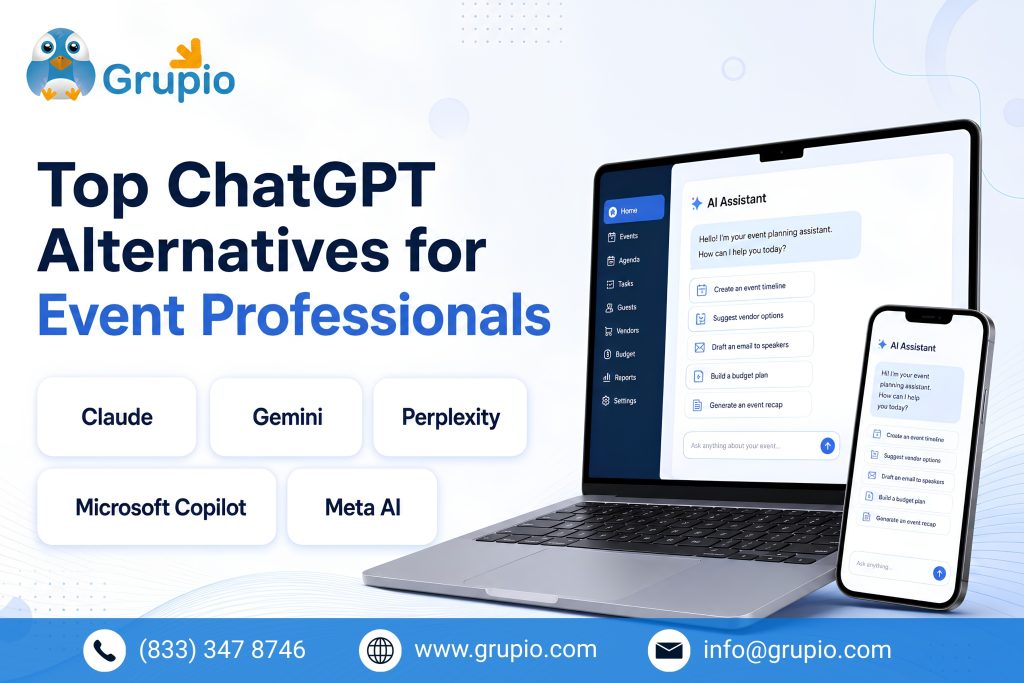
Top ChatGPT Alternatives for Event Professionals

Top-ChatGPT-Alternatives-for-Event-Professionals

ChatGPT gets most of the attention, but several tools are built specifically around planning workflows rather
than general chat:

  • Claude handles long documents well — feed it last year’s full sponsorship deck and this
    year’s budget, and it can draft a revised version that keeps your voice and structure intact.
  • Notion AI works within the same workspace where most planners already keep their
    run-of-show, guest lists, and vendor notes, so drafts stay attached to the source data rather than living
    in a separate chat window.
  • Perplexity is worth using specifically for research — for comparing venues, catering
    vendors, or past attendance data — because it cites sources rather than just asserting facts.
  • Canva’s AI tools turn a rough outline into a formatted sponsorship one-pager or social
    graphic without a separate design pass.

None of these fully replaces the others — most planners end up using two or three for different stages of the
same event.

Using AI to Craft a Winning Exhibitor Prospectus

Using-AI-to-Craft-a-Winning-Exhibitor-Prospectus

An exhibitor prospectus has to do two jobs at once: prove the event is worth an exhibitor’s booth fee, and
make the logistics (booth sizes, dates, deadlines, contact info) impossible to misread. That combination of
persuasive and precise is exactly where a lot of first drafts go wrong — either too promotional with no hard
details, or so full of specs it reads like a contract.

AI is useful here specifically because you can draft the persuasive sections and the logistics table in the
same pass, then ask the model to check that every claim in the “why exhibit” section is backed by a number in
the specs (attendance figures, past exhibitor ROI, audience demographics). If you don’t have real numbers yet,
don’t let AI invent them — a fabricated attendance figure in a prospectus is a credibility risk the first time
a prospective exhibitor asks for the source.

AI-Powered Sponsorship Proposals and Marketing Plans

AI-Powered-Sponsorship-Proposals-and-Marketing-Plans

A sponsorship proposal lives or dies on tiering — vague “gold, silver, bronze” packages with no clear
differentiation are the single most common complaint sponsors raise. AI is genuinely good at generating tier
structures fast: ask for three sponsorship levels with clearly escalating benefits (logo placement, speaking
slots, booth size, email mentions), then have it draft the accompanying one-page marketing plan showing how
you’ll actually deliver visibility — social posts, email cadence, on-site signage.

The marketing plan is where AI earns its keep beyond just writing: it can turn a rough content calendar into
full drafts of the emails and social captions themselves, then adjust the tone for each sponsor tier (a title
sponsor’s mentions should read differently than a supporting sponsor’s).

The keyword data bears this out — searches for sponsorship proposal templates and sample sponsorship letters
are consistently high-volume, which suggests most planners are still building these from a blank page rather
than a system. That’s the gap AI closes.

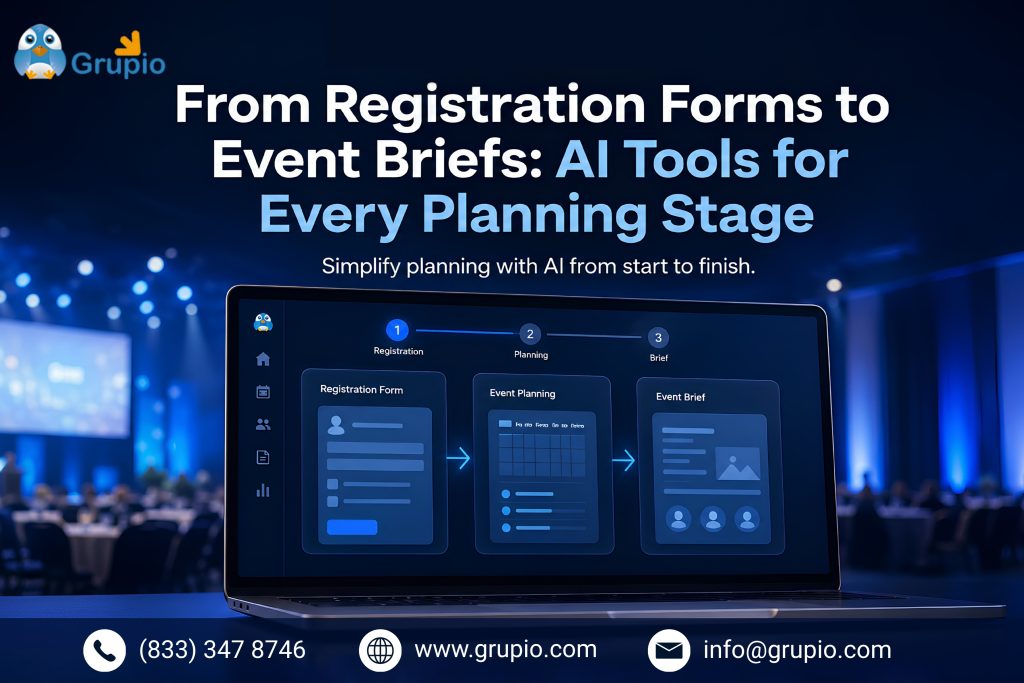
From Registration Forms to Event Briefs: AI Tools for Every Planning Stage

AI-Tools-for-Every-Planning-Stage

The final mile of planning is a string of smaller documents that each seem minor on their own but add up fast:
the registration form, the internal event brief, the staff briefing sheet, the post-event survey. AI shortens
each of these because they share so much source material — your event brief and your registration form both
pull from the same date, venue, and audience details, so drafting one well makes the next one faster.

A workable sequence: draft the event brief first (objective, audience, budget, key dates), then feed that
brief into the same conversation to generate the registration form fields, the exhibitor form, and a
first-draft staff briefing — each one inheriting the same facts instead of you re-typing them.

Frequently Asked Questions

What are AI resources for event planning?

AI resources for event planning include tools that help organizers create event briefs, exhibitor prospectuses, sponsorship proposals, marketing campaigns, registration forms, and post-event surveys. These tools reduce repetitive work, improve productivity, and allow planners to focus more on delivering successful events.

Which AI tool is best for event planners?

The best AI tool depends on your workflow. ChatGPT is ideal for content creation, Claude works well with long documents, Notion AI helps organize planning tasks, Perplexity is useful for research, and Canva AI makes it easy to design promotional materials and sponsorship assets.

Can AI create an exhibitor prospectus?

Yes. AI can generate a professional exhibitor prospectus by drafting event overviews, exhibitor benefits, booth packages, timelines, and frequently asked questions. However, you should always verify event dates, pricing, attendance figures, and other factual information before publishing.

Can AI help write sponsorship proposals?

Absolutely. AI can generate sponsorship packages, define tier benefits, write personalized proposal letters, and create marketing plans for sponsors. Providing your brand guidelines and previous proposals will help produce content that matches your organization’s tone and style.

How can AI improve event marketing?

AI helps event marketers create email campaigns, social media posts, blog articles, landing page copy, promotional schedules, and advertising ideas in less time. It also makes it easier to tailor content for different audiences while maintaining a consistent brand voice.

Is AI reliable for event planning documents?

AI is highly effective for drafting and organizing content, but it should not replace human review. Event planners should always fact-check budgets, schedules, venue details, sponsor information, and attendance statistics before sharing documents with clients or exhibitors.

How much time can AI save during event planning?

The time savings vary by project, but many planners find that AI reduces document creation time by 50–80%. Tasks that previously took hours—such as writing event briefs, sponsorship proposals, registration forms, and marketing content—can often be completed in minutes with proper editing.

How University Event Apps Are Transforming Campus Life: Orientations, Career Fairs & Beyond

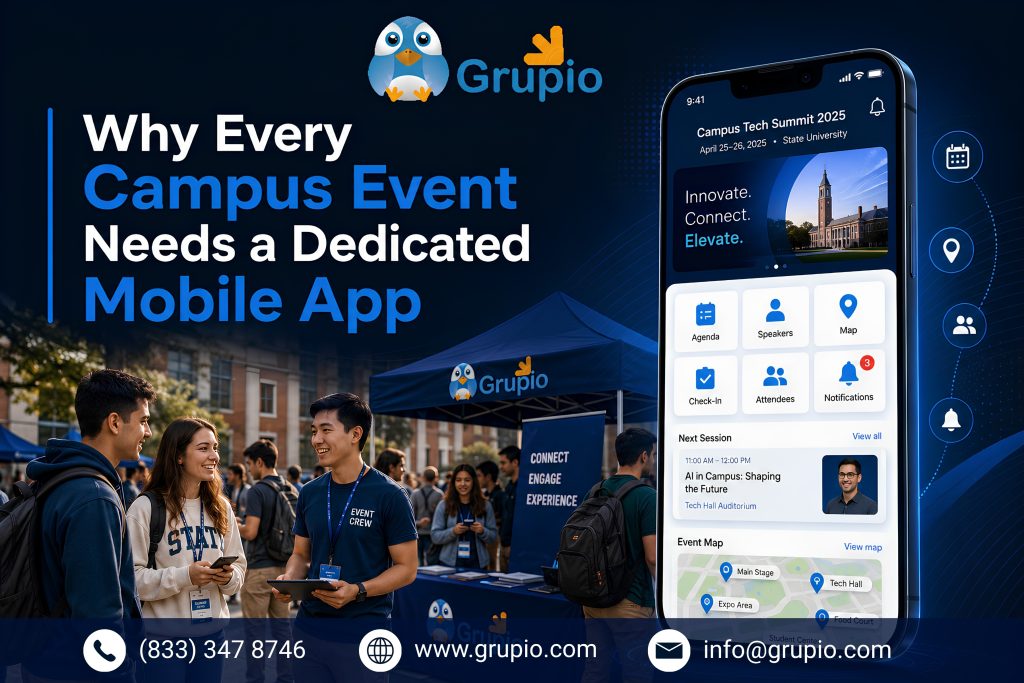
Picture a first-year student on move-in day. She has a paper map that’s already smudged from the humidity, a printed schedule that doesn’t match the one posted outside the dining hall, and a growing sense that she’s going to miss the one session that actually matters. A University Event App solves these common challenges by giving students instant access to schedules, maps, notifications, and event updates in one place.

Now multiply that experience by three thousand incoming students. Add a career fair with 120 employers spread across a field house. That is the reality of campus event logistics today. This is exactly why a University Event App has become an essential tool for universities looking to improve orientation, career fairs, and student engagement.

This is the world a dedicated campus event app was built to fix — and it’s worth understanding why that shift is happening now, not just how the apps work.

Why Every University Event App Matters for Modern Campus Events

University Event App

Every semester, universities host high-stakes events like orientation week, career fairs, homecoming, commencement, and club recruitment nights. Every semester, the same coordination problems return. Schedules live in one PDF. Room changes are announced through emails that many students never check. Exhibitor and speaker information is often printed in booklets that become outdated by lunchtime.

The status quo isn’t for lack of effort. Event staff and student affairs teams often prepare for months. They build spreadsheets, print signage, and manually update a campus-wide “master schedule.” Even then, students rarely receive those updates in real time. The tools are solid, but paper, email blasts, and static webpages create the bottleneck.

Eventually, a schedule change, weather delay, or packed orientation session exposes the problem. Hundreds of students arrive at the wrong room. An employer may sit at an empty table because the printed map is outdated. That’s usually the moment a university starts looking seriously at a dedicated event app instead of another spreadsheet.

Because of that shift in thinking, campus event technology has moved from “nice to have” to a standard line item in student affairs and career services budgets. According to EDUCAUSE’s ongoing research on student technology expectations, students increasingly expect mobile-first, real-time information from their institutions, not static PDFs. A dedicated app meets that expectation. It provides schedules, maps, notifications, and directories in one place. It is built for how students already use their phones instead of forcing a general campus app to manage high-volume events.

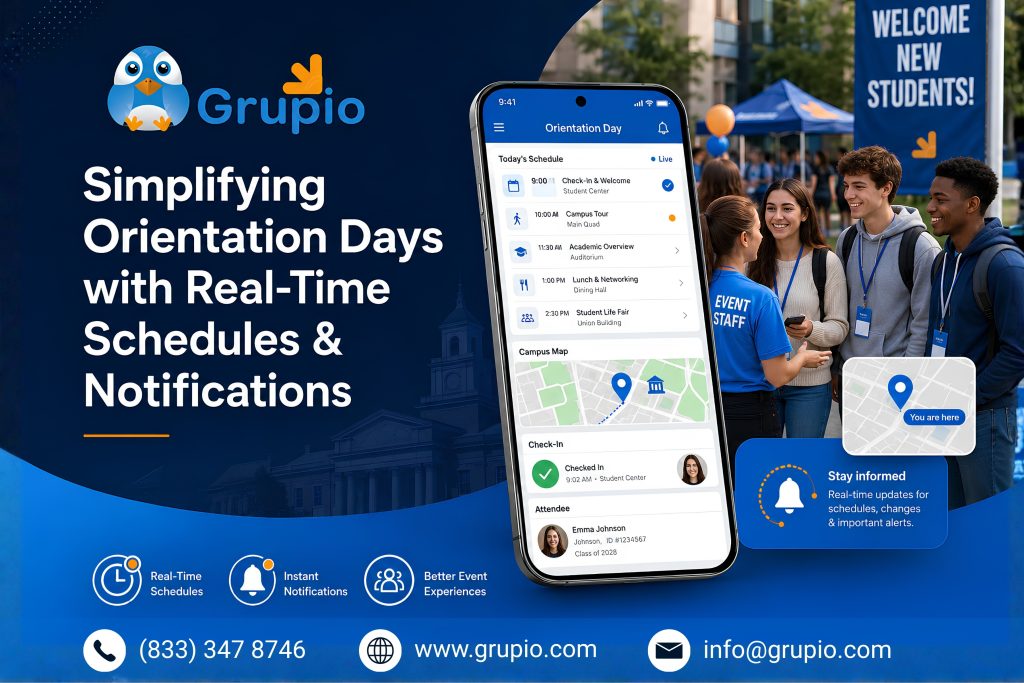
Simplifying Orientation Days with Real-Time Schedules & Notifications

Student Orientation App

Orientation is often the first real test of a campus event app. It compresses an entire semester’s worth of coordination into just two or three days. New students are learning the campus, meeting advisors, and choosing courses. They are also trying to find their next session. At the same time, their families often attend separate activities.

A dedicated app turns that chaos into something navigable. Instead of using a printed booklet, students receive a live, personalized schedule. It updates instantly when a room changes or a session runs longer than expected. Push notifications replace the group text that inevitably gets three replies of “wait, where are we meeting?” And because the schedule lives on the device students already have in their pocket, there’s no “I lost my folder” excuse on day two.

Once that first layer works, the real value appears in the data. Administrators can see which sessions are overcrowded and which are under-attended. They also learn where students spend their time instead of waiting weeks for survey results. That turns orientation from a one-shot event into something a university can actually iterate on year over year.

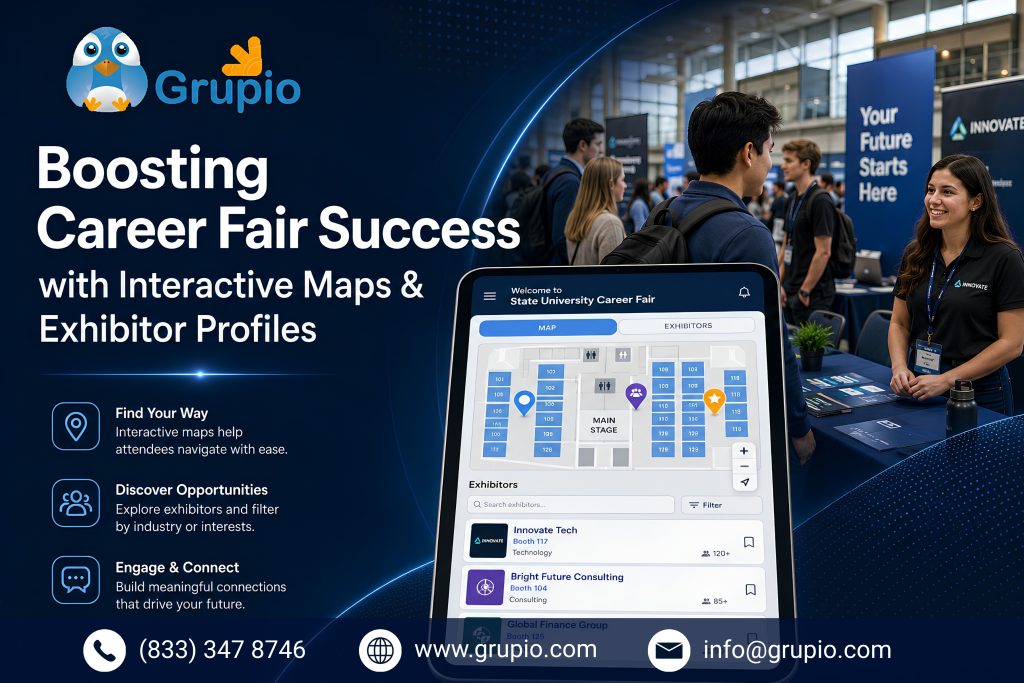
Boosting Career Fair Success with Interactive Maps & Exhibitor Profiles

Career Fair App

Career fairs carry a different kind of pressure. Students have a limited window to impress employers. Recruiters are also managing back-to-back conversations. A confusing floor plan can cost a student an important opportunity.

An interactive map inside the event app solves the most basic version of this problem — showing exactly where each employer’s table sits, updated instantly if a company has to relocate. The bigger advantage comes from exhibitor profiles. Students can review company descriptions, open roles, and recruiter bios before the event. They arrive with specific questions instead of a generic introduction.”

Better-prepared students have more meaningful conversations with employers. They are also more likely to receive follow-up interviews. This strengthens career services outcomes and employer relationships. which matters directly to a university’s career services outcomes and, increasingly, to the employer relationships that keep companies coming back year after year. Career fair platforms built specifically for higher education, such as Career Fair Plus, have grown around exactly this need: giving students a searchable employer directory and giving career services teams a way to measure engagement instead of guessing at it from sign-in sheets.

Building Student & Faculty Connections Through In-App Networking

Campus Networking App

Orientation and career fairs are the obvious use cases, but the deeper transformation is what happens between events. A well-built campus app doesn’t disappear once the career fair ends — it becomes a year-round layer of connection between students, faculty, and each other.

In-app directories help students find classmates in the same major. They can RSVP to club meetings or message faculty advisors without searching through old emails or syllabi. Discussion boards and interest groups keep students connected after events. Activities like hackathons, guest lectures, and student mixers give them more reasons to continue using the app.

This ongoing engagement gives universities something that career fairs and orientation alone cannot provide. They gain a reliable communication channel with students. This supports daily campus activities and helps create a stronger sense of belonging.

Branding Your University’s Identity Across Every Student’s Phone

Branded University Event App

There’s a quieter benefit underneath all of this: every time a student opens the app to check an orientation schedule or browse career fair exhibitors, they’re seeing the university’s colors, mascot, and voice — not a generic third-party tool with the school’s logo pasted on top as an afterthought.

A well-designed campus app becomes a consistent brand touchpoint across the entire student lifecycle: the same visual identity from the first orientation notification a freshman receives to the graduation-day schedule a graduating senior checks four years later. That consistency matters more than it might seem — it signals that the university invested in the experience, not just the event.

Over time, what started as a solution for orientation challenges becomes something bigger. The app becomes a trusted, branded home for campus life. Students can find accurate information in one place instead of managing paper, emails, and outdated updates.

Frequently Asked Questions

1. What is a university event app, and how is it different from a general campus app?

A university event app is a mobile tool designed for live event management. It supports orientation, career fairs, homecoming, and commencement with features like live schedules, maps, and exhibitor directories. A general campus app may include event features, but dedicated event apps are usually easier to update and manage during busy events.

2. Do students actually use these apps, or do they default back to email and group chats?

Adoption depends heavily on how the app is rolled out. Apps that are pushed at a mandatory touchpoint — like requiring students to check in via the app at orientation, or requiring an RSVP through it for a career fair session — see far higher usage than apps that are simply “available” in the app store. Real-time notifications (schedule changes, room updates) also drive repeat opens, since students learn quickly that the app has information they can’t get anywhere else.

3. How do career fair apps benefit employers, not just students?

Employers get a built-in audience of pre-qualified candidates who’ve already reviewed their company profile and open roles before walking up to the table, which tends to produce more focused conversations. Many platforms also give employers post-event data — how many students viewed their profile, who they connected with — which helps recruiting teams justify travel and staffing budgets for the next fair.

4. Is it expensive for a university to build or license an event app?

Costs vary widely depending on whether a university licenses an existing higher-ed event platform versus building custom software in-house. Licensing an established platform is generally faster to deploy and lower-risk for a single annual event like a career fair, while a custom-built app makes more sense for institutions that want deep integration with their own student information systems.

5. What data should a university track to measure an event app’s success?

Universities can track useful metrics such as app downloads, active users during the event, session check-ins, booth visits, notification open rates, and survey completion. (which is much easier to collect in-app than via a separate email survey). For career fairs specifically, tracking student-to-employer connections and follow-up interview requests ties the app directly to career services outcomes, not just attendance numbers.

Smart Event Budgeting: How Grupio Helps You Spend Less and Deliver More

Every event planner remembers the moment a budget started slipping. In smart event budgeting, it’s often a florist quote that comes in 40% over estimate, or a venue fee that appears on the final invoice with no warning. The event still happened. It probably even went well. But the numbers told a different story than the plan did — and that gap between “planned” and “actual” is where most of the stress in event planning actually lives.

Every Event Starts With a Spreadsheet and a Guess

For most planners, budgeting still looks the same way it did a decade ago: a spreadsheet, a handful of vendor quotes pulled from memory or last year’s event, and a running total that gets updated whenever someone remembers to open the file. It works, until it doesn’t. Line items get missed. Vendor invoices arrive weeks after a verbal quote was given. Nobody notices the budget is 15% over until the event is two weeks away and the only options left are expensive ones.

This isn’t a planning failure — it’s a tooling failure. Budgets built in isolation, updated manually, and disconnected from vendor and attendee data are always going to drift. The fix isn’t more discipline. It’s a system that keeps the budget connected to the decisions being made around it in real time.

One Overrun Changes How You Plan the Next Event

It usually takes one bad experience — a budget blown by a single unexpected cost, or a sponsor asking hard questions about where the money went — before a planner starts looking for a better way to work. That search usually leads somewhere similar: a platform built specifically to keep spending visible and intentional from the very first planning session, not just at the final reconciliation. That’s the gap Grupio is built to close, and it comes down to six habits that separate a budget that holds from one that doesn’t.

Plan Early, Spend Smart

The single biggest predictor of a blown budget is how late it was built. When budgeting happens after the venue is booked and the vendors are half-selected, it becomes a math exercise in justifying decisions already made rather than a tool for making better ones. Building a realistic budget on day one — before contracts are signed — means every subsequent choice gets measured against a real number instead of a rough feeling. Grupio’s budgeting tools are designed to be the first step in event planning, not the last, so cost visibility shapes decisions instead of just recording them.

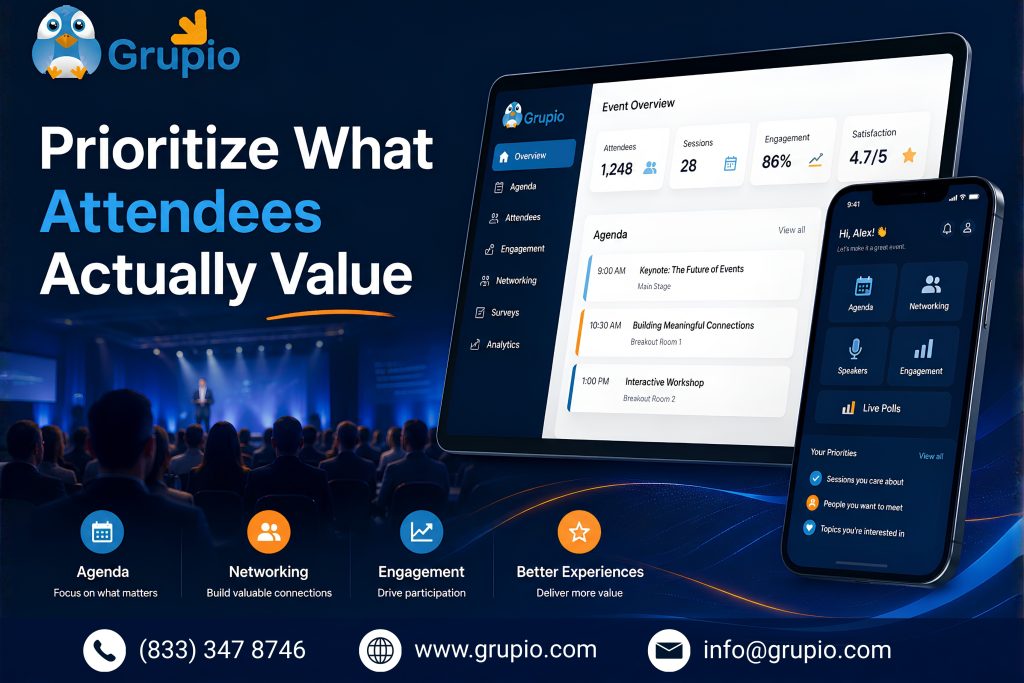
Prioritise What Attendees Actually Value

Smart event budgeting for attendee-focused events

Not every line item in a traditional event budget earns its place. Elaborate stage design, printed programs, or a five-course plated dinner might be tradition, but they aren’t always what attendees remember or value. Smart budgeting means directing the largest share of spend toward the experiences that actually move the needle — better speakers, better networking time, better food quality — and trimming the items that exist mostly out of habit. Grupio helps surface this by connecting budget categories to attendee feedback and past event data, so planners can see which spend actually correlates with satisfaction.

Negotiate Better Vendor Deals

Smart event budgeting for vendor negotiations

Every vendor negotiation is stronger when it’s backed by data instead of guesswork. Knowing what similar events have paid for comparable services, and having a clear picture of your own total spend across vendors, changes the conversation from “what’s your rate?” to “here’s what this should cost, and here’s why.” Grupio’s vendor insights give planners a benchmark to negotiate from, rather than negotiating blind against a quote that may or may not reflect market rate.

Track Every Expense in Real Time

Real-time smart event budgeting dashboard

A budget that’s only accurate at the moment it’s built is not a useful budget for very long. Costs shift constantly — vendors add fees, quantities change, last-minute additions get approved in a hallway conversation and never make it into the spreadsheet. Live budget visibility means every one of those changes shows up immediately, not at the next scheduled review. With Grupio, spending updates in real time as commitments are made, so nobody discovers an overrun after it’s too late to course-correct.

Cut Costs Without Cutting Quality

Smart event budgeting without sacrificing quality

Cost-cutting has a bad reputation in event planning because it’s often done reactively and clumsily — cutting the wrong things at the wrong time because the budget just ran out. Done well, it looks different: identifying smarter alternatives ahead of time, before the pressure hits. A different catering format that costs less per head but tests just as well with attendees. A venue with better included amenities that reduces add-on costs. Grupio’s comparison tools make it easier to find those smarter swaps early, while there’s still time to choose them deliberately instead of desperately.

Plan for the Unexpected

Smart event budgeting with contingency planning

Every experienced planner has a story about the cost nobody saw coming — a weather delay, a last-minute AV upgrade, a vendor price increase between contract and event day. A contingency buffer isn’t pessimism; it’s the difference between a surprise that’s absorbed calmly and one that forces a scramble. Building that buffer into the budget from the start, and tracking it the same way every other line item is tracked, means surprises stay manageable instead of becoming the story of the event.

Until Finally, the Budget Becomes a Tool Instead of a Worry

The planners who stop dreading budget season aren’t the ones who got lucky with vendors or had a smaller event to manage. They’re the ones who moved budgeting to the front of the process, kept it visible throughout, and built in enough flexibility to absorb the unexpected without derailing everything else. That shift — from budget as an afterthought to budget as a live decision-making tool — is what platforms like Grupio are built to support.

If your last event’s numbers didn’t quite match your plan, that’s usually not a sign you need to work harder next time. It’s a sign that the system you were working within wasn’t giving you the visibility to catch problems while they were still small.

Frequently Asked Questions

1. What is smart event budgeting, and how is it different from a traditional event budget?

Smart event budgeting means building and managing your budget as a living part of the planning process, not a static document created once and checked at the end. It relies on early planning, real-time tracking, and data-informed decisions about where money should go — rather than a spreadsheet that’s only accurate on the day it was created.

2. When should I start budgeting for an event?

As early as possible — ideally before venues are booked or vendor contracts are signed. Budgeting first, rather than budgeting around decisions you’ve already made, gives you room to compare options and negotiate from a position of knowledge instead of urgency.

3. How much should I set aside as a contingency buffer?

The right number varies by event type and size, and there’s no single figure that fits every event — larger, more complex events with more moving vendor relationships generally warrant a larger buffer than a small internal gathering.

Note: Add your own guidance here: what contingency percentage has worked for your events, based on your own experience.

4. Can cutting costs actually hurt the attendee experience?

It can, but usually only when cuts are made reactively and without data — trimming whatever’s easiest to cut once the budget is already tight. Cuts made early and deliberately, based on what attendees actually value, tend to have little to no impact on the experience, and can sometimes improve it by redirecting spend toward things that matter more.

5. How does Grupio help with vendor negotiations specifically?

Grupio gives planners visibility into spending patterns and benchmarks across vendor categories, so negotiations can be grounded in real data about what similar services typically cost rather than accepting a first quote at face value.

Why Trusted Community Building Is the Real Growth Engine for Event Success?

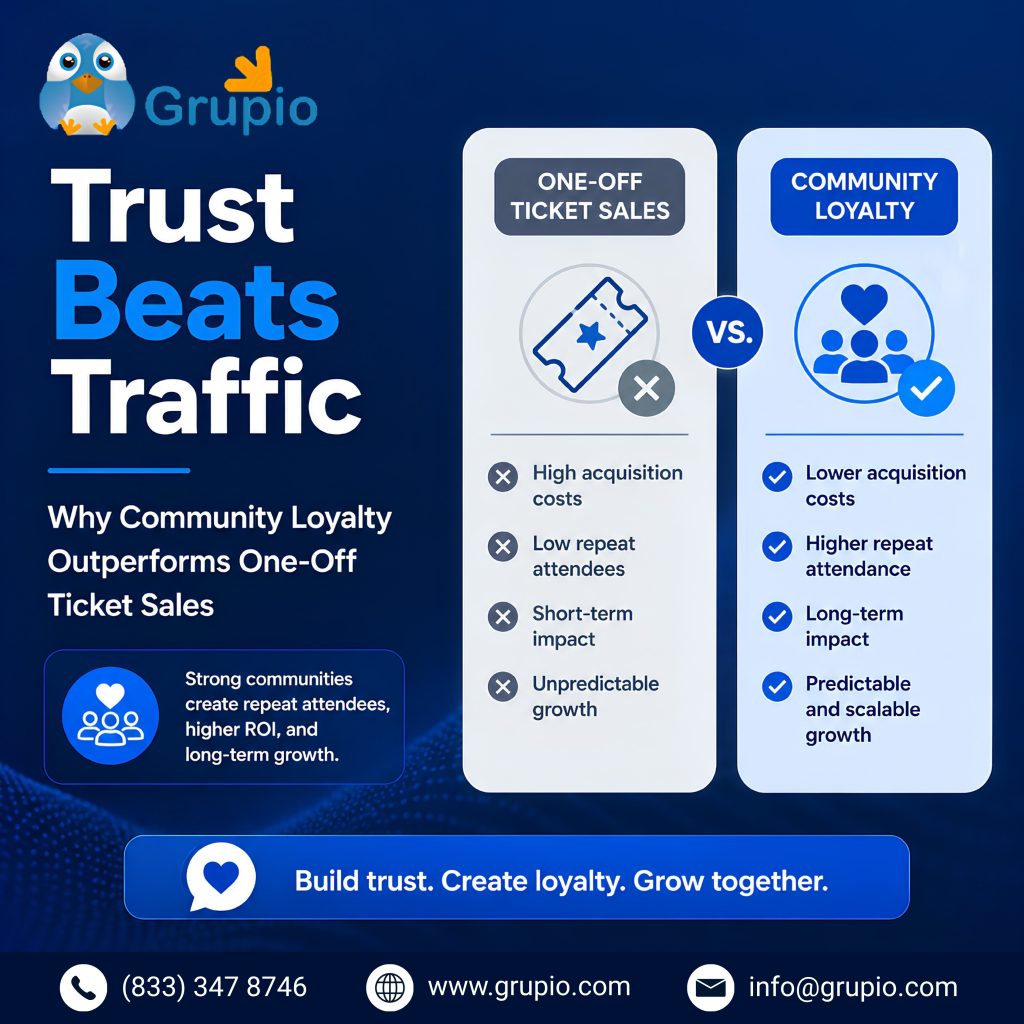
Community Building for Events is the real growth engine behind successful events. I’ve spent years planning and promoting events, and if there’s one lesson I keep relearning, it’s this: a packed room means nothing if nobody comes back.
Early on, I chased traffic — more ad spend, more
influencer shoutouts, more last-minute ticket pushes. It worked, sort of. Then the numbers stopped
adding up. Every event started from zero, with no momentum and no familiar faces. That’s when I
shifted my entire event marketing strategy toward community building, and the difference showed up
almost immediately in lower costs and higher show-up rates. Here’s why trust, not traffic, is the
real growth engine behind lasting event success.

From Attendees to Advocates: Turning Community Members into Your Best Marketers

Community Building for Events loyalty drives repeat attendance growth

In Community Building for Events, this shift from attendee to advocate is the most important transformation.
The moment I stopped treating attendees like a one-time audience, everything changed. People who
feel like part of something — not just a name on a registration list — naturally start talking
about it. I’ve seen this play out at niche meetups I’ve organized: a handful of regulars became
the loudest promoters, sharing photos, tagging friends, and defending the event in comment sections
without me ever asking.

This is the heart of real community building. When someone attends once and has a genuine,
well-run experience, they’re a customer. When they come back a few times and start feeling heard,
they become an advocate. Advocates do something paid ads can’t: they lend their own credibility
to your event marketing plan.

In my experience, three things turn attendees into advocates:

  • Recognition — remembering names, past questions, or contributions
  • Access — early registration, direct lines to organizers, behind-the-scenes updates
  • Contribution — letting community members shape sessions, vote on topics, or co-host

None of these cost much money. They cost consistency. I’ve found that even a small, loyal group
of 50 to 100 engaged members can outperform a much larger cold audience, because referrals from
people you already trust convert at a far higher rate than a random ad impression ever will.

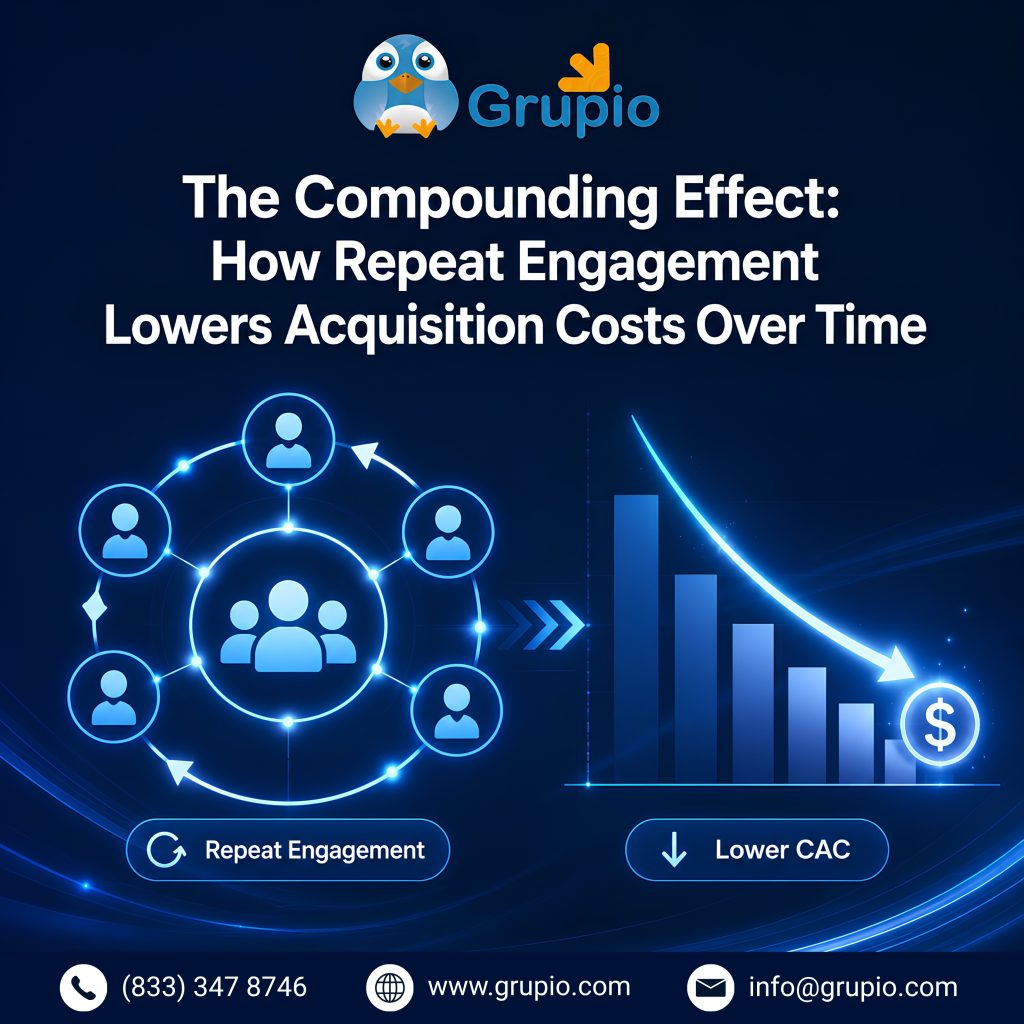
The Compounding Effect: How Repeat Engagement Lowers Acquisition Costs Over Time

Community Building for Events repeat engagement reduces acquisition costs

Every event I’ve run has taught me the same math lesson: acquiring a brand-new attendee almost
always costs more than re-engaging someone who already knows and trusts you. When I compare my
early events — where I spent heavily on ads for every single session — to my later ones, where
a returning community carried a good chunk of registrations, the acquisition cost dropped each
cycle noticeably.

This is the compounding effect of community building. The first event costs the most, because
you’re building trust from scratch. But if you nurture that first group well, the second event
partly promotes itself through their networks. By the third or fourth event, referrals and repeat
sign-ups start doing more of the heavy lifting than your ad budget.

I track this in a simple way: I look at what percentage of ticket sales come from returning
attendees or their direct referrals versus paid channels. Over a year of consistent
community-building activities — recap emails, small check-ins, member shoutouts — that referral
percentage climbs steadily. It’s not overnight magic; it’s the slow result of showing up reliably.

This is why I treat community health as part of my core event marketing strategy, not a side
project. A loyal base doesn’t just fill seats — it lowers your blended cost per attendee with
every event you host, freeing up budget for better speakers, venues, or experiences instead of
chasing cold traffic.

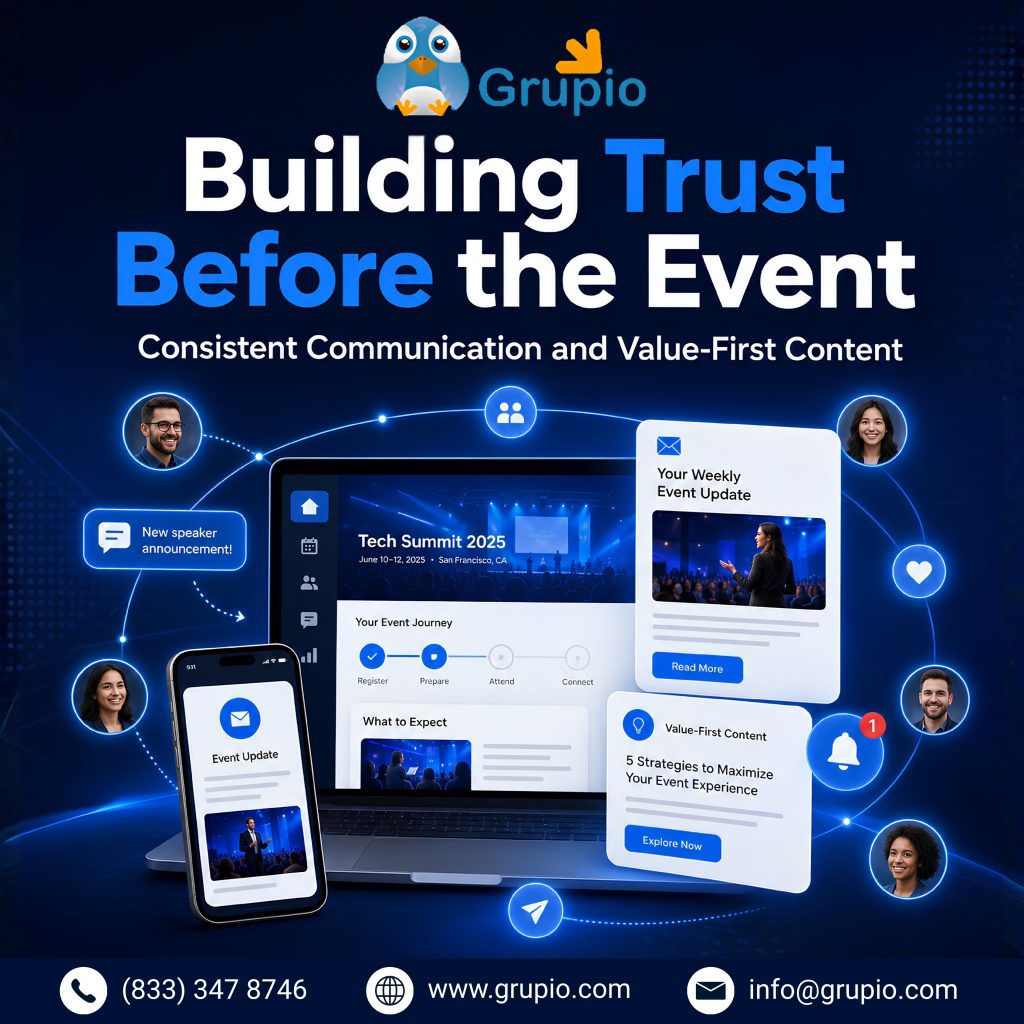
Building Trust Before the Event: Consistent Communication and Value-First Content

Community Building for Events consistent communication and value content strategy

Trust isn’t built on event day — it’s built in the weeks and months before anyone buys a ticket.
I learned this the hard way after running an event where communication was inconsistent. Attendees
felt like they only heard from us when we wanted money for tickets. Refunds went up, and repeat
attendance dropped.

Since then, value-first content has been part of every event marketing plan I put together. That
means sharing something useful — a tip, an early insight, a behind-the-scenes look — even when
I’m not actively selling. I send short updates between events, not just promotional blasts, and
I answer questions publicly so the whole community benefits.

A few habits I now rely on:

  • Sending a monthly update, even a short one, so the community never forgets us.
  • Sharing speaker previews or session sneak peeks weeks in advance.
  • Asking for feedback after each event and actually acting on it publicly.

This kind of steady, low-pressure communication is one of the simplest digital marketing
strategies for events, and also one of the most overlooked. People don’t trust brands that only
show up when they want something. They trust the ones that show up consistently, deliver value
between transactions, and follow through on what they promise. That consistency turns a mailing
list into a real community — and a real community is what makes event promotion strategies
actually work at scale.

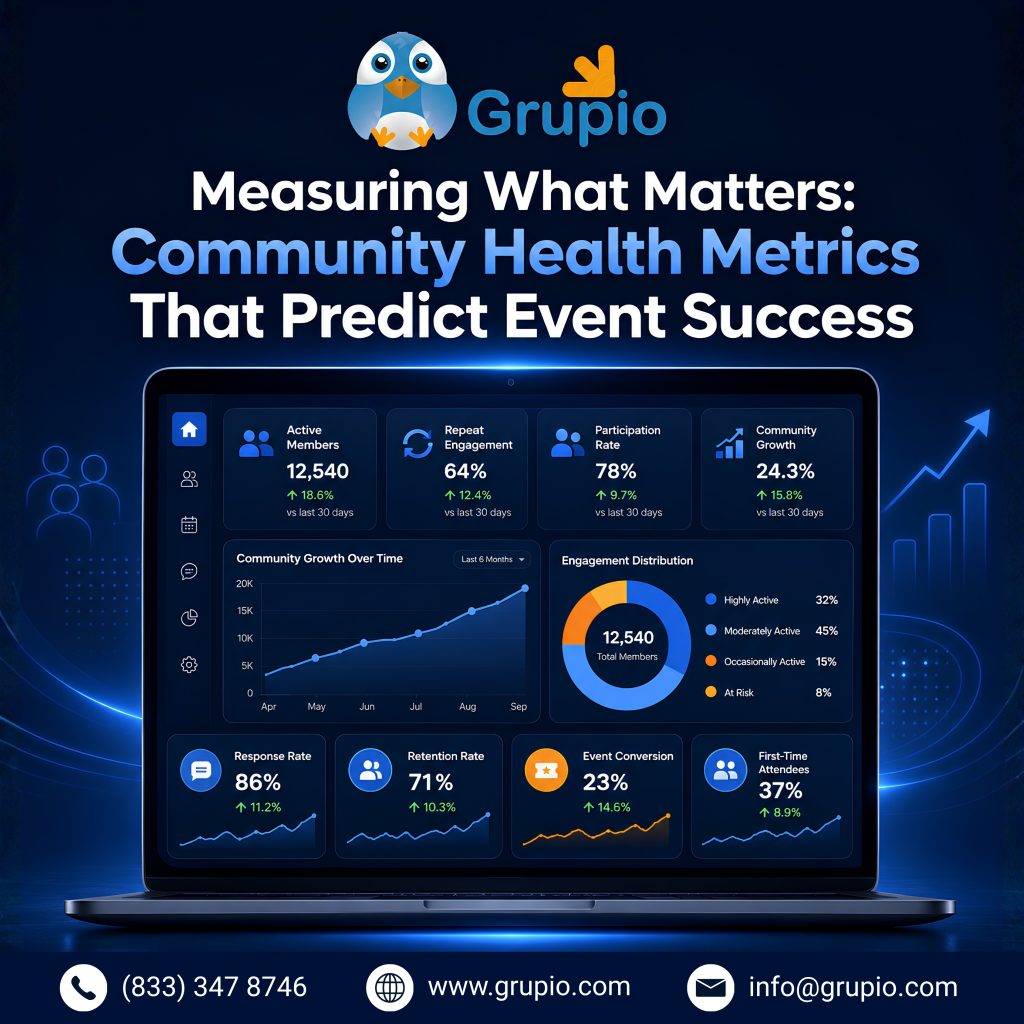
Measuring What Matters: Community Health Metrics That Predict Event Success

Community Building for Events metrics predict event success and engagement

Ticket sales tell me what already happened. Community health metrics tell me what’s coming next.
I’ve learned to watch a handful of numbers that predict event success long before registration
opens.

The ones I check most often:

  • Returning attendee rate — the percentage of past attendees who register again.
  • Referral rate — how many new sign-ups come from existing members sharing the event.
  • Engagement between events — comments, replies, and participation in community spaces when nothing is currently happening.
  • Response rate on surveys or feedback requests — a sign of how invested people actually are.

When these numbers are healthy, I can usually predict a strong turnout before the marketing push
even begins. When they’re weak, I know to slow down and rebuild trust before spending on wider
event promotion strategies.

I’d also caution against tracking only vanity numbers like follower counts or email list size.
A list of 10,000 disengaged contacts is worth less than 500 people who open every update and
show up when invited. Community building is measured in participation, not headcount.

Reviewing these metrics monthly keeps my event marketing strategy grounded in reality instead of
guesswork. It also acts as an early warning system: if the returning attendee rate dips, I know
it’s time to reconnect before the next event, not after registrations disappoint me.

Bringing It All Together

Looking back, every event that felt effortless to fill was one where I’d invested in the
community long before promotion even started. Trust doesn’t show up in a single campaign — it’s
built through repeated, honest, value-first interactions that add up over time. If you’re planning
your next event, spend less energy chasing new traffic and more energy nurturing the people who
already know you. That’s the real, sustainable growth engine behind lasting event success. Ultimately, Community Building for Events is not just a marketing tactic, it is the foundation of sustainable event growth.

Frequently Asked Questions

1. What does community building actually mean for events?

For me, it means treating attendees as ongoing relationships rather than one-time ticket buyers.
It’s the consistent communication, recognition, and shared experiences that make people want to
return and bring others with them.

2. How long does it take to see results from community building?

In my experience, meaningful results show up over two to three events, not one. The first event
builds the foundation; the payoff — lower acquisition costs and higher referrals — usually becomes
clear by the second or third cycle.

3. Can small or new events benefit from community building, or is it only for large brands?

Small events benefit the most, honestly. A tight-knit group of 50 engaged people can generate
more word-of-mouth per person than a large, disconnected audience. You don’t need scale to start
— you need consistency.

4. What’s the fastest way to start building trust before my next event?

Start with one honest, value-first update to your existing list or community — no sales pitch,
just something useful. Then keep that rhythm going. Consistency, even in small doses, builds
trust faster than a single big campaign ever will.

Benefits of Event Management Platforms (And How Grupio Helps You Deliver Better Events)

Why Modern Event Management Platforms Are Essential for Successful Events

Why Modern Event Management Platforms Are Essential for Successful Events

An event management platform is the foundation of successful modern events. Instead of relying on spreadsheets, emails, and disconnected tools, organizers can manage registrations, schedules, attendee engagement, communication, and reporting from one centralized platform. As events continue to evolve across in-person, virtual, and hybrid formats, having the right event management platform is essential for delivering a seamless experience.

Planning an event used to mean juggling spreadsheets, email chains, sticky notes, and a dozen disconnected tools just to keep track of registrations, schedules, and attendee questions. As events have grown more complex—spanning in-person, virtual, and hybrid formats—that old approach simply doesn’t hold up anymore.

This is where an event management platform changes the game. Instead of stitching together separate systems for registration, communication, networking, and reporting, organisers now have access to a single, unified hub that handles it all. A modern event management software solution doesn’t just save time; it directly shapes the attendee experience, the quality of data you walk away with, and the overall success of your event.

Whether you’re running a 50-person workshop or a multi-day international conference, the right platform helps you work smarter, not harder. Below, we’ll walk through the most important benefits of using an all-in-one event platform, and show how Grupio brings these capabilities together to help you plan, run, and grow better events.

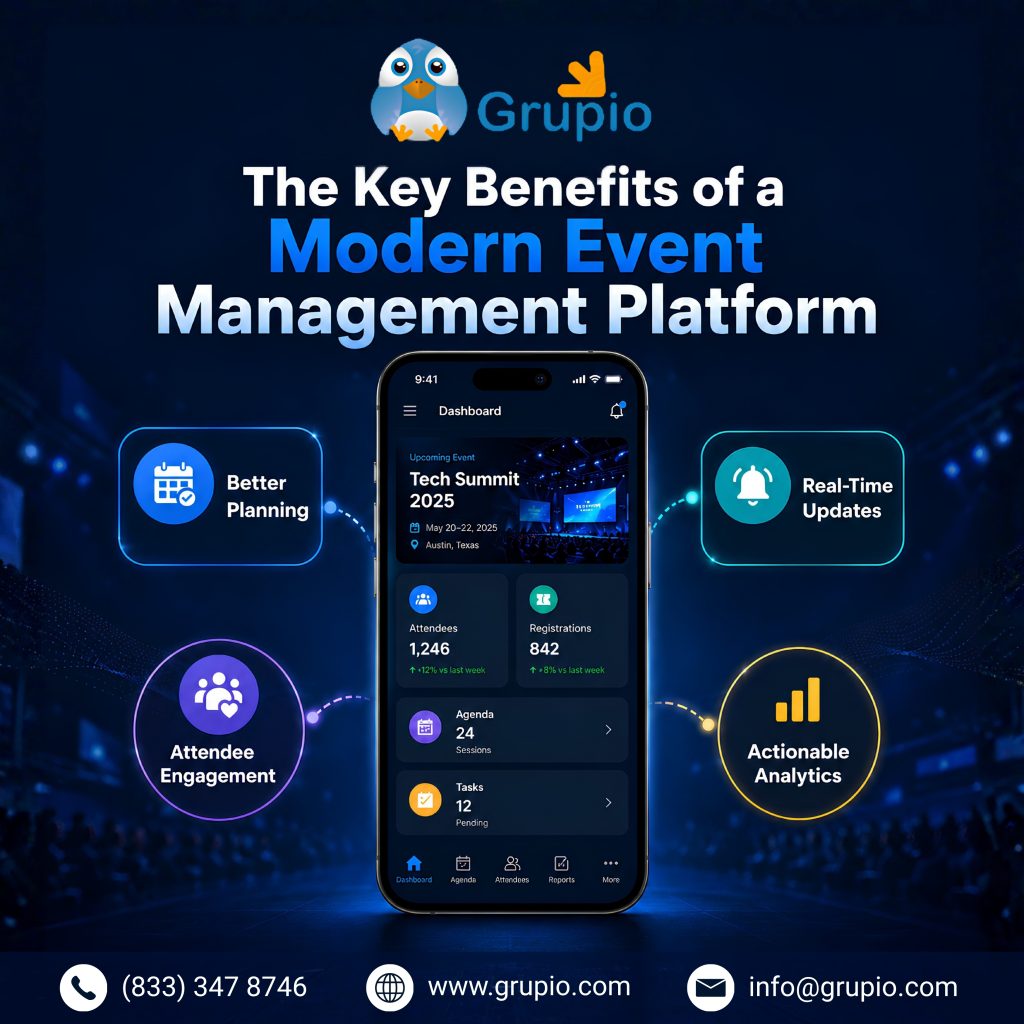
The Key Benefits of a Modern Event Management Platform

The Key Benefits of a Modern <a href=Event Management Platform” width=”1024″ height=”1024″ class=”alignnone size-large wp-image-6644″ />
1. Centralised Event Management That Eliminates Manual Work

One of the biggest advantages of a true event management platform is centralisation. Rather than managing registration in one tool, attendee communication in another, and session scheduling in a third, everything lives in one place.

This means no more re-entering the same attendee data across multiple systems, no more lost emails buried in someone’s inbox, and no more last-minute scrambling because two team members updated the schedule differently. A centralised system reduces human error, saves countless hours of manual admin work, and gives your entire team a single source of truth.

With Grupio, organisers manage registration, agendas, communications, and attendee data from one dashboard—so your team spends less time on logistics and more time on strategy.

2. Mobile Event Apps That Enhance the Attendee Experience

Attendees expect convenience. A well-designed mobile event app puts the entire event experience in their pocket—schedules, speaker bios, maps, notifications, and more—without the need for printed programs or constant front-desk questions.

A mobile-first experience also makes attendees feel more engaged and informed throughout the event, leading to higher satisfaction and stronger word of mouth afterwards.

Grupio’s mobile app gives attendees a clean, intuitive way to navigate sessions, receive real-time updates, and stay connected to everything happening at your event, from their phone.

3. Real-Time Analytics and Reporting for Smarter Event Decisions

Data is one of the most underused assets in event planning. A capable event management platform captures attendance patterns, session popularity, engagement levels, and feedback in real time, giving organisers the insight needed to make decisions on the fly and improve future events.

Instead of waiting until after the event to assess how things went, real-time reporting lets you adjust on the spot—whether that means moving a session to a bigger room or sending a last-minute reminder to boost turnout.

Grupio provides organisers with live dashboards and post-event reports, turning attendee behaviour into actionable insights you can use immediately and long after the event ends.

4. Seamless Communication Before, During, and After Your Event

Clear communication can make or break the attendee experience. From pre-event reminders to last-minute schedule changes and post-event thank-yous, a strong event app keeps everyone informed without relying on scattered emails or social media posts that easily get missed.

Push notifications, in-app messaging, and automated email sequences ensure attendees never miss critical updates—and that your team doesn’t have to field the same questions over and over.

Grupio’s built-in communication tools let organisers send targeted notifications and updates at every stage of the event lifecycle, keeping attendees informed and engaged from sign-up to follow-up.

5. Personalised Agendas and Session Management

No two attendees want the same experience. Personalised agendas let each person build a schedule around the sessions, workshops, or speakers that matter most to them, rather than navigating a static, one-size-fits-all program.

This kind of flexibility doesn’t just improve satisfaction—it also gives organisers better data on which sessions are in highest demand, which helps with planning future events.

With Grupio, attendees can build their own personalised agendas, bookmark sessions, and get reminders before each one starts, making for a smoother, more relevant event experience.

6. Networking Features That Drive Meaningful Connections

For many attendees, networking is the real reason they show up. A modern event management software platform should make it easy for people to find and connect with the right people, whether that’s through attendee directories, matchmaking algorithms, or in-app messaging.

The easier you make networking, the more value attendees get out of your event, which directly impacts return attendance and referrals.

Grupio includes built-in networking tools that help attendees discover relevant connections, exchange contact details, and start conversations, all without leaving the app.

7. Gamification and Interactive Engagement That Increase Participation

Gamification—think leaderboards, scavenger hunts, polls, and point systems—has become one of the most effective ways to boost participation at events. It turns passive attendees into active participants and creates memorable, shareable moments.

Interactive features like live polls and Q&A also give speakers real-time feedback and keep audiences engaged during sessions, rather than just listening passively.

Grupio offers gamification and interactive features that organisers can customise to align with their event goals, helping drive participation and making the event more fun and memorable for attendees.

8. Hybrid and Virtual Event Support from a Single Platform

The shift toward hybrid and virtual formats isn’t going away. A capable hybrid event management software solution allows organizers to host in-person and remote attendees within a single ecosystem, without needing separate tools or workflows for each format.

This unified approach ensures virtual attendees get just as much value as those in the room—live streaming, virtual networking, and digital session access—all managed from the same backend.

Grupio supports hybrid and virtual events natively, giving organisers the flexibility to reach broader audiences without doubling their workload or budget.

9. Scalable Event Technology for Events of Every Size

Whether you’re hosting a 30-person internal meeting or a 10,000-attendee conference, your event management platform needs to scale with you. Tools that work for small events often buckle under the weight of larger ones, and enterprise tools can be overkill (and overpriced) for smaller gatherings.

Scalability also matters for organisations running multiple events of varying sizes throughout the year, as switching platforms repeatedly creates unnecessary friction and costs.

Grupio is built to scale, supporting everything from intimate meetups to large multi-day conferences, so you never have to outgrow your event technology.

10. Custom Branding That Delivers a Consistent Event Experience

Your event app and registration pages are an extension of your brand. Custom branding—logos, colours, fonts, and messaging—helps create a cohesive, professional experience that reinforces credibility and trust with attendees and sponsors alike.

For sponsored events, the ability to showcase sponsor branding within the platform also adds tangible value that can justify sponsorship investment.

Grupio allows full custom branding across the event app and web portal, ensuring your event looks and feels consistent with your organisation’s identity, and gives sponsors visibility where it matters.

11. Integrations That Keep Your Event Data Connected

An event platform shouldn’t operate in a silo. Integrations with CRM systems, email marketing tools, payment processors, and marketing automation platforms ensure attendee data flows smoothly into the rest of your business operations rather than getting trapped in the event tool.

This connectivity also reduces manual data exports and imports, which are often a source of errors and wasted time for event teams.

Grupio integrates with popular business tools, keeping attendee and event data synced across your existing tech stack without extra manual work.

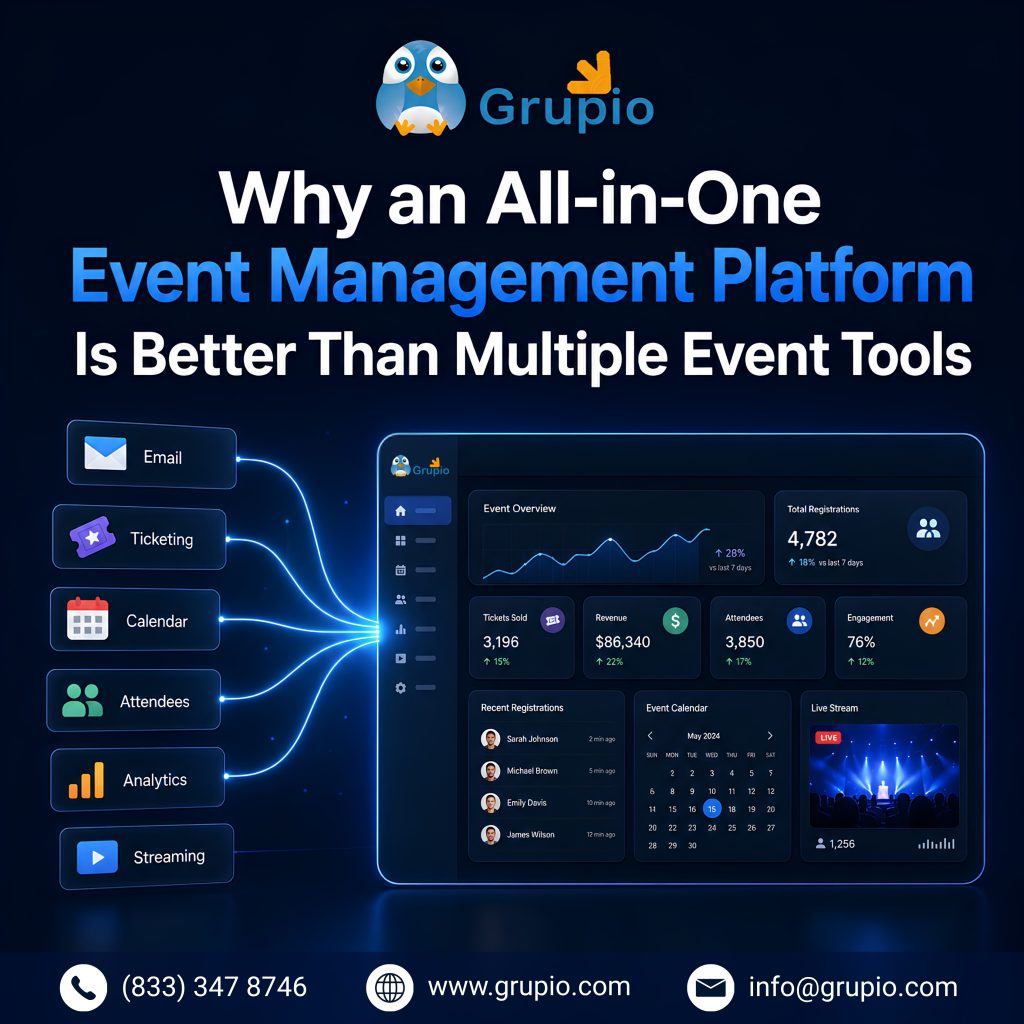
Why an All-in-One Event Management Platform Is Better Than Multiple Event Tools

Why an All-in-One Event Management Platform Is Better Than Multiple Event Tools

It’s tempting to piece together a “best of breed” stack—one tool for registration, another for the mobile app, a third for analytics, and so on. But in practice, this approach often creates more problems than it solves.

Disconnected tools mean disconnected data. Attendee information has to be manually synced (or worse, not synced at all) between systems, increasing the risk of errors and creating blind spots in your reporting. Your team also has to learn and manage multiple platforms, increasing training time and the risk that something falls through the cracks.

An all-in-one event management platform eliminates these pain points by housing registration, communication, mobile apps, analytics, and networking all under one roof. This not only simplifies the day-to-day workload for your team but also gives you a complete, unified view of your attendees and event performance, something that’s nearly impossible to achieve when data is scattered across multiple disconnected tools.

Beyond efficiency, there’s also a cost factor. Paying for and maintaining several separate subscriptions usually ends up more expensive than one consolidated platform, especially once you factor in the time spent managing integrations between tools that were never designed to work together in the first place.

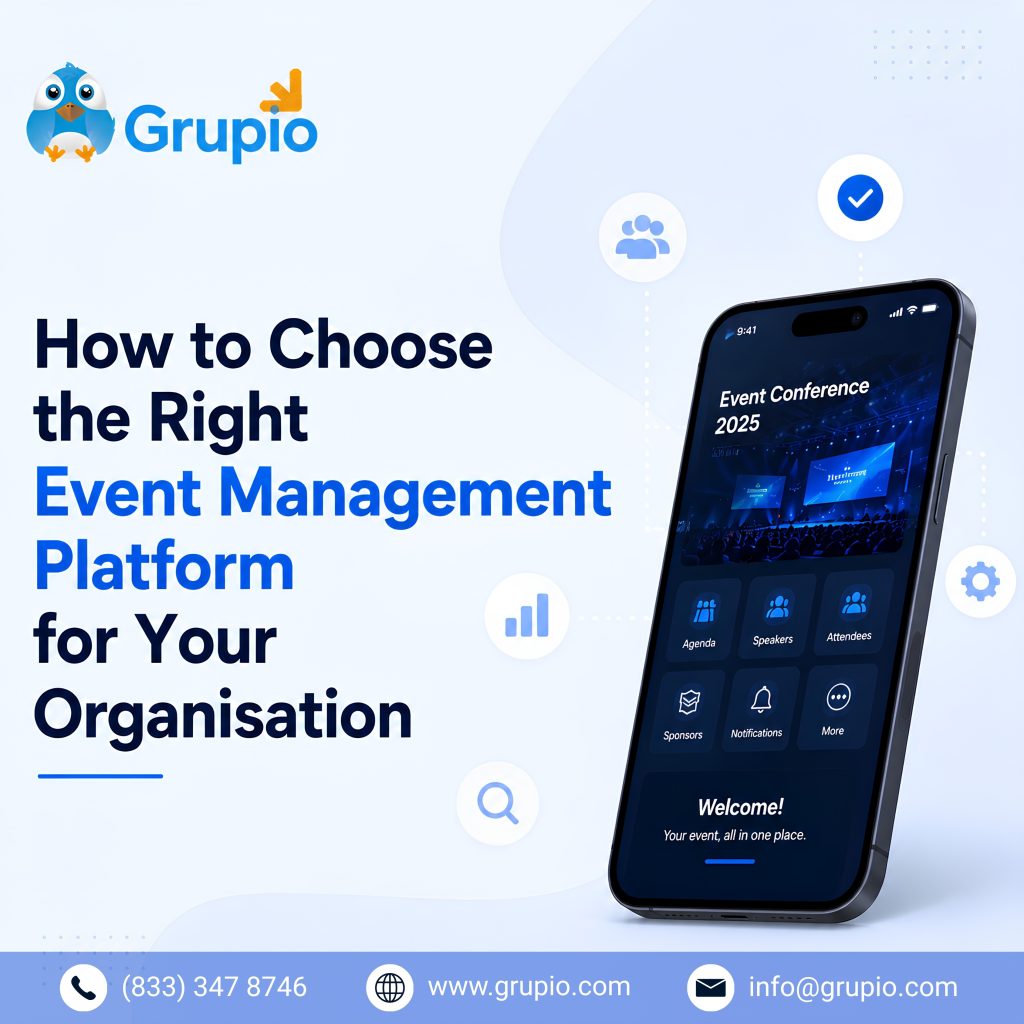
How to Choose the Right Event Management Platform for Your Organisation

How to Choose the Right Event Management Platform for Your Organisation

With so many options on the market, choosing the right event management software comes down to a few key considerations:

  • Event size and type: Make sure the platform can comfortably handle your typical event size and supports in-person, virtual, or hybrid formats as needed.
  • Ease of use: Both your team and your attendees should be able to navigate the platform without a steep learning curve.
  • Customisation and branding: Look for a platform that lets you maintain consistent branding across registration pages and the mobile app.
  • Reporting and analytics: Strong, real-time reporting is essential for making informed decisions before, during, and after your event.
  • Integration capabilities: Check that the platform connects with your existing CRM, email, and payment tools.
  • Support and reliability: Live events don’t pause for technical issues, so responsive customer support is critical.
  • Scalability: Choose a platform that can grow with your organisation, rather than one you’ll need to replace as your events get bigger.

Grupio checks each of these boxes, offering a flexible, scalable, and easy-to-use platform that supports organisations at every stage of their event journey.

Conclusion

Successful events today aren’t built on spreadsheets and scattered tools; they’re built on smart, centralised technology that brings every part of the planning and attendee experience together. From streamlined registration and real-time analytics to mobile apps, networking, and gamification, a modern event management platform gives organizers the tools they need to deliver events attendees actually remember.

Grupio brings all of these benefits into one easy-to-use platform, helping event organisers save time, reduce manual work, and create more engaging, more connected events—whether in-person, virtual, or hybrid. If you’re ready to simplify your event planning and deliver a better experience for your attendees, it’s worth exploring what an all-in-one platform like Grupio can do for your next event.


Event Format 101: The One Decision That Can Make or Break Your Entire Event

Every successful event starts with a single, often-overlooked decision: the format. Long before you book a venue, hire a speaker, or design a single slide, you have to decide how people will actually experience your event in person, online, or somewhere in between. Get this choice right, and everything else (budget, marketing, logistics, content) falls into place more easily. Get it wrong, and you’ll spend the rest of your planning timeline fighting an uphill battle.

Yet event format is frequently treated as an afterthought, something decided in five
minutes during a kickoff call rather than the strategic foundation it actually is.
This article breaks down why the format matters so much, and how to choose the one that
fits your goals, audience, and resources.

Understand What Event Format Really Means

 
understand what event format scaled
Before comparing options, it helps to be clear on what’s actually on the table.
Broadly, event formats fall into three categories:

  • In-person events — physical gatherings where attendees share a
    single location. Think conferences, trade shows, workshops, galas, and networking mixers.
  • Virtual events — fully online experiences delivered through webinars,
    livestreams, or virtual event platforms, with no physical venue involved.
  • Hybrid events — a blend of both, where some attendees join in person
    while others participate remotely, often through live streaming and interactive digital tools.

Within each category, there’s also a sub-decision about structure: Is it a single
keynote-style session, a multi-track conference, a roundtable discussion, a workshop,
or a networking-first mixer? The format isn’t just “online vs. offline” — it’s the
entire shape of the experience, including pacing, interactivity, and how content gets delivered.

Why Format Matters More Than Most People Think

event format planning guide
It’s tempting to treat format as a logistics question — a box to check before moving
on to “the real planning.” In practice, format is a strategic lever that shapes nearly
every other decision you’ll make.

It determines your budget structure. In-person events carry venue,
catering, and travel costs. Virtual events shift spending toward platform fees,
production quality, and digital engagement tools. Hybrid events often require budgeting
for both, plus the added complexity of syncing two experiences.

It shapes attendee experience and energy. Spontaneous hallway
conversations, body language, and shared physical energy are nearly impossible to
replicate online — but virtual formats offer convenience, accessibility, and reach
that physical rooms can’t match.

It influences your reach and inclusivity. A virtual or hybrid format
removes travel and geographic barriers, opening the door to attendees who couldn’t
otherwise participate — whether due to cost, time, disability, or distance.

It affects measurable outcomes. The format changes what you can
realistically track: foot traffic and badge scans at in-person events versus click-through
rates, watch time, and chat engagement online.

In short, the format isn’t a downstream detail — it’s the lens through which every
other planning decision gets filtered.

Key Factors to Weigh Before You Decide

key factors to weigh
Choosing a format isn’t about picking what’s trendy or what worked for someone else.
It’s about matching the format to your specific situation. Here are the factors that
should drive the decision:

  • Your objective. Are you trying to build community, generate leads, educate, sell, or celebrate?
  • Your audience. Where are they located? How tech-savvy are they?
  • Budget and resources. Be honest about what you can sustain.
  • Content type. Interactive workshops often perform better in person.
  • Timeline. Virtual events can usually be organized faster than in-person ones.
  • Desired outcomes and metrics. Define success before selecting a format.

Running through this list honestly — even briefly — will eliminate at least one format
option before you’ve spent a dollar.

Matching Format to Event Type

Different goals naturally pull toward different formats. Here’s a general guide
(not a rulebook):

Event Goal Best-Fit Format Why
Building deep relationships or community In-person Physical presence builds trust and memorable connection faster.
Reaching a large, geographically spread audience Virtual Removes travel cost and time barriers.
Maximizing both reach and engagement Hybrid Combines in-room energy with remote accessibility.
Hands-on training or skill-building In-person Tactile, supervised practice is hard to replicate online.
Thought leadership or educational content Virtual or Hybrid Easy to record, repurpose, and scale.
High-stakes networking or deal-making In-person Informal, unscripted interactions drive outcomes.

Of course, exceptions exist in every category — a well-designed virtual workshop can
absolutely build community, and a hybrid sales kickoff can drive real deal-making.
Treat this table as a starting hypothesis, not a final answer.

Common Mistakes to Avoid When Choosing a Format

common mistake
Even experienced organizers fall into predictable traps when locking in a format:

  • Choosing based on habit, not strategy. “We’ve always done it this way” is not a reason. Revisit the decision for every event rather than defaulting to last year’s format.
  • Underestimating hybrid complexity. Hybrid events aren’t simply “in-person plus a camera.” They require dedicated planning for two simultaneous audiences, separate engagement strategies, and often a bigger production budget than either format alone.
  • Ignoring audience preferences. Surveying your audience even informally before locking in a format can prevent low turnout or poor engagement.
  • Locking in the format too early.
  • Deciding on format before clarifying objectives often leads to a mismatch that’s expensive to correct later.
  • Skipping a backup plan. Weather, travel disruptions, and last-minute venue issues can derail in-person events; platform outages can derail virtual ones. Always have a contingency plan regardless of format.

Avoiding these missteps alone can save significant budget and stress down the line.

Conclusion

Choosing the right event format isn’t a box to check off your planning list — it’s the
foundation everything else gets built on. It shapes your budget, your audience’s
experience, your reach, and ultimately whether your event achieves what you set out to do.

Before you book a venue or a platform, take the time to clarify your objectives,
understand your audience, and honestly assess your resources. The format you choose
should serve your goals — not the other way around.

When in doubt, start with the outcome you want, work backwards to the experience that
delivers it, and only then decide whether that experience belongs in a room, online,
or both.

Frequently Asked Questions

1. What’s the biggest factor in choosing an event format?

Your event’s core objective. Whether you’re prioritising relationship-building, broad
reach, education, or sales should guide the format more than budget or trend alone.

2. Is hybrid always the “best of both worlds”?

Not necessarily. Hybrid events can offer the broadest reach, but they also require
more planning, a bigger budget, and dedicated strategies for both in-person and remote
audiences. Done poorly, hybrid can underdeliver for both groups.

3. How do I know if my audience prefers in-person or virtual?

Look at past event data, send a short pre-event survey, or consider practical factors
like geographic spread, travel willingness, and how your audience has engaged with
previous events.

4. Are virtual events cheaper than in-person events?

Often, yes — virtual events typically avoid venue, travel, and catering costs.
However, high-quality virtual events still require investment in production,
platform tools, and engagement features, so costs can add up.

5. Can I change the event format after planning has started?

It’s possible, but costly. Switching formats midway often means renegotiating vendor
contracts, redesigning content, and resetting attendee expectations. It’s far more
efficient to lock in the format early based on clear objectives.


5 Smart Ways to Boost Venue Revenue Through Weekday Bookings

Most event venue revenue live and die by the weekend. Friday through Sunday fills up fast, while Monday through Thursday sits quiet and underused. That gap is one of the biggest missed revenue opportunities in the industry. The good news: weekday bookings are easier to win than you might think. This guide breaks down five proven strategies to turn slow days into steady income.

Why Weekday Bookings Are a Hidden Revenue Opportunity

weekdays booking revenue opportunity

Empty weekdays are not just idle space — they are unrealized profit. Every Tuesday or Wednesday your venue sits dark, your fixed costs keep running with nothing coming in. Filling even a fraction of those days can lift annual revenue without adding a single square foot. Smart venue operators treat midweek demand as a separate market with its own audience and pricing. Here is why that shift pays off.

Less Competition for Your Space

Weekends are crowded with weddings, galas, and parties, so planners often scramble for limited dates. Weekdays flip that dynamic in your favor. With fewer events competing for the same slots, you can offer clients real flexibility on timing and setup. That breathing room makes your venue an easy “yes” for corporate meetings, training days, and pop-up events. Less competition also means you spend less on aggressive discounting to win the booking.

Stronger, Longer-Lasting Client Relationships

Weekday clients are often businesses, not one-time celebrants, and businesses book again and again. A company that runs a smooth Wednesday workshop at your venue will come back next quarter. These repeat relationships are far cheaper to maintain than chasing new leads every weekend. Over time, a handful of loyal corporate accounts can stabilize your entire calendar. That predictability is gold for cash flow and staffing decisions.

A Reputation That Works in Your Favor

A venue that hosts polished weekday events builds a name as professional and dependable, not just festive. Word travels fast in local business circles when a meeting space delivers. Each successful midweek event becomes a referral source and a portfolio piece. This kind of reputation attracts higher-value clients who care about reliability and service. Strong word-of-mouth is the cheapest, most credible marketing you can earn.

Smoother Operations, Happier Staff

Cramming every event revenue into a two-day window burns out your team and strains your equipment. Spreading bookings across the week eases that pressure dramatically. Staff get more consistent schedules instead of brutal weekend marathons followed by dead time. Vendors and cleaners can work at a sane pace, which lifts quality across the board. A balanced calendar simply makes your venue easier and more pleasant to run.

5 Strategies to Win More Weekday Business

5 strategies for weekday busniess

Knowing the opportunity is one thing — capturing it is another. The strategies below are practical, low-risk, and built for real venue operators. Each one targets a specific reason planners hesitate to book midweek. Apply even two or three consistently and your weekday revenue will climb. Here is exactly how to make it happen.

1. Let Technology Do the Selling

Busy corporate planners rarely have time for in-person site visits during a workweek. Virtual tours solve this by letting them explore your space in minutes from a laptop. Add a short tech showcase highlighting your AV setup, fast Wi-Fi, and hybrid-meeting capabilities. These features are exactly what business clients screen for when choosing an event venue. Make the digital experience effortless and you close bookings before competitors even reply.

2. Make Getting There Easy

Accessibility quietly decides many weekday bookings, especially for daytime corporate events. Clients want ample parking, transit access, and a location their attendees can reach without stress. Spell out these conveniences clearly on your website and in every proposal. Consider partnerships with nearby parking lots or rideshare credits to remove friction. When you make the logistics simple, you remove the biggest excuse not to book.

3. Reward Repeat Clients

Loyalty programs turn a single weekday event into an ongoing revenue stream. Offer tiered discounts, priority dates, or bundled perks for clients who book midweek regularly. A simple membership model gives businesses a clear reason to commit to your venue long term. Track repeat bookings and reach out personally before their next planning cycle begins. Rewarding loyalty costs little and locks in revenue your competitors can’t easily steal.

4. Grow Through Smart Marketing and Local Partners

Targeted digital ads let you reach corporate planners exactly when they are searching for weekday space. Focus your venue revenue and  marketing on keywords like “weekday meeting venue” and “corporate event space near me.” Pair that with partnerships among local businesses, hotels, and chambers of commerce. These partners send qualified referrals and co-promote your space to audiences you can’t reach alone. Combined, paid reach and local trust fill your midweek calendar faster.

5. Give Planners a Reason to Show Up

Sometimes the booking just needs a hook, and themed weekday events deliver one. Host networking mixers, wellness workshops, or industry showcases that planners want to attend and replicate. These events demonstrate your space in action and generate fresh leads on the spot. Promote them through email and social media to keep your venue top of mind. A clever weekday theme transforms a slow Tuesday into a sold-out signature event.

Turn Empty Weekdays Into Your Venue’s Biggest Advantage

turn weekdays into your venue advantage

Weekday bookings are not a consolation prize — they are a serious growth engine for any event venue. The competition is lighter, the clients are loyal, and the operations run smoother. By leaning on technology, accessibility, loyalty, smart marketing, and standout events, you fill the quiet days profitably. Start with one strategy, measure the results, and build from there. Your slowest days could soon become your most valuable.

How to Get Sponsors for an Event in 2026: A Complete Guide

Securing event sponsors in 2026 is less about asking for money and more about building genuine partnerships that deliver measurable value. Whether you are planning a conference, festival, or community gathering, knowing how to get sponsors for an event can transform both your budget and your reach.

Understanding the Modern Sponsorship Landscape in 2026

understanding modern sponsorship

The event sponsorship landscape in 2026 has shifted dramatically toward data, authenticity, and return on investment. Today’s corporate sponsors expect more than a logo on a banner; they want measurable engagement, audience alignment, and real brand exposure. Digital integration, hybrid events, and AI-driven analytics now shape how brands evaluate sponsorship opportunities. Sponsors increasingly favour experiential activations and content partnerships that connect with audiences long after the event ends.
To win event sponsors this year, you must understand what motivates them. Modern sponsorship is about shared goals, audience access, and storytelling rather than charity. Brands are tightening budgets and demanding clear sponsorship ROI, so event organisers who speak the language of metrics and marketing outcomes hold a major advantage. Recognising these trends early helps you position your event as a smart investment rather than another expense.

Define Your Event’s Value Before You Pitch

event value

Before you approach any potential sponsors, you need to clearly define what makes your event valuable. Sponsors invest in audiences, not events, so start by understanding exactly who attends and why they matter. Gather data on your demographics, attendance numbers, engagement rates, and the buying power of your community. The more specific your audience profile, the easier it becomes to attract sponsors whose target customers match your crowd.
Next, identify your unique selling points and the marketing assets you can offer. Think about social media reach, email lists, on-site branding, speaking slots, and digital content opportunities. Quantifying this value gives you the confidence to set fair pricing and justify your sponsorship packages. When you can show a brand precisely how your event helps them reach their goals, your pitch becomes far more persuasive and your event sponsorship strategy stronger.

Build Your Sponsorship Packages

build sponsorship

Well-structured sponsorship packages make it easy for brands to say yes. Rather than offering a single price, create tiered options such as Bronze, Silver, Gold, and Platinum that scale in benefits and cost. Each tier should clearly outline what sponsors receive, from logo placement and booth space to keynote mentions and exclusive digital exposure. Tiered packages let sponsors of all sizes participate while encouraging them to upgrade for greater visibility.
Beyond standard tiers, consider flexible and custom sponsorship opportunities that match specific brand goals. Some sponsors prefer naming rights, while others want to host a workshop, sponsor a networking lounge, or power a mobile app. Offering à la carte add-ons keeps your packages adaptable and maximizes revenue. Always frame each benefit in terms of value and audience reach, since clear, professional sponsorship packages signal that you are serious about delivering results.

Find the Right Sponsors to Target

right sponsor to target
Finding the right sponsors to target is about alignment, not volume. Begin by listing brands that already serve your audience or want to reach a similar demographic. Look at companies sponsoring comparable events, scan industry publications, and study which brands invest in your niche. The best event sponsors share your values and see your attendees as ideal customers, making the partnership mutually beneficial.
Build a prospect list and research each company’s marketing priorities, recent campaigns, and sponsorship history. Local businesses, industry leaders, and emerging startups can all be excellent sponsorship targets depending on your event size. Use tools like LinkedIn, sponsorship databases, and your own network to identify decision-makers. Prioritize quality over quantity, since a handful of well-matched potential sponsors will convert far better than a mass email blast to corporate sponsors.

Craft a Winning Sponsorship Proposal

crafting a winning proposal
A compelling sponsorship proposal is your most important sales tool. Open with a brief story about your event, its mission, and the audience it serves. Then present clear data: attendance figures, demographics, past success, and social media reach. Decision-makers are busy, so keep your proposal visual, concise, and focused on the benefits each sponsor will gain rather than what you need.
Tailor every proposal to the specific brand you are approaching. Reference their marketing goals and explain exactly how your event sponsorship helps them achieve those objectives. Include your sponsorship packages, pricing, and a strong call to action that makes the next step obvious. Professional design, testimonials, and proof of past sponsorship ROI build instant credibility. A personalized, results-driven proposal separates organizers who win sponsorship deals from those who get ignored.

How to Reach Out and Follow Up

how to reach out and followup

Knowing how to reach out and follow up effectively can make or break your sponsorship efforts. Start with a personalized email or message that grabs attention in the first line and clearly states the value you offer. Address the right decision-maker by name, keep your outreach short, and link your sponsorship proposal. Warm introductions through mutual contacts dramatically increase your response rates with potential sponsors.
Persistence matters because most sponsorship deals require multiple touchpoints. If you do not hear back, follow up politely after several days with new information or a fresh angle. Mix your channels by combining email, LinkedIn, and phone calls to stay on a sponsor’s radar without being pushy. Track every interaction in a simple CRM or spreadsheet so nothing slips through the cracks and your follow-up stays consistent.

Negotiate and Close the Deal

Once a sponsor shows interest, smart negotiation helps you close the deal while protecting the relationship. Enter every conversation knowing your minimum acceptable terms and the extra value you can offer instead of discounts. Listen carefully to understand the sponsor’s priorities, then tailor the agreement to meet their goals. Flexibility on benefits, rather than price, often leads to win-win sponsorship deals.
Put everything in writing with a clear sponsorship agreement that outlines deliverables, payment terms, deadlines, and expectations for both sides. A professional contract protects you and reassures the sponsor that their investment is in good hands. Avoid undervaluing your event by giving away too much, because confidence in your worth strengthens your position. Once terms are agreed, confirm promptly and set the tone for repeat sponsorship.

Deliver Value During and After the Event

delievring value

Securing sponsors is only the beginning; delivering value is what earns renewals. During the event, honor every commitment in your sponsorship agreement, from signage and announcements to digital exposure and audience engagement. Go beyond the contract whenever possible by introducing sponsors to attendees, sharing live social media coverage, and highlighting their brand authentically. These extra touches turn one-time sponsors into loyal partners.
After the event, send each sponsor a detailed report that proves the sponsorship ROI they received. Include attendance data, impressions, social media reach, leads generated, and photos of activations. A thoughtful thank-you message and a recap of results show professionalism and respect. Following up with renewal offers while the experience is fresh dramatically improves retention and helps you build a sustainable event sponsorship program year after year.

Conclusion

Learning how to get sponsors for an event in 2026 comes down to preparation, alignment, and delivering real value. When you understand the modern sponsorship landscape, define your worth, build attractive sponsorship packages, and target the right sponsors, securing funding becomes far easier. Pair a winning sponsorship proposal with persistent outreach, smart negotiation, and outstanding post-event reporting, and you will build partnerships that last. Treat every sponsor as a long-term ally rather than a quick paycheck, and your events will attract better sponsors and bigger budgets.

Frequently Asked Questions (FAQ)

1. How do I get sponsors for an event with no experience?
Start small by approaching local businesses that already serve your audience. Build a simple, professional sponsorship proposal that highlights your event’s value and reach. Clear data, enthusiasm, and a tailored pitch can help you secure your first event sponsors.
2. How much should I charge for event sponsorship?
Pricing depends on your audience size, engagement, and the benefits you offer. Research comparable events and value each asset, then build tiered sponsorship packages so brands of every budget can participate while you maximize total revenue.
3. What do sponsors want in return for sponsoring an event?
Modern sponsors want measurable ROI, brand exposure, and access to a relevant audience. They value authentic engagement and leads far more than a simple logo, so frame your offer around the marketing results each sponsor cares about.
4. How early should I start looking for event sponsors?
Begin reaching out to potential sponsors at least four to six months before your event. Larger corporate sponsors plan budgets early, so reaching out ahead of time leaves room for negotiation, follow-up, and smooth onboarding.
5. How do I keep sponsors coming back year after year? Deliver everything you promise, then exceed expectations with extra exposure and a post-event report proving sponsorship ROI. Thank sponsors personally and offer renewal incentives early. Sponsors who feel valued and see returns are far more likely to renew.

Trade Show Checklist: Stop Losing Leads After the Event

Most exhibitors lose money at trade shows without realising it. They show up without a system, collect a stack of business cards, hand out swag nobody asked for, and call it a successful three days. Then the leads sit in a Google Sheet for two weeks while the window closes. I’ve watched this happen at IMEX, at Event Tech Live, at every regional B2B expo you can name, and the pattern is almost always the same.

The truth about exhibiting at trade shows is that what happens on the show floor matters less than what happens in the 12 weeks before and the 48 hours after. The event itself is the easy part. The best trade show checklist documents every task, deadline, and follow-up action long before the event doors open.

This piece walks through three phases: pre-event prep, on-floor execution, and post-event follow-up. Each one is a place where I’ve watched good teams quietly leak ROI for years.

Every successful exhibitor follows a structured trade show checklist that covers planning, booth execution, and lead follow-up.

Phase 1 — Set Clear Goals Before Exhibiting at Trade Shows

Set-Clear-Goals-scaled
Pre-event is where most of the ROI is won or lost. By the time you’re loading the truck, the outcome is mostly already decided.

Start With Goals, Not Booth Design

A structured trade show planning process helps teams avoid last-minute decisions and keeps everyone aligned on objectives. The best exhibitors treat trade show planning as an ongoing project rather than a task completed a week before the event.

One mistake I see repeatedly: teams jump straight to booth size, swag, and graphics. Pretty stuff. None of it matters yet.

Trade show planning starts with a single question. What does success at this event actually look like? Pick one primary goal and one secondary. Pipeline generation, deal acceleration, a product launch, or expansion conversations with existing customers. Just two. Teams that walk in trying to do five things end up doing none of them.

Then define how you’ll measure it. Pipeline generated, meetings booked, target accounts visited, demos given. A trade show planning checklist that doesn’t include measurement isn’t a checklist; it’s a wish list. I’ve sat in too many post-event meetings where someone says, “The show went great,” and nobody can point to a number.

Build Your Budget Before You Commit

Many teams use a simple trade show planning template to track costs, deadlines, vendors, and staffing requirements in one place. A reliable trade show planning template makes budgeting discussions much easier.
Trade show costs multiply in ways first-time exhibitors don’t see coming. Booth space and flights feel manageable. Then the exhibitor manual arrives.

Build your full budget across every category from day one: booth space, drayage, electrical, shipping, furniture rental, AV equipment, lead capture app, staff travel and lodging, and marketing campaign costs around the event. Add a 15% contingency buffer because something always comes in higher than you estimated.

Drayage is the line item that catches first-time exhibitors most often. It’s the fee for moving your materials from the venue’s loading dock to your booth, billed by weight, and it’s almost always more than people expect. If you’re exhibiting at trade shows for the first time, ask a peer who’s done the same show what they paid last year. The number will surprise you.

Read the Exhibitor Manual Cover to Cover

Boring, necessary. The manual is where the hard deadlines live. Early-bird electrical pricing, warehouse shipping cutoffs, and freight handling windows. Miss one of those and you’re paying a rush fee, or worse, your booth materials sit in a truck somewhere while you improvise on the show floor.

Go through it once with a highlighter. Pull every deadline into your project calendar and work backwards. That’s your real trade show planning timeline.

A detailed trade show planning timeline also helps prevent missed shipping deadlines, rushed approvals, and unnecessary fees that can quickly inflate event costs.

Build Your Target Account List Eight Weeks Out

Pull names from the attendee list, speaker roster, and sponsor lineup. Split them into three groups: new prospects you want in front of, deals already in motion that need a push, and existing customers who could be ready for an expansion conversation. Each group needs different outreach, different booth treatment, and different follow-up.

Any effective trade show checklist should include target account research as a mandatory step, not an optional activity. Your outreach sequence, booth tactics, meeting goals, and follow-up cadence all get sharper once you know exactly who you’re trying to reach. Trade show coordination across sales, marketing, and customer success starts here, not at the booth.

Start Outreach Six Weeks Out

The goal is to arrive with meetings already scheduled. That doesn’t happen through walk-ins. It happens through a six-touch sequence that starts well before most exhibitors have ordered their swag.

The cadence I run:

  • Six weeks out: Introduction email that mentions the event and opens the door to a meeting
  • Five weeks out: LinkedIn connection request to build familiarity
  • Four weeks out: Value-add email sharing sessions worth attending, paired with a soft nudge to book time
  • Three weeks out: Personalised LinkedIn message referencing something specific about their business
  • Two weeks out: Calendar link with light urgency on remaining slots
  • One week out: Confirmation for booked meetings, last-chance ask for everyone else

Well-prepared pre-event preparation means the show floor becomes the second touchpoint, not the first.

Design Your Trade Show Booth to Start Real Conversations

Design-Your-Trade-Show-Booth-scaled

One of the most overlooked trade show tips for exhibitors is to walk through the attendee journey before finalising booth design decisions.

A booth that looks beautiful from across the hall but starts zero conversations is an expensive backdrop. The point isn’t to win a design award. It’s to design for the interaction you want.

Start with the messaging hierarchy. The largest visible text is your hook. A clear question, a sharp promise, a specific outcome. The second layer is proof of differentiation. Everything else is for people who have already stepped in and are leaning closer.

After a few shows, you realise that booth design and exhibit setup are different problems. The design might look perfect in a render.

Strong exhibit setup planning ensures that furniture, demo stations, and signage work together rather than competing for attention.Then the actual furniture goes in, the counters and demo stations take more visual space than anyone calculated, and your headline copy is suddenly half-blocked. I’ve watched this happen on the show floor with no time to fix it. Mock up the design with the real furniture in place before approving anything.

Tailor your messaging to the room, too. At a niche industry event where everyone already understands the category, lead with what makes you different. At a broader expo where awareness is low, lead with clarity. Make what you do obvious from ten feet away before you try to be clever.

Quick note on swag. Useful beats clever every time. Notebooks, portable chargers, and decent water bottles leave the venue with people. Foam fingers and branded sunglasses end up in the nearest bin. More teams are shifting toward experiences over objects anyway: a quiet VIP lounge, a demo bar, a ten-minute consultation slot. Easier to tie back to the pipeline in the post-event report.

Among the most practical trade show tips for exhibitors is to focus on experiences that encourage conversation rather than giveaways that are forgotten by the end of the day.

Phase 2: Manage Booth Conversations With Clear Intent

Manage-Both-Conversation-With-Clear-Intent-scaled

Set Up Early and Test Everything

The worst time to discover your lead scanner is broken is twenty minutes before doors open. Get to the venue during setup hours, not at the last minute. Power, Wi-Fi, AV, screens, and lead capture. Run a test scan, sync a test lead to your CRM, and confirm it shows up where it’s supposed to.

Align the Team on the Booth Talk Track

Thirty minutes before the floor opens, run a team huddle. Most exhibitors underestimate the variance in how their own staff describe the product to a stranger.

The talk track I use takes about sixty seconds. Open with a question about their challenge, not your product. Spend the next fifteen seconds qualifying by asking how they’re handling that challenge today. Bridge their answer to a relevant outcome you’ve helped other companies hit. Drop one sentence of proof. Close with a next step booked on the spot, not a “we’ll be in touch.”

The don’ts, while you’re at it: no sitting, no phones, no group huddles at the booth, no leading with a pitch.

Split Your Team Into Anchors and Floaters

Not everyone should be doing the same job on the floor. Anchors stay at the booth running demos and capturing leads. Floaters work the aisle, strike up conversations, and funnel people back. Rotate every three hours. Nobody does their best work after six straight hours of pitching at a standing booth.

Score Every Conversation in Real Time With a Trade Show Lead Capture App

Another one of the most valuable trade show tips for exhibitors is documenting lead quality immediately after each conversation, while details are still fresh.

By 8 PM on day one, every conversation blurs. Score immediately while the context is fresh. A simple 1-to-5 system tied to fit and intent works fine. The point is consistency, not sophistication.

This is where a trade show app earns its keep. Look for one that captures leads, supports lead scoring and rep notes on the spot, and syncs straight to your CRM. Manual badge-photographing-into-a-Google-Sheet is how good leads disappear.

Send Same-Day Follow-Ups to Hot Leads

Before you sleep, send a personalised note to anyone who scored 3 or higher. Reference something specific from the conversation. Deliver on anything you promised. Make the next step easy. Same-day messages keep you on top of the pile while the conversation is still fresh in their head.

Phase 3: What to Do With Trade Show Leads in 48 Hours

What-to-Do-With-Trade-Show-Leads-scaled

Upload All Leads to Your CRM Within 24 Hours

The most common failure I see is the lead list sitting in a shared Google Sheet for a week while everyone catches up on email. Every hour you wait leads to a cool, context-blur. If your trade show lead capture app syncs directly to CRM, this is mostly already done, which is exactly why that setup matters before you ever get to the show floor.

Assign Every Lead a Dedicated Owner

A lead without an owner is a lead nobody follows up on. Assign based on the conversation that happened, not just on territory rules. A personalised continuation of a real interaction beats a cold handoff every single time.

Follow Up by Lead Score, Not Just Timing

Score 3+ leads get a follow-up within 48 hours. Everyone else within the week. Connect on LinkedIn alongside email. Tailor every message to something the rep actually remembers about the conversation.

Run an Internal Debrief Within Five Days

Get the team together within a week and answer five questions. What worked? What didn’t? Which conversations have the highest pipeline potential? Whether any strong leads came from outside the original target account list. What would you change for the next show? Document the answers. That document is your real exhibitor strategy, refined one event at a time, and it makes every future post-event follow-up faster.

Measure Trade Show ROI Before the Leads Go Cold

Measure-Trade-Show-ROI-Before-the-Lead-scaled

The event isn’t over until you’ve measured it. Within 30 days, pull the numbers to determine whether the investment paid off.

Effective trade show planning includes defining ROI metrics before the event starts, not after it ends.

Track these:

  • Pre-event meetings booked against your target
  • Qualified booth conversations scored 3+
  • Percentage of high-scored leads followed up within 48 hours
  • Post-event meetings booked from that follow-up
  • Pipeline created within 30 days
  • Deals accelerated on existing opportunities

Then run two quick math checks. Cost per qualified lead is total spend divided by the number of score-3+ leads. The pipeline-to-cost ratio is pipeline-generated divided by total event spend. A 10x ratio means the event clearly paid for itself. If you’re consistently sitting below that, something in the system needs to change. The target list, the booth experience, the follow-up speed, or, honestly, the event itself. Some shows just aren’t your shows. Industry benchmarks from sources like CEIR can help you sanity-check what “good” looks like for your category.

That’s how trade show ROI stops being a vibe and starts being a number you can defend in a budget meeting.

Frequently Asked Questions

How many meetings should I book before a trade show?

Aim for 15 to 25 qualified meetings on the calendar before you arrive. Pre-booked conversations consistently outperform cold walk-ins, and they give your team something to anchor each day around. If you’re showing up to a major expo with zero pre-booked meetings, you’re starting from behind.

What’s the best way to capture leads at a trade show?

Use a trade show lead capture app that scans badges, supports scoring and notes on the spot, and syncs straight to your CRM. Manual business card collection creates lost context, slow follow-up, and a data entry backlog nobody wants to handle after three days on their feet. The trade show planning template should treat lead capture setup as a hard prerequisite, not an afterthought.

What should be on a first-time exhibitor checklist?

A comprehensive conference exhibitor checklist should also include speaker sessions to attend, networking opportunities, and competitor observations.

Booth setup details, staff briefing on the talk track, lead capture testing, daily debriefs, and a clear 48-hour follow-up plan. Skip the swag-heavy approach until you’ve nailed the fundamentals. A useful conference exhibitor checklist looks almost identical, with extra emphasis on session attendance for prospect overlap.

What is drayage, and why does it matter for trade show budgeting?

Drayage is the fee for moving your materials from the venue loading dock to your booth space. It’s billed by weight, easy to underestimate, and one of the most common budget surprises for first-time exhibitors. Build it into your trade show planning checklist from week one, not week ten.

Booth setup details, staff briefing on the talk track, lead capture testing, daily debriefs, and a clear 48-hour follow-up plan. Skip the swag-heavy approach until you’ve nailed the fundamentals. A useful conference exhibitor checklist looks almost identical, with extra emphasis on session attendance for prospect overlap.

The Trade Shows That Pay Off Are Built on Better Systems

The exhibitors who walk away with real pipelines aren’t the ones with the biggest booths or the flashiest swag. They’re the ones who showed up with a system and worked it through every phase.

Twelve weeks of prep means you arrive with meetings already booked and a booth designed for the conversation you actually want. On-floor discipline means every meaningful interaction is scored and logged before the day is out. The 48-hour sprint after the show is what separates teams who convert booth conversations into pipeline from teams who come home with a stack of cards and good intentions. A well-executed trade show checklist helps teams stay organised before, during, and after the event.

The most successful teams rely on a repeatable trade show planning template and a documented process they can improve after every event. Many of the best trade show tips for exhibitors are surprisingly simple: prepare early, capture lead data correctly, and follow up quickly.

If you’re looking to give your exhibitors better tools for the on-floor part of that system, Grupio builds branded event apps with built-in lead capture, scoring, and CRM sync. Worth a conversation if you’re tired of losing leads to slow follow-up.

How to Increase Webinar Attendance in 2026: A Proven Strategy

Anyone running webinars at scale will tell you the same thing: getting people to register has never been the hard part. Getting them to actually show up is where the work happens. Inboxes have gotten louder, calendars are stacked tighter than they were three years ago, and most B2B audiences have sat through enough flat online sessions to default to “maybe later.” Let’s understand how you can increase your webinar attendance through powerful strategies

If you’re handling webinar marketing inside a SaaS company, an association, or an enterprise team, the question has shifted from how to fill the registration form to how to keep half those registrants from quietly disappearing on the day.

Modern webinar platforms hand you plenty of tools. The strategy still has to come from you.

This guide walks through what a webinar actually is, how to host one without the usual chaos, how to build a signup page that converts, and six tactics that genuinely lift attendance in 2026.

What is a Webinar?

What_Is_Webinar

Stripped to basics, the webinar meaning is straightforward: a scheduled online presentation, training, or panel delivered live or on demand to a registered audience. The word itself is a mash-up of “web” and “seminar.” One or a few hosts present; the audience watches, asks questions, and chimes in through polls or chat.

It helps to be clear on how a webinar differs from other formats organizers sometimes confuse it with. A standard Zoom meeting puts everyone on roughly equal footing, where multiple people speak, share screens, and turn cameras on at will. A Zoom webinar flips that script. Presenters stay on a controlled stage; attendees join as viewers with limited interaction. That asymmetry stops mattering when you’re hosting 20 people, but it matters enormously at 200 or 2,000.

Webinars also sit apart from broader virtual events. A virtual event might span multiple tracks across two days, with sponsors and breakouts woven in. A webinar is usually one session, one topic, one outcome.

For example, a small consulting firm may prioritize ease of use and affordability, while an enterprise software company may care more about CRM integrations and advanced analytics. That’s why the best webinar platform often depends on what you’re trying to accomplish rather than a single feature list.

Getting clear on webinar meaning matters before you start picking tools or building a promotion plan. The webinar meaning has shifted over the past decade from a basic online presentation format into a full lead-generation and audience-engagement channel. Many webinar platforms now bake registration, analytics, and engagement features directly into the product to support modern webinar marketing efforts.

How to Host a Webinar?

How_To_Host_Webinar

Most successful webinars are won before they even begin. The planning, promotion, and testing stages quietly do more for attendance than the live session itself ever will.

  • Choose the right webinar hosting platform. ON24 leans into enterprise lead generation. Zoom Webinar suits teams already living inside Zoom. Demio and Livestorm tend to fit smaller, marketing-led sessions where branding and polish matter more than analytics depth. Match the tool to the use case, not the other way around.
  • Pick a topic that solves a real problem. Specific titles like “How to Cut Your Email Unsubscribe Rate by Half” pull motivated audiences. Vague ones like “Marketing Trends to Watch” pull the kind of registrants who don’t bother to show.
  • Choose speakers who can hold attention. Subject matter expertise is necessary but not sufficient. On-camera presence matters just as much. A brilliant engineer who reads slides word-for-word will lose half the room by minute fifteen, no matter how strong the content.
  • Schedule for your audience. B2B sessions tend to perform best Tuesday through Thursday between 10 AM and 2 PM in the audience’s primary time zone. Mondays are catch-up days. Friday afternoons are write-offs. Plan accordingly.
  • Promote across channels. Email remains the workhorse, but LinkedIn posts, sponsor pushes, and partner mentions consistently move the needle. Treat each channel as a distinct lever, not a redundant one.
  • Test the technology beforehand. Run a full dress rehearsal at least 48 hours out, using the same hardware and the same webinar hosting platform you’ll use live. Most webinar disasters trace back to a single setting that nobody tested under realistic conditions.

When evaluating webinar platforms, compare attendee limits, engagement features, analytics depth, and integration options. The best webinar platform for a five-person marketing team will look nothing like the best webinar platforms used by Fortune 500 enterprises. If your audience already lives inside Zoom, running a Zoom webinar often cuts friction and lifts attendance simply because nobody has to install something new.

How to Create a Signup Page Link for Your Webinar

How_to_Create_a_Signup_Page_link

Your signup page does more work than people give it credit for. It’s the conversion point where webinar marketing turns into actual registrations on a list you can email.

Inside Zoom Webinar, enable the registration option when scheduling the session. The platform generates a unique link you can share by email, post on LinkedIn, or embed on your website. Most other tools work the same way with minor variations.

Collect only the attendee information you genuinely need. Name and email are non-negotiable. Job title and company size help if you’re scoring B2B leads downstream. Anything past five fields starts cutting into your conversion rate.

Optimize for clarity. A page that loads fast, states the value in the first line, and asks for minimal information will outperform a polished but cluttered one every time. Always add automatic calendar reminders. Even the best webinar marketing strategy can’t save you if half your registrants forget the event is on their calendar.

A strong webinar marketing strategy starts at the registration page. If you’re figuring out how to market a webinar effectively, focus on clear messaging, speaker credibility, and a frictionless signup flow. Most webinar marketing services I’ve seen push hard on landing page optimization for exactly this reason: it shapes everything downstream.

Top 6 Strategies to Increase Attendance in Your Webinar

Top_6_Strategies_to_Increase

Registrations are flattering. Live attendance is the metric that pays rent. Industry averages put show-up rates at 35-50% of registrants, leaving a wide gap that most teams could close with disciplined execution. These six tactics consistently increase that number.

1. Provide Multiple Convenient Viewing Options

Different attendees need different access modes. Most B2B audiences still join from a laptop at their desk, but a meaningful share watches on mobile while between meetings or commuting.

  • Desktop: Optimize slides for 16:9 widescreen.
  • Mobile: Test slide readability on a 6-inch screen before going live.
  • On-demand replay: Make recordings available within 24 hours.
  • Accessibility: Enable automatic captions and provide transcripts.

Leading webinar platforms keep refining mobile viewing with regular updates. Worth checking what’s shipped in the last quarter for whichever tool you’re using.

2. Give Your Webinar an Attention-Grabbing Title

Even excellent webinar content struggles when the title fails to spark curiosity. Strong titles do three things at once: they lead with a specific benefit, hint at something the reader doesn’t already know, and target a defined audience. This can help you increase your webinar attendance.

Weak: Marketing Best Practices for 2026

Strong: 5 Email Subject Lines That Doubled Our Open Rates Last Quarter

Specificity does the heavy lifting. Audiences scan webinar titles the same way they scan article headlines, which means generic phrasing gets skipped before you’ve finished the first promo email.

3. Create a Detailed Registration Page

Your registration page needs to give visitors enough reason to commit:

  • Speaker information with photos, titles, and credentials
  • A clear agenda showing what gets covered in each segment
  • Three to five learning outcomes
  • Social proof such as testimonials or recognizable logos
  • A simple, mobile-friendly registration form

This is the spot where most marketers under-invest, often badly. If you want to market a webinar effectively, start by treating the registration page as your single most important asset and budget for it accordingly.

4. Send Reminders Before the Webinar

A reminder sequence is the highest-leverage tactic on the list. Most teams send too few reminders, not too many:

  • Confirmation email immediately after registration
  • One-week reminder with agenda highlights
  • 24-hour reminder with the join link
  • One-hour reminder, especially for mid-day sessions
  • Optional SMS reminder 15 minutes before start

This is where a marketing automation webinar workflow earns its keep. Build the sequence once in HubSpot, Marketo, or Pardot, and every future event inherits the same lift without anyone having to touch it again.

5. Use Lightning Talk Format to Increase Webinar Attendance

A lightning talk runs 5 to 10 minutes, covers one focused idea, and ends crisply. String three or four together with a moderator, and you’ve got a 45-minute session that respects modern attention spans rather than fighting them.

Attention spans keep shrinking, and shorter, sharper presentations often outperform traditional hour-long lectures. Audiences trained on short-form video have far less patience for extended monologues than they did even five years ago. Lightning talks force speakers to cut filler, deliver one strong point, and step aside. That’s usually a feature, not a bug.

6. Leverage Interactivity to Keep Users Engaged

Webinar attendees stay engaged when they have actual opportunities to participate. Bake interaction into the run sheet from the start, not as an afterthought:

  • Polls every 8 to 10 minutes to break monotony
  • Q&A windows where the host pauses to read questions
  • Chat moderation so peer conversation happens alongside the main session
  • Surveys at close to capture feedback
  • Gamification, like quiz points or badges for active participants

Teams running high-volume programs sometimes bring in external webinar marketing services to handle moderation and the engagement layer. Either way, internal or outsourced, plan the interactive moments before the day of the event, not in the middle of it.

A Checklist to increase Your Webinar Attendance

Send this short checklist to registrants 24 hours before the event. It cuts no-shows and reduces day-of confusion more than you’d expect.

  • Registration confirmed and join link saved
  • Event added to calendar with reminder set
  • Audio and video tested on the device you plan to use
  • Internet connection checked (wired or strong Wi-Fi)
  • Questions prepared in advance
  • Notes app or notebook ready

Conclusion

Increasing webinar attendance in 2026 is mostly about getting the fundamentals right. Choose webinar platforms that match your audience, design a registration page that converts, run an effective reminder sequence, and make the live session genuinely worth attending.

Whether your team runs sessions on Zoom Webinar, ON24, or another platform, the playbook stays the same. The teams that consistently increase webinar attendence treat each session like a small product launch, not a recurring calendar block.

If your webinar program sits inside a broader event strategy that also includes in-person conferences or trade shows, that’s where Grupio fits. Grupio is an event app platform for in-person and hybrid events, often used by the same teams that run year-round webinar programs. If extending webinar audience relationships into your live events through a branded conference app sounds useful, Grupio’s team is worth a conversation.

Frequently Asked Questions

Is webinar a good way to attract leads?

Yes, and the numbers back it up. Webinars consistently rank among the highest-converting lead-generation channels in B2B marketing. The mix of registration intent, sustained attention time, and direct prospect interaction produces better-qualified leads than most gated content ever will.

How can I market my upcoming webinar?

Build a multi-channel promotional plan three to four weeks out. Email your existing list with a benefit-led pitch, not a feature dump. Post on LinkedIn from both your company page and your speakers’ personal profiles, since personal posts pull five to ten times the reach. Ask partners or sponsors to share with their audiences.

How to create a webinar signup link on Zoom?

Inside your Zoom account, head to Webinars, click Schedule a Webinar, fill in the details, then enable Registration Required before saving. Zoom generates a unique link you can share by email, post on social, or embed on your site. The platform automatically spins up an attendee-tracking dashboard. The free webinar platform tier handles basic functionality fine, but larger audiences and advanced features require the paid add-on.

How long should a webinar be?

Aim for 30 to 45 minutes total, including Q&A. Anything past an hour sees sharp drop-offs in live attention, with audiences leaving in waves after the 45-minute mark. The 30-minute slot works well for tactical, single-topic sessions. The 60-minute slot fits panel discussions or product walkthroughs that genuinely need the runway.

How to make attendees more attentive for my webinar?

Active engagement starts with the run sheet, not the recording. Open with a question or a poll inside the first three minutes to set the tone early. Run a poll every 8 to 10 minutes to break monotony. Pause for real Q&A at planned points throughout, not just at the end.