Planning a successful conference means juggling countless moving parts. From coordinating schedules to keeping attendees engaged, the old way of running events often falls short. Conference event apps have become game-changing tools that simplify every part of event planning while sharply lifting participant engagement.
Today’s event organizers face growing pressure to deliver memorable experiences while keeping costs in check. Printing hundreds of agendas, handling last-minute schedule changes, and tracking engagement by hand creates needless stress. Conference event apps solve these challenges by putting all event information in one place attendees can reach in seconds.
This guide explores how conference event apps reshape event management. You will learn the essential features, smart implementation steps, and practical tips for picking the right platform. Whether you organize corporate meetings, academic conferences, or industry trade shows, understanding mobile event technology helps you create stronger experiences for everyone in the room.
Discover how the right conference event app can save time, reduce costs, and boost attendee engagement at your next event.
Explore Features | See Pricing
What Are Conference Event Apps and Why They Matter
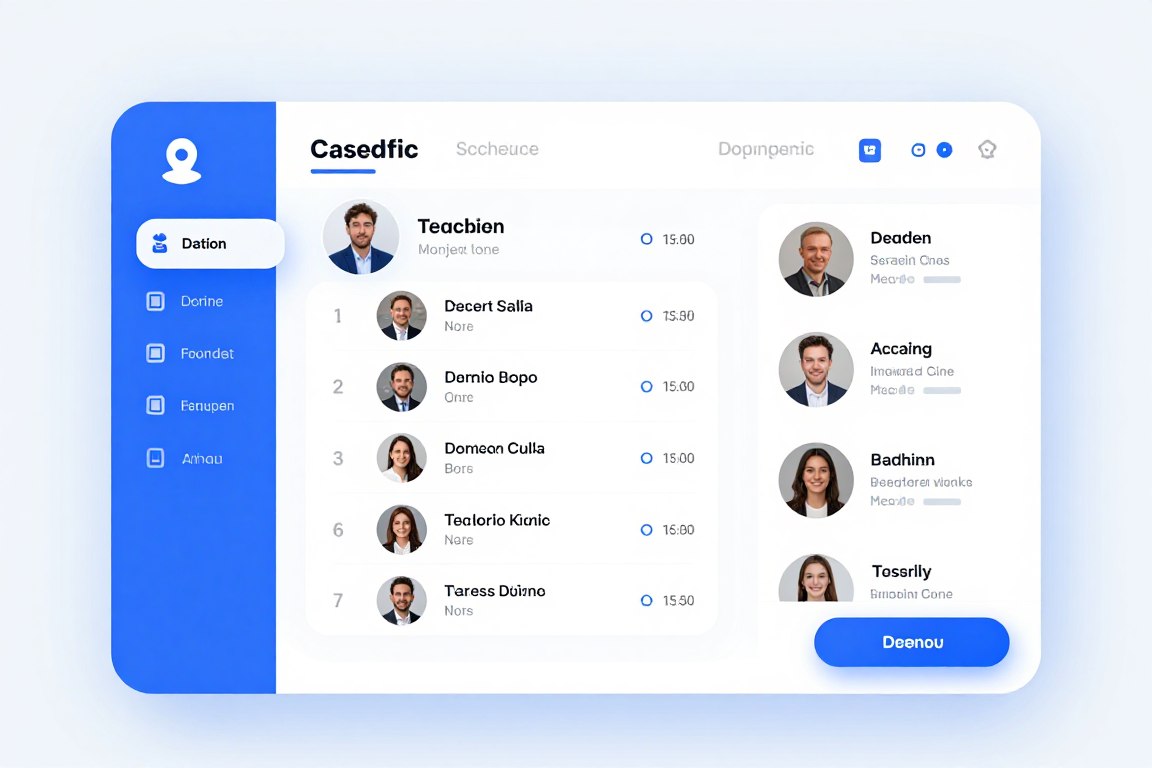
Conference event apps are specialized mobile platforms built to manage every part of conferences, meetings, and corporate events. These applications replace traditional paper materials while adding interactive features that lift the attendee experience. Event organizers can update information instantly, track participation, and help people connect with each other.
The shift toward mobile event solutions reflects broader technology trends. For example, attendees now expect instant access to event details on their smartphones. Apps deliver schedules, speaker bios, venue maps, and networking tools straight to a device people already carry. As a result, satisfaction and engagement both climb.
Core Components of Modern Conference Event Apps
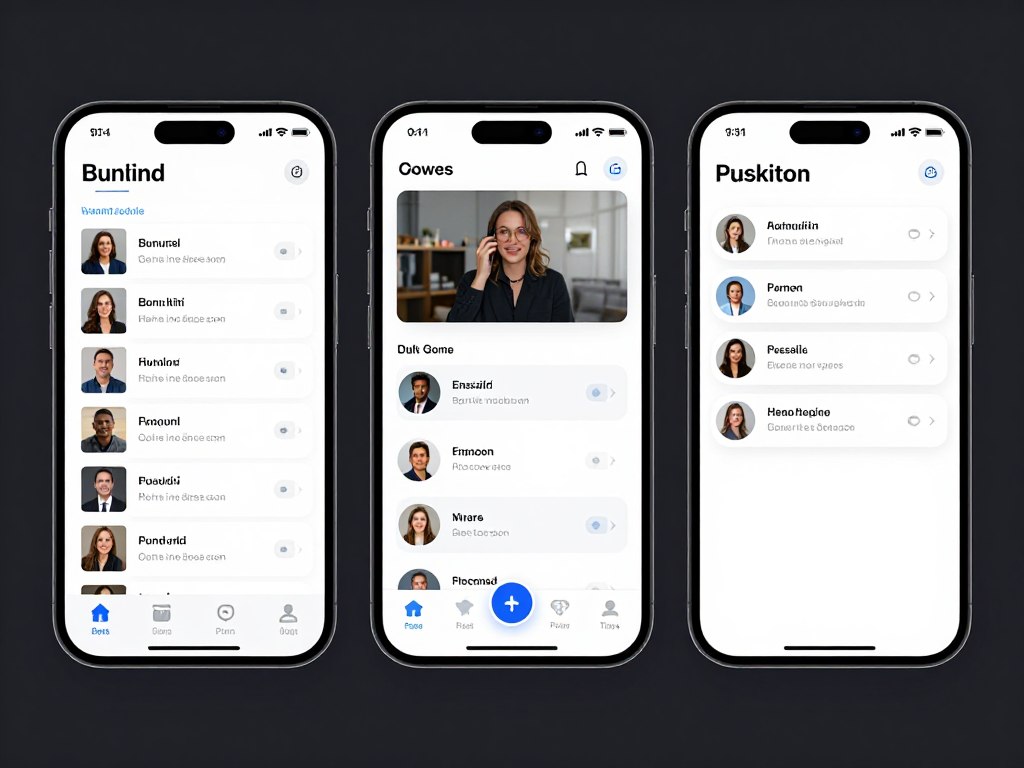
Successful conference event apps weave multiple functions into one seamless platform. The event management system handles scheduling, registration, and communication. Meanwhile, attendees interact with personalized agendas, join live polls, and connect with other participants through built-in networking features.
- Real-time schedule management with instant update capabilities across all devices
- Interactive attendee directories enabling networking before, during, and after events
- Live polling and Q&A systems for immediate audience engagement
- Push notifications keeping participants informed about schedule changes and important updates
- Sponsor and exhibitor showcases with clickable content and lead capture tools
- Analytics dashboards giving organizers detailed engagement metrics
From Paper Programs to Conference Event Apps
Traditional event planning leaned heavily on printed materials that went stale the moment a schedule changed. Conference organizers spent thousands on printing programs, maps, and handouts. Attendees carried bulky folders while hunting for the right session.
Mobile event technology removes these problems. Digital platforms cut printing costs by up to 80 percent while delivering stronger functionality. In addition, organizers update content instantly, attendees see current information anywhere, and everyone benefits from richer interaction tools.
Key Transformation Benefits
The move to mobile platforms delivers clear improvements across every event metric. Organizers report higher attendee satisfaction scores, stronger sponsor engagement, and better data collection for post-event analysis.
Environmental benefits matter too. Cutting printed materials lowers waste in a meaningful way. Many organizations highlight their commitment to sustainability by adopting digital event solutions.
Cost savings reach beyond printing. Digital platforms also reduce staffing needs for information desks and manual data entry. As a result, organizers can redirect resources toward better content and stronger speakers.
Essential Features Every Conference Event App Should Include
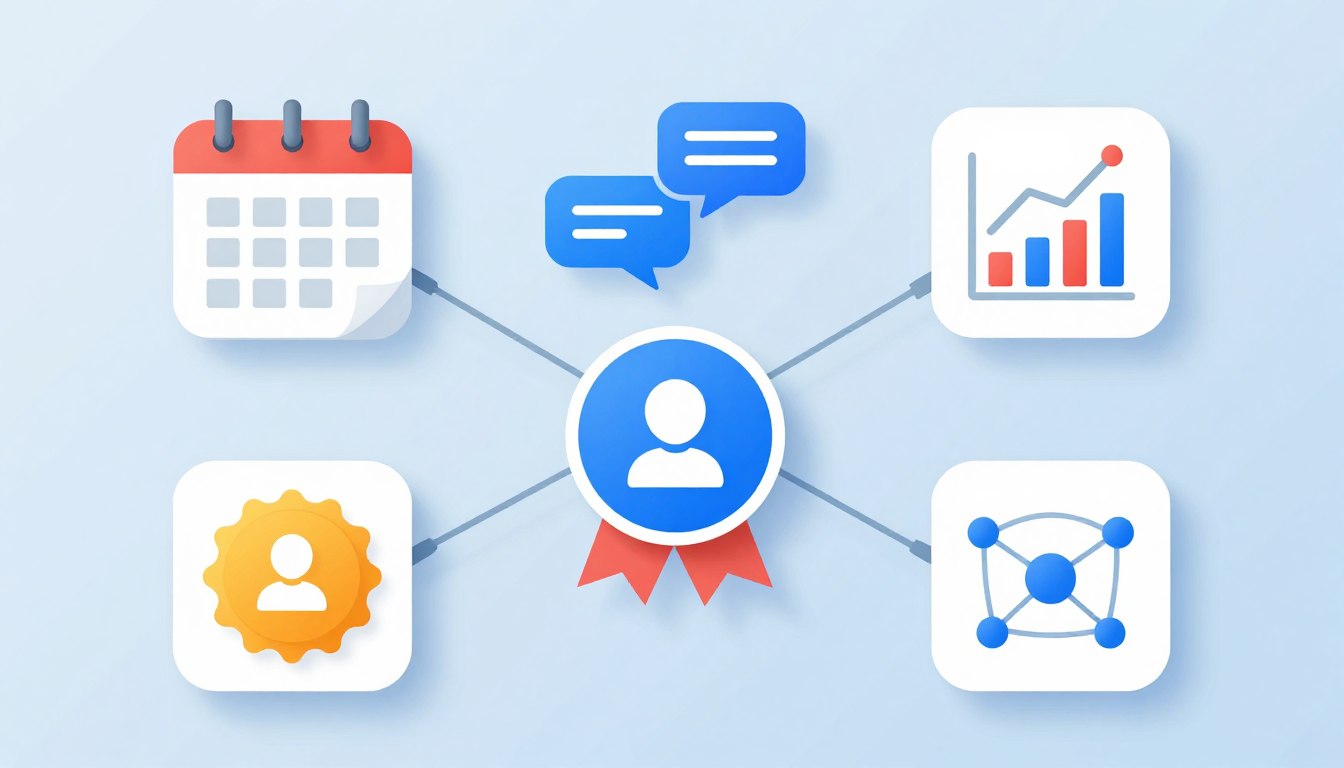
Picking the right event app means knowing which features actually deliver value. Essential capabilities separate basic platforms from full solutions that truly transform event experiences. Organizers should prioritize features that address their specific needs while keeping attendees happy.
Schedule and Agenda Management in Conference Event Apps
Dynamic schedule management forms the backbone of any effective conference event app. Attendees need instant access to session times, room locations, and speaker information. Furthermore, the platform should let people build personalized agendas and receive reminders before each session begins.
Real-time updates solve the common problem of schedule shifts. When sessions move or speakers cancel, organizers push immediate notifications to affected attendees. As a result, confusion disappears and participants always have accurate information.
- Personalized agenda builders allowing attendees to select preferred sessions
- Session reminders sent automatically before scheduled events begin
- Multi-track schedule displays helping attendees navigate complex programs
- Calendar integration syncing event schedules with personal calendars
- Filter and search functions enabling quick session discovery
Networking Features Inside Conference Event Apps
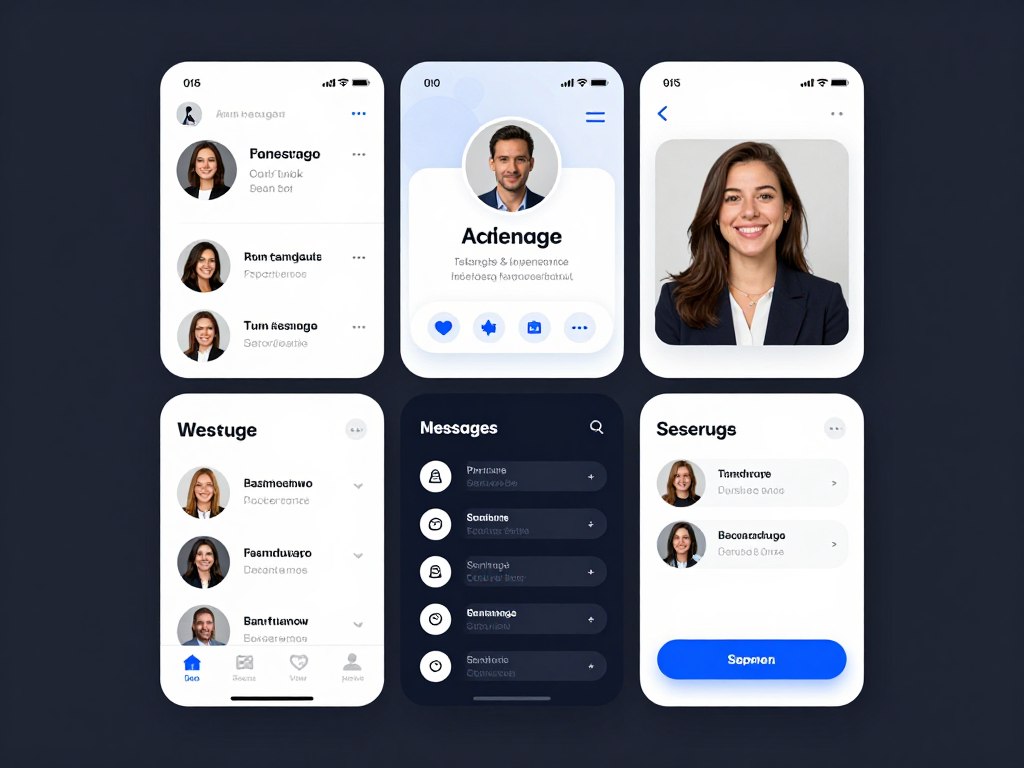
Professional networking drives conference attendance. Modern conference event apps build connections through attendee directories, messaging, and meeting scheduling. For example, participants can look up other attendees before the event, set up meetings, and continue conversations afterward.
Interactive features boost engagement during sessions. Live polls gather instant feedback from audiences. In addition, Q&A systems let attendees submit questions digitally, which moderators can organize and prioritize. These tools lift participation while giving speakers useful audience insights.
Gamification Elements
Gamification turns passive attendance into active participation. Points systems reward attendees for visiting exhibitor booths, joining sessions, and networking with other participants. Moreover, leaderboards create friendly competition that drives engagement throughout the event.
Activity Tracking
Apps monitor attendee participation across sessions, networking activities, and exhibitor interactions. As a result, organizers gain insight into engagement patterns and can use that data to improve future events.
Achievement Rewards
Digital badges recognize participation milestones. Attendees collect achievements for completing profiles, joining sessions, and engaging with sponsors. These rewards provide motivation and social recognition that keep people active in the app.
Sponsor and Exhibitor Features in Conference Event Apps
Revenue from sponsorships often decides event profitability. Conference event apps create valuable exposure opportunities for sponsors and exhibitors. For example, dedicated sponsor sections showcase partner brands, while banner ads add visibility throughout the platform.
Lead capture tools help exhibitors measure return on investment. Attendees scan QR codes at booths, which automatically shares contact information with exhibitors. In addition, this streamlined process eliminates manual business card collection while providing immediate lead data.
- Customizable sponsor profiles with logos, descriptions, and contact information
- Banner ad placements throughout the app interface for maximum visibility
- Lead retrieval systems enabling exhibitors to capture attendee information
- Sponsored push notifications delivering targeted messages to attendees
- Analytics tracking showing sponsor engagement and booth visit metrics
Content Management and Branding
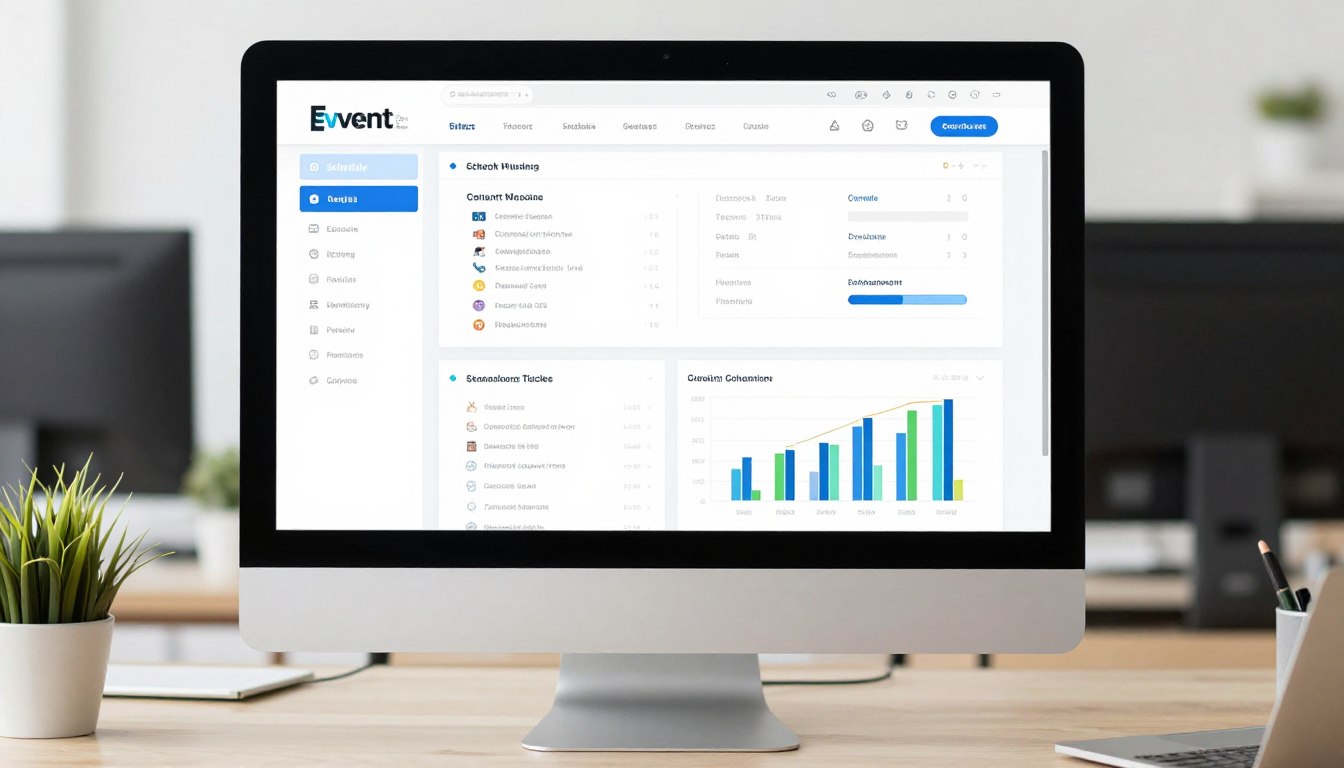
Comprehensive content management systems give organizers full control over app appearance and information. Administrators update schedules, speaker bios, and venue details through intuitive dashboards. Furthermore, changes appear instantly across all attendee devices.
Custom branding makes sure apps reflect event identity. Organizations upload logos, pick color schemes, and customize menu structures. As a result, this visual consistency reinforces brand recognition and creates a professional impression from the first tap.
Experience a personalized demo showing features tailored to your specific event needs. Discover how custom branding, real-time updates, and engagement tools transform attendee experiences.
Measurable Benefits of Conference Event Apps
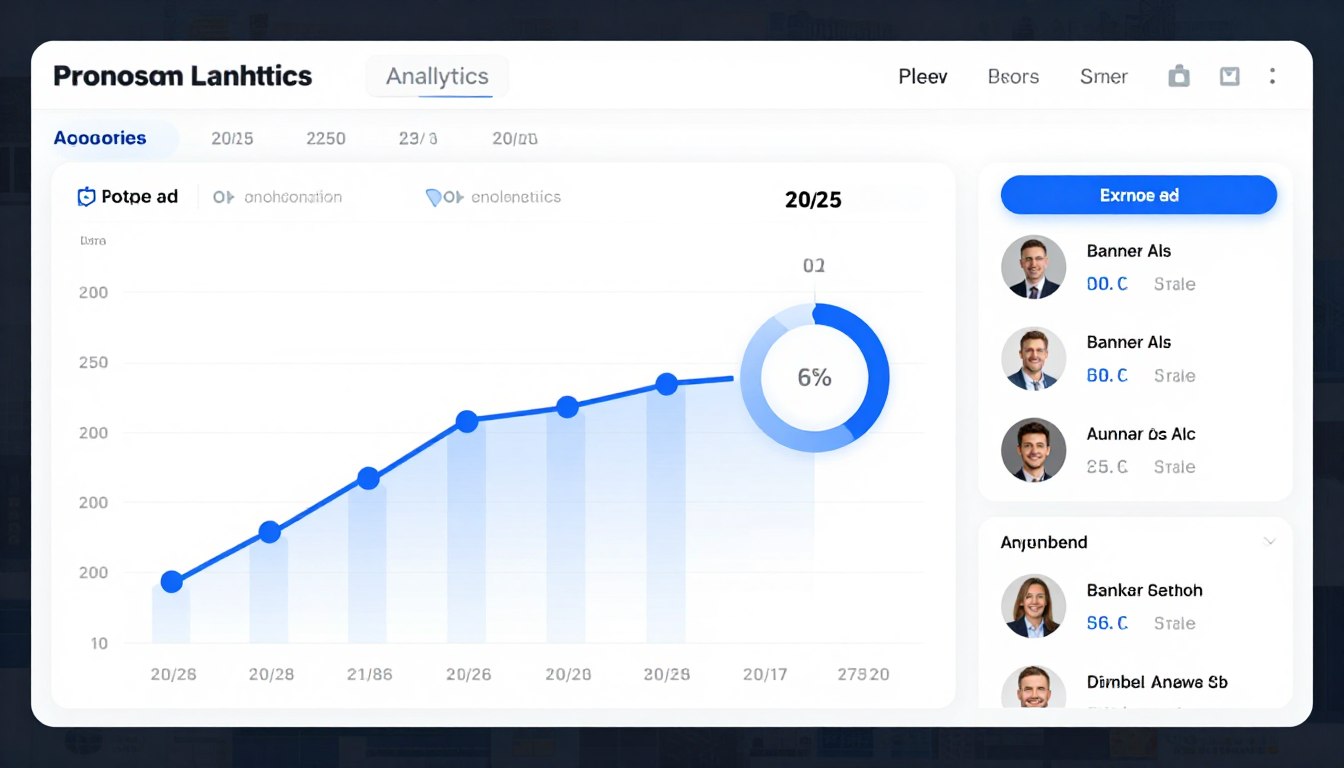
Investing in conference event apps delivers measurable returns across multiple dimensions. For example, organizations report sharp cost reductions, higher attendee satisfaction, and stronger sponsor relationships. Understanding these benefits helps justify the technology investment and track real success.
Cost Savings From Conference Event Apps
Direct cost savings represent the most immediate benefit of conference event apps. Cutting printed materials reduces expenses by thousands of dollars per event. For instance, large conferences that previously spent $15,000 on printing now redirect those funds toward content and speaker quality.
Printing Cost Elimination
Traditional events require printing programs, schedules, maps, and promotional materials. In addition, any change forces expensive reprints. Mobile apps cut these costs while providing stronger functionality.
A typical 500-person conference spends roughly $8,000 on printed materials. Digital platforms reduce this to nearly zero while delivering better results. As a result, the investment in app technology pays for itself within one or two events.
- Printing cost reductions averaging 70 to 80 percent per event
- Labor savings from automated information distribution and updates
- Reduced physical storage needs for materials and supplies
- Lower shipping costs for event materials and last-minute changes
- Decreased waste disposal expenses and environmental impact fees
Enhanced Attendee Experience and Satisfaction
Attendee satisfaction scores climb in measurable ways when organizations roll out quality conference event apps. People appreciate instant access to information, personalized schedules, and networking tools. Furthermore, post-event surveys consistently show higher satisfaction ratings for technology-enabled conferences.
Convenience drives most of this lift. Attendees no longer carry bulky folders or hunt for paper schedules. Everything they need sits on a device they already carry. Therefore, friction disappears and participants can focus on content and connections instead of logistics.
Sponsor and Exhibitor ROI With Conference Event Apps
Sponsors invest heavily in event participation. Conference event apps deliver measurable value through stronger visibility, lead generation tools, and detailed analytics. As a result, sponsors can justify participation costs more easily and renew sponsorships in future years.
Lead capture functionality transforms the sponsor experience. Traditional methods rely on manual business card collection and data entry. In contrast, digital systems capture leads instantly, integrate with CRM platforms, and enable immediate follow-up.
- Lead capture increases averaging 40 to 60 percent compared to traditional methods
- Real-time analytics showing sponsor content engagement and booth traffic
- Banner ad impressions tracked with click-through rate data
- Attendee interest signals captured through app interactions
- Post-event reports demonstrating sponsorship value with concrete metrics
Data Collection and Event Intelligence
Comprehensive analytics turn event planning from guesswork into data-driven decision making. Organizers access detailed reports on session attendance, engagement levels, and participant behavior. Moreover, these insights inform future event planning and prove value to stakeholders.
Behavioral data reveals which sessions generate the most interest, when attendees are most active, and how participants move through the event. This intelligence helps organizers fine-tune schedules, allocate resources well, and improve content selection.
Post-Event Analysis
Detailed post-event reports measure success and surface improvement opportunities. Metrics include attendance rates, engagement scores, networking activity, and sponsor interaction levels. As a result, these reports help justify budgets and guide strategic planning for the next event.
How to Choose the Right Conference Event Apps for Your Needs
Picking the ideal event app means carefully weighing features, costs, and implementation needs. Organizations must balance functionality with budget while making sure the platform fits specific event needs. A clear selection process prevents costly mistakes and supports smooth adoption.
Assessing Your Event Requirements
Start by analyzing your specific event characteristics and goals. For example, different event types need different feature sets. A 5,000-person trade show needs strong exhibitor tools, while a 200-person corporate meeting prioritizes internal communication features instead.
Event Size Considerations
- Small events (under 200 attendees) benefit from streamlined platforms with core features
- Medium events (200 to 1,000 attendees) require comprehensive networking and schedule management
- Large events (over 1,000 attendees) need enterprise solutions with advanced analytics
Event Type Requirements
- Trade shows prioritize exhibitor showcases and lead capture
- Academic conferences emphasize session management and paper submissions
- Corporate meetings focus on internal communication and document sharing
Essential Selection Criteria
Evaluate platforms against specific criteria that match your organizational priorities. Technical capabilities, user experience, customer support, and pricing structure all shape long-term satisfaction. Therefore, building a weighted scorecard helps you compare options objectively.
| Evaluation Criteria |
Priority Level |
Key Questions |
| User Interface Design |
High |
Is the interface intuitive for both organizers and attendees? |
| Customization Options |
High |
Can you customize branding, menus, and content structure? |
| Integration Capabilities |
Medium |
Does it integrate with existing registration and CRM systems? |
| Customer Support |
High |
What level of support is provided during setup and events? |
| Analytics and Reporting |
Medium |
What metrics are tracked and how are reports generated? |
| Pricing Structure |
High |
Are costs per-event or subscription-based? What is included? |
Budget and Pricing Models
Event app pricing varies sharply across providers and packages. Understanding the different pricing models helps organizations budget accurately and avoid surprises. For example, common structures include per-event pricing, annual subscriptions, and tiered plans based on attendee count.
Per-event pricing works well for organizations hosting occasional conferences. In contrast, annual subscriptions benefit frequent event organizers with multiple gatherings throughout the year. Therefore, calculate total annual costs under each model to decide which option works best.
- Entry-level plans typically range from $1,000 to $3,000 per event for basic features
- Mid-tier solutions cost $3,000 to $8,000 per event with full capabilities
- Enterprise platforms start at $10,000 annually with unlimited events and premium support
- Consider hidden costs including setup fees, customization charges, and support packages (see our pricing breakdown for details)
- Evaluate per-attendee pricing versus flat-rate models based on typical event size
For a clearer picture of pricing tiers and what each includes, see Grupio’s pricing page. Universities also qualify for a free plan.
Implementation and Training Considerations
Successful app adoption requires enough implementation time and proper user training. Evaluate the learning curve for both administrators and attendees. Furthermore, platforms with intuitive interfaces reduce training time and lift adoption rates.
Implementation Timeline
Plan for adequate setup time before your first event. Most platforms require four to six weeks for initial configuration, content entry, and testing. As a result, rushed implementations often produce errors and weaker user experiences.
Work closely with vendor implementation teams during setup. Their experience helps you avoid common pitfalls and ensures proper configuration. In addition, schedule multiple testing phases to find and fix issues before launch.
Explore how custom branding, flexible features, and intuitive design create the ideal platform for your unique event requirements.
Schedule Consultation | +1 (800) 555-1234
The Power of Custom Branding in Conference Event Apps
Brand consistency across all event touchpoints reinforces a professional image and builds trust with attendees. Custom branding capabilities separate basic conference event apps from sophisticated platforms that truly reflect organizational identity. Moreover, the visual experience shapes perceptions and influences engagement levels.
Visual Identity Across Conference Event Apps
Your conference event app serves as a primary brand touchpoint throughout the event lifecycle. Attendees interact with the platform before, during, and after your conference. Therefore, consistent branding across these interactions strengthens recognition and creates a cohesive experience.
Comprehensive customization reaches beyond logos and colors. For example, organizations can change menu structures, button styles, and even terminology to match their brand voice. As a result, the app feels like a natural extension of your organization rather than a generic template.
- Custom color schemes matching exact brand specifications and guidelines
- Logo placement across multiple app screens and sections
- Personalized splash screens creating strong first impressions
- Custom icons and graphics reinforcing visual identity
- Branded email templates for automated communications
- Customizable menu terminology reflecting organizational language
Creating Memorable Event Experiences
Strong branding turns functional tools into memorable experiences. Attendees remember conferences that deliver polished, professional presentations. Furthermore, the app becomes part of your event brand, shaping overall satisfaction and future attendance decisions.
First Impressions Matter
The splash screen and welcome experience set expectations for your entire event. Professional branding signals quality and attention to detail. As a result, these opening moments shape how attendees perceive the value of the conference itself.
Consistent Touchpoints
Branding consistency across every screen reinforces a professional image. From schedules to networking features, unified visual design creates seamless experiences that attendees notice and remember.
Working with Design Teams
Many platform providers offer design services to help create custom branded experiences. Professional designers understand mobile app best practices and can translate brand guidelines into effective app interfaces. Therefore, this collaboration ensures technical requirements meet aesthetic goals.
Organizations can also update branding elements themselves through content management systems. In addition, this flexibility allows last-minute adjustments without needing designer help. Real-time updates keep branding current even as event details evolve.
Self-Service Branding Tools
Modern platforms provide intuitive interfaces for branding customization. Administrators upload logos, pick colors from brand palettes, and preview changes before publishing. As a result, the customization process moves quickly while maintaining brand control.
Strategies for Maximizing Engagement With Conference Event Apps
Technology alone does not guarantee engagement. Successful event organizers combine platform capabilities with smart strategy to drive participation. Furthermore, understanding attendee motivations and removing friction points lifts app adoption and ongoing use throughout the event.
Pre-Event Engagement Tactics
Engagement begins weeks before the event starts. Early app access lets attendees explore schedules, research speakers, and connect with other participants. In addition, pre-event networking builds anticipation while helping attendees plan their conference experiences.
Promotional campaigns drive app downloads and early engagement. Email sequences highlight key features and encourage profile completion. As a result, organizations that hit high pre-event adoption see meaningfully better during-event engagement.
- Launch app access four to six weeks before events to maximize pre-planning
- Send targeted email campaigns showcasing specific features and benefits
- Offer incentives for early profile completion and schedule building
- Enable pre-event messaging so attendees can start networking immediately
- Publish speaker content early to build session interest and anticipation
- Create pre-event challenges or scavenger hunts to encourage exploration
During-Event Activation Strategies
On-site promotion makes sure all attendees download and actively use the app. Registration desk staff should encourage downloads while offering quick-start guidance. Moreover, visual signage throughout venues reminds participants to check the app for updates and activities.
Active Promotion Methods
Station staff members at strategic locations to assist with app downloads and navigation. For example, a visible help desk especially benefits less tech-savvy attendees who might otherwise abandon the platform.
Build app usage into session activities. Speakers can launch live polls, request questions through the app, and reference app content. As a result, this integration demonstrates value while driving adoption.
Gamification keeps engagement going. Award points for activities like checking into sessions, visiting sponsor booths, and joining polls. Furthermore, leaderboards and prizes create compelling reasons for attendees to stay active throughout the event.
Interactive Features That Drive Participation
Certain features consistently produce high engagement when rolled out well. Live polling during sessions creates immediate participation opportunities. In addition, Q&A systems give attendees a voice while providing speakers with useful audience insights.
Social features stretch engagement beyond formal sessions. For instance, photo sharing, social walls, and comment threads create a community atmosphere. As a result, attendees become active participants rather than passive observers, which lifts satisfaction and connection.
High-Engagement Features
- Live polling with immediate result visualization
- Q&A systems with upvoting capabilities
- Attendee-to-attendee messaging
- Social media integration and sharing
- Gamification with visible leaderboards
- Real-time schedule updates and notifications
Lower-Engagement Features
- Static information directories
- Complex navigation structures
- Features requiring multiple steps
- Content without social interaction options
- Surveys without immediate feedback
- Features competing with live sessions
Post-Event Engagement Extension
Smart organizers stretch app utility beyond the event itself. Keeping access to connections, content, and resources keeps communities engaged until the next gathering. As a result, this ongoing engagement improves retention and builds anticipation for future events.
Post-event surveys gather useful feedback while engagement remains high. In addition, share session recordings, presentation materials, and photos through the platform. Continued networking lets new connections grow into lasting professional relationships.
Delivering Maximum Sponsor Value With Conference Event Apps
Sponsor satisfaction directly shapes event profitability and long-term success. Conference event apps deliver measurable value that justifies sponsorship investments and encourages renewal. Furthermore, understanding sponsor priorities helps organizers structure packages that deliver real return on investment.
Lead Generation Inside Conference Event Apps
Traditional lead capture methods frustrate exhibitors and attendees alike. Business card collection requires manual data entry and often results in lost information. In contrast, digital lead capture through conference event apps streamlines the entire process while lifting data quality.
QR code scanning enables instant lead capture with full attendee information. For example, exhibitors scan attendee badges or profile QR codes to automatically receive contact details, interests, and engagement history. As a result, this data flows directly into CRM systems for immediate follow-up.
- One-tap lead capture replacing manual business card collection
- Automatic data transfer to exhibitor CRM platforms and systems
- Custom qualification questions capturing specific prospect information
- Real-time lead notifications enabling immediate follow-up actions
- Attendee permission controls ensuring compliance with privacy regulations
- Post-event lead reports with detailed engagement analytics
Visibility and Brand Exposure Opportunities
App sponsorships provide consistent brand exposure throughout the event lifecycle. Unlike physical signage limited to venue spaces, digital placements reach attendees before, during, and after conferences. Therefore, multiple visibility options match different sponsor objectives and budget levels.
Banner Advertising
Strategic banner placements throughout the app deliver consistent impressions. For example, rotating banners share space fairly while keeping visibility high. In addition, click-through tracking measures actual engagement with sponsor content.
Dedicated Profiles
Comprehensive sponsor profiles showcase products, services, and special offers. Rich media support enables video demonstrations and product galleries. Furthermore, direct messaging connects interested attendees with sponsor representatives in real time.
Sponsored Content and Push Notifications
Push notifications deliver targeted messages straight to attendee devices. Sponsors can promote booth activities, special presentations, or exclusive offers. As a result, timing and targeting capabilities ensure messages reach the right audiences when they are most receptive.
Content sponsorships weave brand messages into valuable information. For instance, sponsored sessions, networking events, or resource libraries link brands to quality content. This approach delivers value to attendees while giving sponsors positive brand associations.
Analytics and ROI Measurement
Detailed analytics justify sponsorship investments and inform future decisions. Exhibitors receive reports showing booth visit frequency, lead capture volume, content engagement, and banner ad performance. As a result, these metrics enable objective ROI calculations.
Benchmark data helps sponsors compare performance across different events. Understanding engagement patterns guides booth staffing decisions, promotional timing, and content strategy. Furthermore, data-driven insights improve sponsor experiences and lift renewal rates.
| Sponsor Benefit |
Traditional Methods |
Conference Event App Advantage |
| Lead Capture |
Manual business card collection requiring data entry |
Instant digital capture with automatic CRM integration |
| Brand Visibility |
Physical signage limited to venue locations |
Digital presence throughout entire event lifecycle |
| Analytics |
Minimal tracking of booth visits or engagement |
Comprehensive metrics on all interactions and touchpoints |
| Communication |
Limited to booth interactions during event hours |
Direct messaging and notifications before, during, and after |
Join successful events that have transformed attendee experiences and delivered measurable sponsor value. See how the right platform drives engagement and simplifies complex event management.
Request Complete Demo | View Success Stories
Integration Capabilities for Conference Event Apps
Modern conference event apps do not work in isolation. Integration with existing business systems creates seamless workflows and removes duplicate data entry. Therefore, understanding technical capabilities ensures the platform fits inside your broader technology stack.
Registration Platform Connections for Conference Event Apps
Two-way integration with registration systems eliminates manual attendee data import. When participants register, their information automatically flows into the event app. Moreover, changes made in either system sync instantly, keeping data accurate across platforms.
Single sign-on capabilities improve user experience by letting attendees access the app using registration credentials. As a result, this seamless authentication reduces friction and removes password headaches for participants.
- Automatic attendee data synchronization from registration platforms
- Real-time updates when attendees modify registration information
- Single sign-on integration eliminating duplicate login requirements
- Session registration flowing between platforms in both directions
- Badge printing integration for on-site check-in processes
CRM and Marketing Platform Integration
Connection with customer relationship management systems enables sophisticated follow-up workflows. Engagement data from the conference event app enriches CRM records with behavioral insights. Furthermore, marketing teams use this information to build targeted post-event campaigns.
Data Enrichment Opportunities
App engagement gives valuable signals about attendee interests and intent. For example, sessions attended, content downloaded, and connections made reveal professional priorities and buying readiness.
Marketing automation platforms can trigger personalized follow-up based on specific behaviors. Attendees who visited certain sponsor booths receive relevant product information. In addition, session attendance triggers content delivery aligned with demonstrated interests.
Analytics and Business Intelligence Tools
Advanced analytics platforms combine event app data with other business metrics for full insights. Understanding how event engagement correlates with sales pipeline development or customer retention informs event strategy and budget allocation.
Custom reporting capabilities let organizations answer specific business questions. Which sessions generate the most qualified leads? How does pre-event engagement correlate with post-event conversion? As a result, data integration enables exactly this kind of analysis.
Security and Privacy in Conference Event Apps
Data security and privacy protection are non-negotiable requirements for conference event apps. Platforms must comply with regulations like GDPR and CCPA while protecting sensitive attendee information. Therefore, understanding security measures helps organizations evaluate platform trustworthiness.
- End-to-end data encryption protecting information in transit and at rest
- Role-based access controls limiting data visibility to authorized users
- GDPR and CCPA compliance with privacy preference management
- Regular security audits and penetration testing by third parties
- Secure authentication methods including two-factor options
- Data retention policies and automatic purging capabilities
Native Mobile Apps vs Web-Based Event Platforms
Event organizers often choose between native mobile apps and web-based platforms. Each approach offers distinct advantages and limitations. Therefore, understanding these differences helps organizations pick solutions that match technical requirements and attendee preferences.
Native Conference Event Apps: Key Benefits
Native apps provide stronger performance and offline functionality. Downloaded directly to smartphones, these applications reach device features like cameras, push notifications, and location services. As a result, attendees use native apps even without internet connectivity, which is crucial for venues with poor wireless coverage.
User experience usually beats web alternatives thanks to optimized performance and familiar interface patterns. Native apps feel more responsive and integrate seamlessly with device functionality. Furthermore, these factors lead to higher adoption rates and stronger sustained engagement.
Native App Advantages
- Full offline functionality for areas with poor connectivity
- Access to device features like camera and GPS
- Push notifications ensuring message delivery
- Superior performance and responsiveness
- App store presence increasing discoverability
- Better integration with device features
Native App Challenges
- Requires download and installation by attendees
- App store approval processes can delay launches
- Device storage space requirements
- Separate versions needed for iOS and Android
- Updates require user action to install
- Higher initial development costs
Web-Based Conference Event Apps: Advantages
Progressive web apps and responsive websites remove download requirements. Attendees reach platforms through mobile browsers without installing anything. As a result, this approach reduces friction, especially for one-time event attendees who may hesitate to download dedicated apps.
Cross-platform compatibility simplifies development and maintenance. One codebase serves all devices and operating systems. Moreover, updates deploy instantly without requiring user action, so all attendees reach current information at the same time.
Hybrid Approaches
Many modern solutions combine native and web technologies for the best flexibility. For example, hybrid apps use web technologies wrapped in native containers, delivering some native benefits while simplifying development. Progressive web apps offer app-like experiences through browsers.
When to Choose Native Apps
Pick native applications for recurring events with the same attendee base, situations requiring strong offline functionality, or when maximizing feature integration justifies higher development investment.
Multi-day conferences in large venues with connectivity challenges benefit most from native app offline capabilities. In addition, annual association meetings with loyal attendees usually hit high download rates.
When Web Platforms Work Better
Web-based solutions suit one-time events with diverse attendees, situations that prioritize ease of access over advanced features, or organizations with limited technical resources.
Public conferences attracting first-time attendees see better adoption with web platforms. Meanwhile, small meetings and corporate events often find web solutions perfectly adequate.
Best Practices for Conference Event App Implementation
Technology implementation success depends on careful planning and execution. Organizations that follow structured processes hit higher adoption rates and better return on investment. Furthermore, these best practices apply across platforms and event types.
Timeline for Conference Event App Implementation
Solid preparation time separates successful implementations from rushed launches that frustrate users. Begin planning at least three months before your first event. (For a deeper look at Grupio specifically, see our conference event apps solution page.) As a result, this timeline accommodates vendor selection, configuration, content development, and testing without crunch.
The phases below show a typical implementation calendar. Adjust based on event size and complexity, but resist the urge to compress these timeframes.
Vendor Selection Phase (8 to 12 weeks before): Research platforms, request demonstrations, evaluate proposals, negotiate contracts, and finalize vendor selection.
Initial Configuration (6 to 8 weeks before): Complete platform setup, establish branding guidelines, configure menu structures, and set up administrator accounts.
Content Development (4 to 6 weeks before): Enter event schedules, upload speaker information, create session descriptions, and configure networking features.
Testing Period (3 to 4 weeks before): Conduct internal testing, identify and resolve issues, gather feedback from test users, and refine configurations.
Promotional Campaign (2 to 4 weeks before): Launch attendee communications, distribute download instructions, encourage profile completion, and build pre-event engagement.
Final Preparation (1 week before): Complete final content updates, verify all integrations, brief on-site staff, and prepare support materials.
Content Strategy and Information Architecture
Thoughtful content organization sharply shapes user experience and adoption. Structure information logically with clear navigation paths. Moreover, prioritize frequently accessed content while making everything easily discoverable.
- Create concise, scannable content optimized for mobile reading
- Organize schedules by date, track, or topic based on event structure
- Write clear session descriptions that help attendees make informed choices
- Include comprehensive speaker bios with photos and social links
- Provide detailed venue information including maps and directions
- Test navigation flows with actual users before launch
Staff Training and Support Preparation
On-site staff need thorough training to assist attendees well. Create quick-reference guides covering common questions and troubleshooting steps. Furthermore, designate technology champions who can provide advanced support when needed.
Training Program Components
Run hands-on training sessions where staff practice common support scenarios. For example, cover basic navigation, troubleshooting connection issues, and explaining key features. In addition, role-playing exercises prepare staff for real attendee interactions.
Build visual quick-start guides that staff can share with attendees. Simple infographics showing download, login, and navigation steps reduce the support load while helping attendees become self-sufficient.
Promotion and Adoption Strategies
Early promotion drives pre-event adoption, which correlates strongly with during-event engagement. Launch communication campaigns six weeks before events, explaining benefits and encouraging downloads. As a result, multiple touchpoints across channels widen reach.
Reward early adoption through gamification or exclusive content access. Attendees who complete profiles early or build agendas receive recognition or benefits. Furthermore, these incentives motivate action while rewarding engaged participants.
Measuring Success and ROI From Conference Event Apps
Justifying technology investments means showing measurable value. Conference event apps generate data across multiple dimensions that together prove return on investment. Therefore, understanding which metrics matter helps organizations track success and find improvement opportunities.
KPIs for Conference Event Apps
Adoption rate is the foundational success metric. Calculate the percentage of registered attendees who download and actively use the app. For example, high adoption rates point to successful promotion and clear perceived value. Aim for adoption rates of 70 percent or higher for the best impact.
Engagement metrics reveal how attendees interact with various features. Track session check-ins, networking connections made, poll participation rates, and content views. In addition, these behaviors show whether the app delivers genuine value or simply gets downloaded then ignored.
| Metric Category |
Specific Measurements |
Target Benchmark |
| Adoption |
Download rate, active users, profile completion |
70%+ downloads, 60%+ daily active users |
| Engagement |
Session check-ins, poll participation, messages sent |
50%+ feature utilization, 5+ actions per user |
| Content |
Session views, document downloads, video plays |
3+ content pieces per user average |
| Networking |
Connections made, messages exchanged, meetings scheduled |
5+ new connections per attendee |
| Sponsor Value |
Leads captured, booth visits, content engagement |
30%+ lead capture rate improvement |
| Satisfaction |
App ratings, NPS scores, survey feedback |
4.5+ star rating, 50+ NPS score |
Cost Savings Calculation for Conference Event Apps
Direct cost comparisons show financial value clearly. Calculate printing costs removed, staff time saved through automation, and reduced material storage expenses. As a result, these tangible savings often exceed annual platform costs.
Traditional Event Costs
- Program printing: $5,000 to $15,000
- Schedule updates and reprints: $2,000 to $5,000
- Signage and materials: $3,000 to $8,000
- Staff time for distribution: $1,500 to $3,000
- Storage and shipping: $1,000 to $2,500
- Total per event: $12,500 to $33,500
Conference Event App Costs
- Platform subscription: $5,000 to $12,000 annually
- Initial setup and customization: $2,000 to $5,000
- Ongoing content management: $500 to $1,500 per event
- Staff training time: $500 to $1,000
- Technical support: Included in subscription
- Total per event: $2,000 to $5,000 (after year one)
Qualitative Value Assessment
Not all value fits into a spreadsheet. For example, improved attendee satisfaction, stronger professional image, and stronger sponsor relationships deliver long-term benefits that exceed immediate cost savings. Post-event surveys capture these qualitative improvements.
Brand perception improvements matter for organizations focused on thought leadership and industry positioning. Professional, technology-enabled events signal innovation and attendee focus. Furthermore, these intangible benefits shape future attendance decisions and organizational reputation.
Continuous Improvement Through Data
Each event generates insights that shape future improvements. Analyze which sessions attracted the most attendance, which networking features saw highest usage, and where attendees ran into trouble. As a result, this learning cycle drives continuous enhancement.
Future Trends in Conference Event Apps
Conference event apps keep evolving as new capabilities emerge. Understanding coming trends helps organizations prepare for future implementations and stay competitive. Furthermore, forward-thinking planners position themselves to adopt innovations that strengthen attendee experiences.
Artificial Intelligence and Personalization
Artificial intelligence is changing how attendees discover relevant content and connections. For example, machine learning algorithms analyze interests, behavior patterns, and professional profiles to generate personalized recommendations. As a result, this intelligence helps participants navigate complex event programs more easily.
Chatbots provide instant support and information through natural conversation. Attendees ask questions in plain language rather than searching through menus and content. In addition, these AI assistants handle routine inquiries while passing complex issues to human staff.
- Personalized session recommendations based on attendee interests and behavior
- Smart networking suggestions connecting people with aligned professional goals
- Predictive analytics identifying at-risk attendee engagement for intervention
- Automated content curation delivering relevant materials to each participant
- Natural language chatbots answering questions and providing guidance
Augmented Reality Integration
Augmented reality overlays digital information onto physical environments. Attendees point smartphones at venues to see directional wayfinding, session information, or sponsor content. Moreover, this technology bridges digital and physical event experiences seamlessly.
Practical AR Applications
Indoor navigation through large convention centers becomes intuitive with AR guidance. Virtual signage directs attendees without cluttering physical spaces. For example, exhibitors showcase 3D product models that participants explore through smartphone cameras.
Gamification reaches new levels through AR scavenger hunts and challenges. Attendees explore venues while collecting virtual items or completing objectives. As a result, these activities drive traffic to specific locations while creating memorable experiences.
Hybrid Event Integration
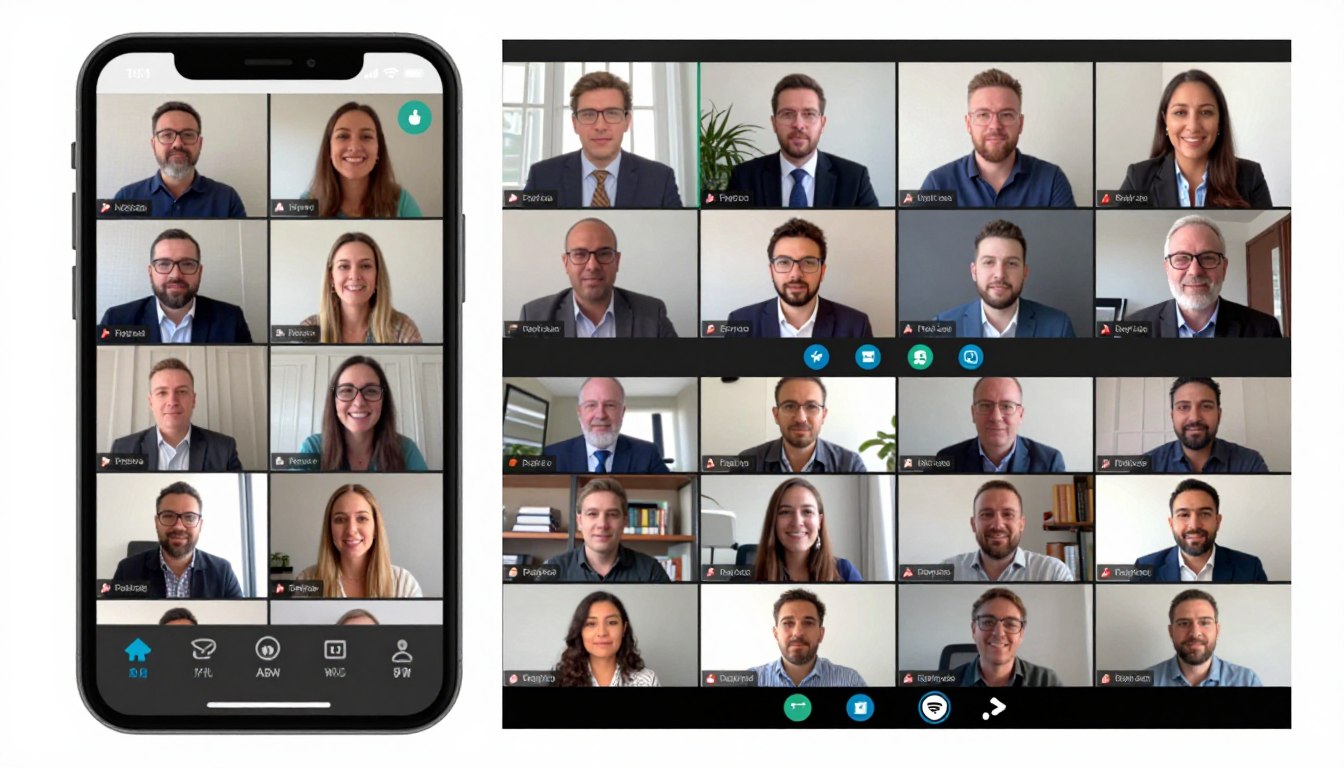
Hybrid events combining in-person and virtual attendance now represent the new normal. Future conference event apps seamlessly serve both audiences with features suited to each context. For instance, virtual attendees access live streams while in-person participants enjoy physical networking.
Unified platforms remove the need for separate tools for different audience segments. All attendees connect through the same networking features, join combined polls, and access identical content. Therefore, this integration creates cohesive communities regardless of attendance mode.
Enhanced Analytics and Business Intelligence
Advanced analytics provide unprecedented insight into attendee behavior and event effectiveness. Predictive models forecast attendance patterns, identify potential no-shows, and optimize resource allocation. Furthermore, real-time dashboards enable dynamic event management during the event itself.
Integration with broader business systems enables holistic ROI analysis. Organizations connect event engagement with sales outcomes, customer retention, and lifetime value. As a result, these correlations justify event investments with concrete business impact evidence.
Moving Forward With Conference Event Apps
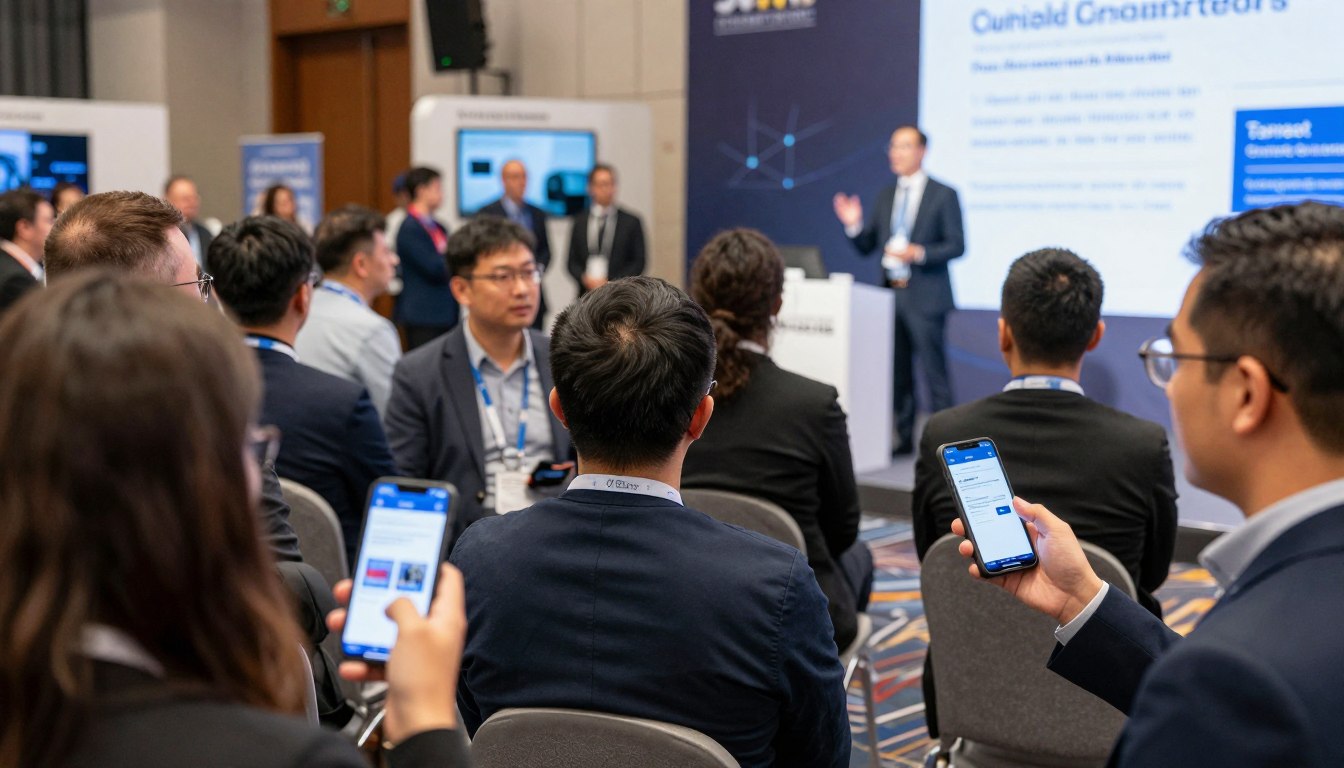
Conference event apps have evolved from optional enhancements to essential infrastructure for successful events. Organizations that embrace mobile technology deliver stronger attendee experiences while also gaining operational efficiencies. As a result, the investment in quality platforms pays dividends through cost savings, engagement improvements, and competitive advantage.
Success requires more than simply buying software. Thoughtful implementation, strategic promotion, and ongoing optimization separate basic deployments from transformative experiences. Therefore, organizations that commit to excellence across these dimensions maximize return on investment while positioning themselves as industry leaders.
The conference landscape keeps evolving toward digital and personalized experiences. Event organizers who adopt proven mobile event technology today position themselves for future success. Furthermore, attendees now expect sophisticated digital tools that strengthen rather than complicate their conference participation.
Whether planning your first technology-enabled event or upgrading existing solutions, prioritize platforms that deliver genuine value to all stakeholders. Attendees need intuitive interfaces and useful features. Organizers need reliable tools that simplify complex management tasks. Sponsors want measurable return on investment through leads and visibility.
The right conference event app turns events from logistical challenges into opportunities for connection, learning, and growth. By removing friction, lifting engagement, and providing actionable insights, mobile event platforms let organizers focus on what truly matters: creating memorable experiences that participants value and remember.
Ready to Elevate Your Conferences?
Transform your next event with a comprehensive mobile platform designed for maximum engagement, simplified management, and measurable results. Join the event organizers who have discovered the difference that professional conference event apps make.
Compare Pricing Plans | Free Plan for Universities
Prefer to speak with an expert? Call us today: +1 (800) 555-1234