
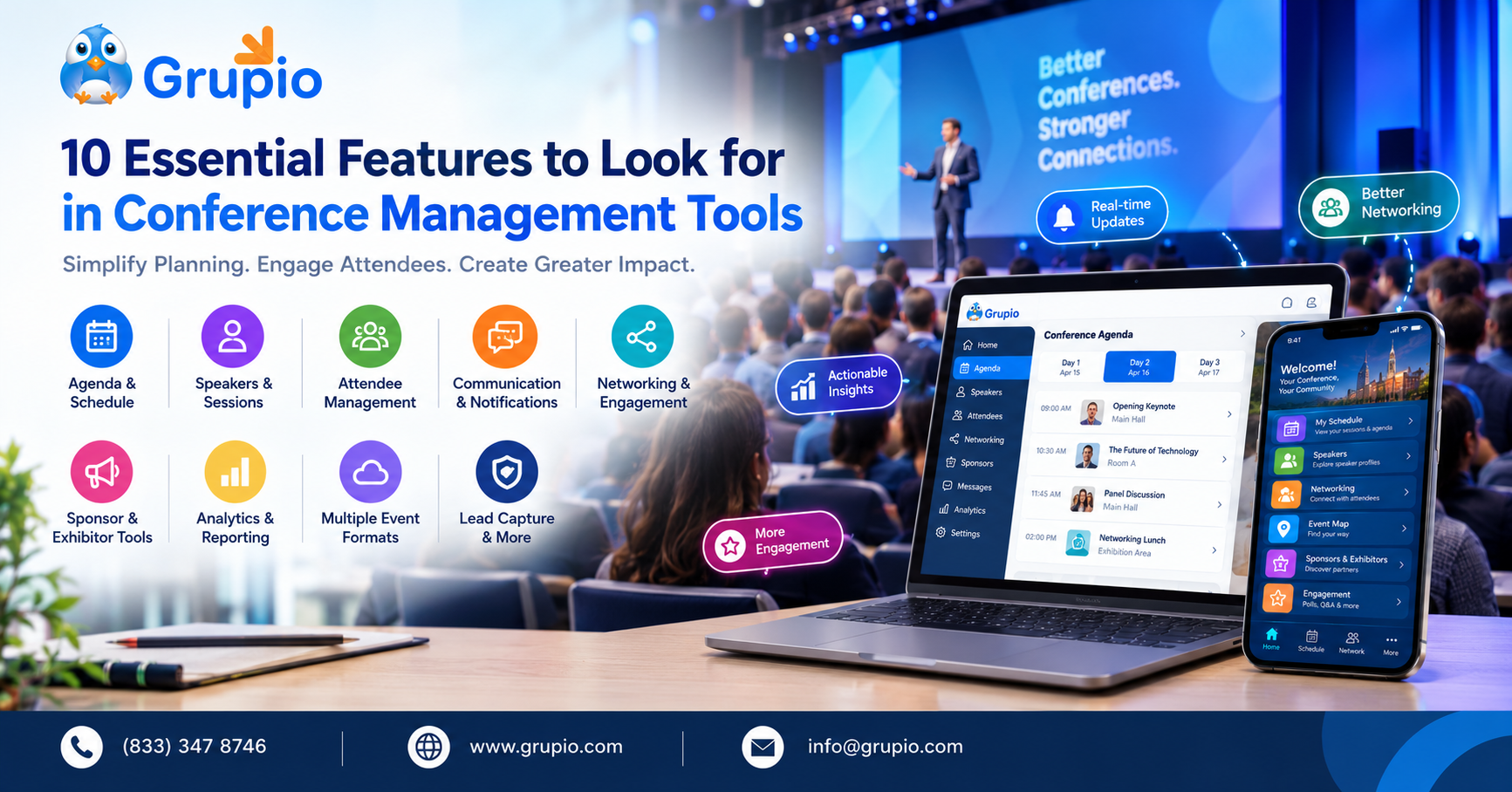
The best conference management tools help event organizers manage schedules, speakers, attendees, communication, networking, engagement, sponsors, and event data from one connected platform.
Nobody remembers the spreadsheet that ran a great conference. But a lot of people are running conferences. About 155,800 people worked as meeting, convention, and event planners in the U.S. in 2024, and the Bureau of Labor Statistics projects 5 percent growth through 2034, faster than the average for all occupations. More events mean more pressure, and the right conference management tools turn chaos into a smooth day.
This guide breaks down ten features worth demanding before you sign anything, and shows you how to tell a helpful platform from an expensive distraction.
Key Takeaways
- Branded mobile apps give attendees a consistent event experience that is easier to identify and navigate.
- Real-time notifications help organizers communicate quickly, from room changes and speaker updates to important event announcements.
- Networking and gamification features give attendees more ways to engage, explore sessions, and meet other participants.
- Sponsor tools open up more opportunities for visibility and attendee interaction.
- Surveys and analytics offer valuable insights, helping organizers measure participation and plan future events.
What Should Conference Management Tools Actually Do?
Before choosing a platform, think beyond a feature checklist. Ask whether each capability solves a real problem your team faces during planning or on event day.
1. Multi-Track Schedule Management
A conference with one session at a time is relatively easy to coordinate. Add multiple rooms, tracks, speakers, workshops, and time slots, and the schedule quickly becomes more complicated.
Good conference management tools should make it easier to build and update a multi-track agenda without creating confusion for attendees or staff.
Look for:
- Multiple session tracks and rooms
- Speaker and session details
- Personalized schedules
- Session reminders
- Real-time schedule updates
- Easy content management
Grupio supports multi-track agendas, speaker profiles, personalized attendee schedules, session reminders, and real-time event updates through its event platform.
The practical benefit is obvious. As a session goes from Room A to Room C, an event platform core to the event allows your team one spot to update the appropriate event information rather than depending on disconnected materials.
2. Centralized Speaker and Session Management
Speakers are one of the biggest moving parts of a conference. They need proper bios, photos, info on the presentation, session times, and room assignments.
A useful platform should give organizers a central content management system (CMS) where this information can be added and updated.
This is particularly useful when changes occur near the event. Your team may update the digital event information instead of having to rebuild a printed program each time a speaker changes.
3. Personalized Attendee Schedules
A conference may have 50 sessions on the agenda, but an individual attendee might only care about six.
That’s where personalized scheduling comes in. They can use conference planning tools to select relevant sessions and design their own agenda, rather than requiring participants to work through the whole conference schedule. Reminders can then help people remember what they intended to do.
For organizers, this also makes a large program feel more manageable. For attendees, it turns a long conference schedule into a personal plan.
4. Built-In Communication and Notifications
Even the best conference schedule will change. A speaker may be delayed. A room may become unavailable. A session may start ten minutes later than planned. Your communication system needs to handle those changes quickly.
Look for event management features such as:
- Push notifications
- Event announcements
- Session reminders
- Real-time updates
- Targeted communication
- In-app messaging
The trick is to keep the notifications useful. People want information that helps them navigate the event, not a barrage of warnings they’ll tune out.
5. Attendee Networking and Messaging
Conference management involves more than schedules and logistics. It is the individuals who provide value to an event.
A platform with built-in networking capabilities allows attendees to locate other attendees, connect one-on-one, and schedule meetings without having to leave the platform for another app.
Useful networking capabilities include:
- Attendee profiles
- Search and discovery
- Direct messaging
- Meeting scheduling
- Networking discovery
These solutions can be especially beneficial in large conferences where participants may be looking to meet specific specialists but have few opportunities to find them organically.
6. Live Engagement During Sessions
A conference should not become a one-way stream of information. Live polls, surveys, Q&A and interactive activities provide guests the chance to participate throughout sessions. They can also give organizers and speakers useful feedback.
This is where attendee engagement technology becomes part of the wider conference management workflow.
For example, a speaker might ask a live poll question during a session. An organizer could then review responses, while attendees can participate directly from their devices.
Grupio provides event engagement solutions such as live polling, session surveys, Q&A, gamification and activity challenges.
7. Sponsor and Exhibitor Management
Sponsors need more than their logo placed on a conference website.
Sponsors and exhibitors can get dedicated visibility through profiles, listings, promo spots, ads and attendee engagement on today’s conference platforms.
This means more opportunities to promote event partners for event organizers. It allows guests to find firms, products, and services related to the conference.
Look for features such as:
- Profiles of sponsors
- Directories of exhibitors
- Listings at the booth
- Digital ads
- Product Details
- Interactive maps of venues or floors
Grupio gives sponsors a place to show up in the app, with profiles, promotions, exhibitor directories, booth listings, and digital ads.
8. Lead Capture for Exhibitors
If your conference includes an exhibition area, lead capture can become another important part of the event workflow.
Paper business cards and handwritten notes can be difficult to organize after a busy show. Digital lead retrieval enables exhibitors to conveniently capture attendance information and add qualifying notes while it’s still fresh.
Grupio supports QR badge scanning, lead qualification notes, real-time lead syncing, and offline lead capture for trade show environments.
This is particularly relevant when the conference has sponsors or exhibitors that need to handle their follow-up in a practical way following the event.
9. Analytics and Post-Event Reporting
The conference doesn’t actually stop when the last session is over. Your team still has to figure out what happened.
Event management features such as session attendance tracking, engagement analytics, attendee activity insights, and survey reporting can help organizers evaluate the event and identify areas for improvement.
Useful questions include:
- What were the most popular sessions?
- How much did the attendees use the networking features?
- What engagement actions were responded to?
- What did attendees say?
- Which parts of the event should be changed next time?
Grupio provides event engagement analytics, session attendance tracking, attendee activity insights, and survey and feedback reports.
Analytics should not be treated as numbers for a final presentation only. They can become a practical reference when planning your next conference.
10. Support for Different Event Formats
Conference teams do not always run the same type of event. One year might involve a large in-person conference. Another may require a virtual program. A third might combine an on-site audience with remote participants.
That makes flexibility an important consideration when comparing conference planning tools.
Look for a platform that can support:
- In-person conferences
- Virtual sessions
- Hybrid events
- Multiple concurrent sessions
- Remote networking
- Digital event content
Grupio enables in-person, virtual, and hybrid event formats. It also has virtual and hybrid capabilities such as streaming, polls, surveys, discussion boards, private messaging and attendee networking.
A Quick Checklist for Choosing Event Organizer Software
With so many platforms offering similar-looking features, a simple checklist can make comparisons easier.
| Feature | What to Check | Why It Matters |
| Agenda management | Multi-track schedules and session updates | Keeps complex programs organized |
| Speaker management | Profiles, bios, sessions, presentations | Keeps conference information current |
| Attendee tools | Profiles, schedules, messaging | Supports a more connected event |
| Communication | Push notifications and announcements | Makes last-minute updates easier |
| Engagement | Polls, surveys, Q&A, gamification | Creates opportunities for participation |
| Sponsor tools | Profiles, ads, exhibitor listings | Gives event partners more visibility |
| Lead capture | QR scanning and lead management | Helps exhibitors organize follow-up |
| Analytics | Attendance and engagement reporting | Helps evaluate event performance |
| Event formats | In-person, virtual, hybrid | Gives organizers greater flexibility |
| Content management | Centralized CMS | Makes updates easier to control |
The important thing is not to choose a platform simply because it has the longest feature list. Choose based on the way your team actually plans, manages, and runs conferences.
Ready to Simplify Your Next Conference?
A complicated conference does not have to mean a complicated technology stack. The right event organizer software can bring schedules, communication, networking, engagement, sponsor visibility, and reporting into a more connected experience.
If you are planning your next conference and want to see how those pieces can work together, explore Grupio or book a demo to discuss your event requirements.
FAQs
What are conference management tools?
They’re software that helps organizers handle schedules, speakers, attendees, messages, networking, engagement, sponsors, and reports from one place.
What features should conference management software have?
Look for a platform that covers agenda and speaker management, attendee profiles, personalized schedules, notifications, networking, live polls and surveys, sponsor tools, and analytics, and make sure it supports the kinds of events you actually run.
How can event organizer software help with large conferences?
One spot for all event information means you can change timetables, send messages, facilitate networking and examine results without juggling several tools.
Can conference management software support hybrid events?
Yes. Many platforms allow you to host in-person, virtual, and hybrid events, with streaming, live polls, surveys, discussion boards, and networking among attendees.
How do I choose the right conference planning tools?
Don’t start with the features; start with your event. Think about how many sessions and attendees you’ll have, how the event is structured, what you want from networking, what your sponsors need, how you’ll send updates, and which reports you’ll want afterward.