
Anyone running webinars at scale will tell you the same thing: getting people to register has never been the hard part. Getting them to actually show up is where the work happens. Inboxes have gotten louder, calendars are stacked tighter than they were three years ago, and most B2B audiences have sat through enough flat online sessions to default to “maybe later.” Let’s understand how you can increase your webinar attendance through powerful strategies
If you’re handling webinar marketing inside a SaaS company, an association, or an enterprise team, the question has shifted from how to fill the registration form to how to keep half those registrants from quietly disappearing on the day.
Modern webinar platforms hand you plenty of tools. The strategy still has to come from you.
This guide walks through what a webinar actually is, how to host one without the usual chaos, how to build a signup page that converts, and six tactics that genuinely lift attendance in 2026.
What is a Webinar?
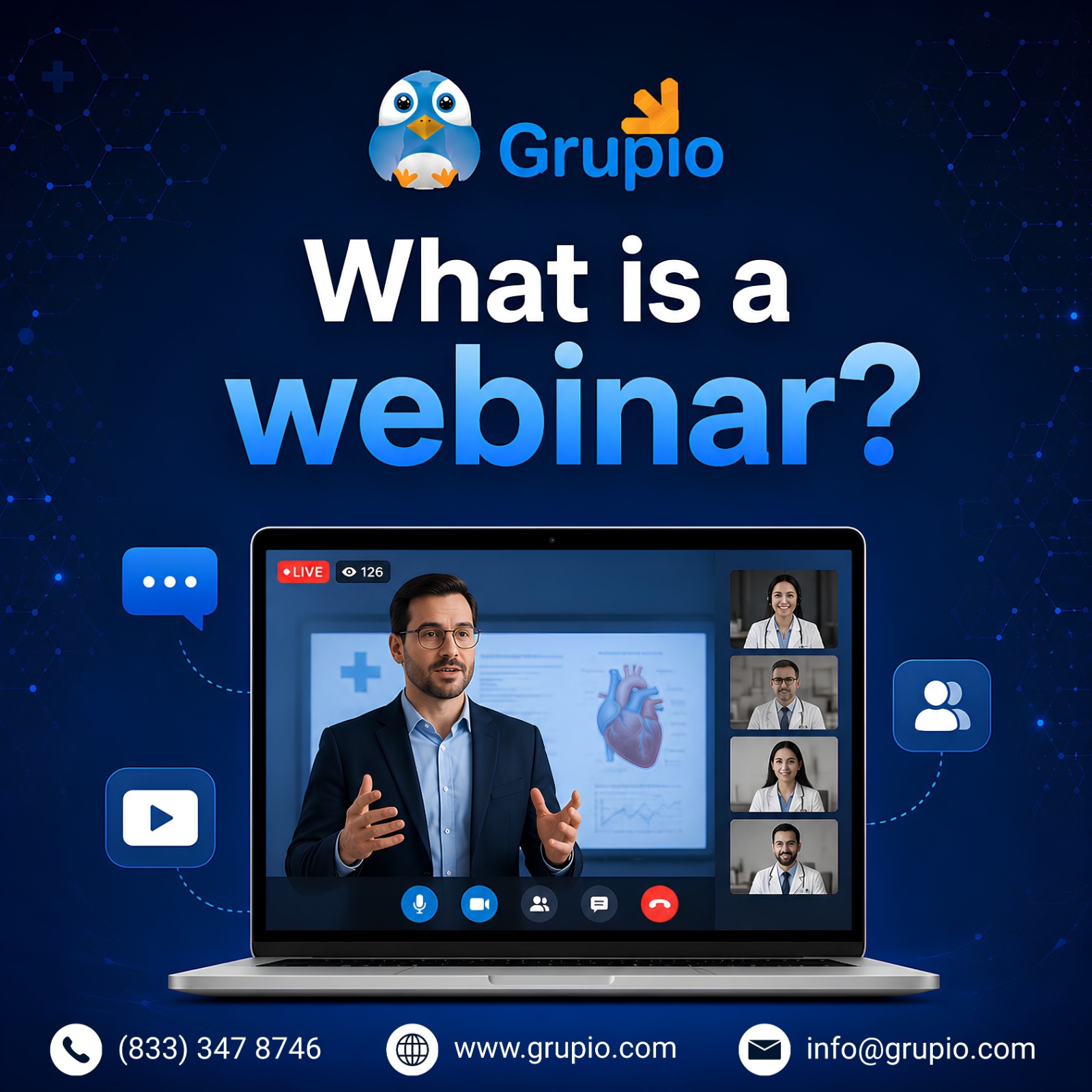
Stripped to basics, the webinar meaning is straightforward: a scheduled online presentation, training, or panel delivered live or on demand to a registered audience. The word itself is a mash-up of “web” and “seminar.” One or a few hosts present; the audience watches, asks questions, and chimes in through polls or chat.
It helps to be clear on how a webinar differs from other formats organizers sometimes confuse it with. A standard Zoom meeting puts everyone on roughly equal footing, where multiple people speak, share screens, and turn cameras on at will. A Zoom webinar flips that script. Presenters stay on a controlled stage; attendees join as viewers with limited interaction. That asymmetry stops mattering when you’re hosting 20 people, but it matters enormously at 200 or 2,000.
Webinars also sit apart from broader virtual events. A virtual event might span multiple tracks across two days, with sponsors and breakouts woven in. A webinar is usually one session, one topic, one outcome.
For example, a small consulting firm may prioritize ease of use and affordability, while an enterprise software company may care more about CRM integrations and advanced analytics. That’s why the best webinar platform often depends on what you’re trying to accomplish rather than a single feature list.
Getting clear on webinar meaning matters before you start picking tools or building a promotion plan. The webinar meaning has shifted over the past decade from a basic online presentation format into a full lead-generation and audience-engagement channel. Many webinar platforms now bake registration, analytics, and engagement features directly into the product to support modern webinar marketing efforts.
How to Host a Webinar?
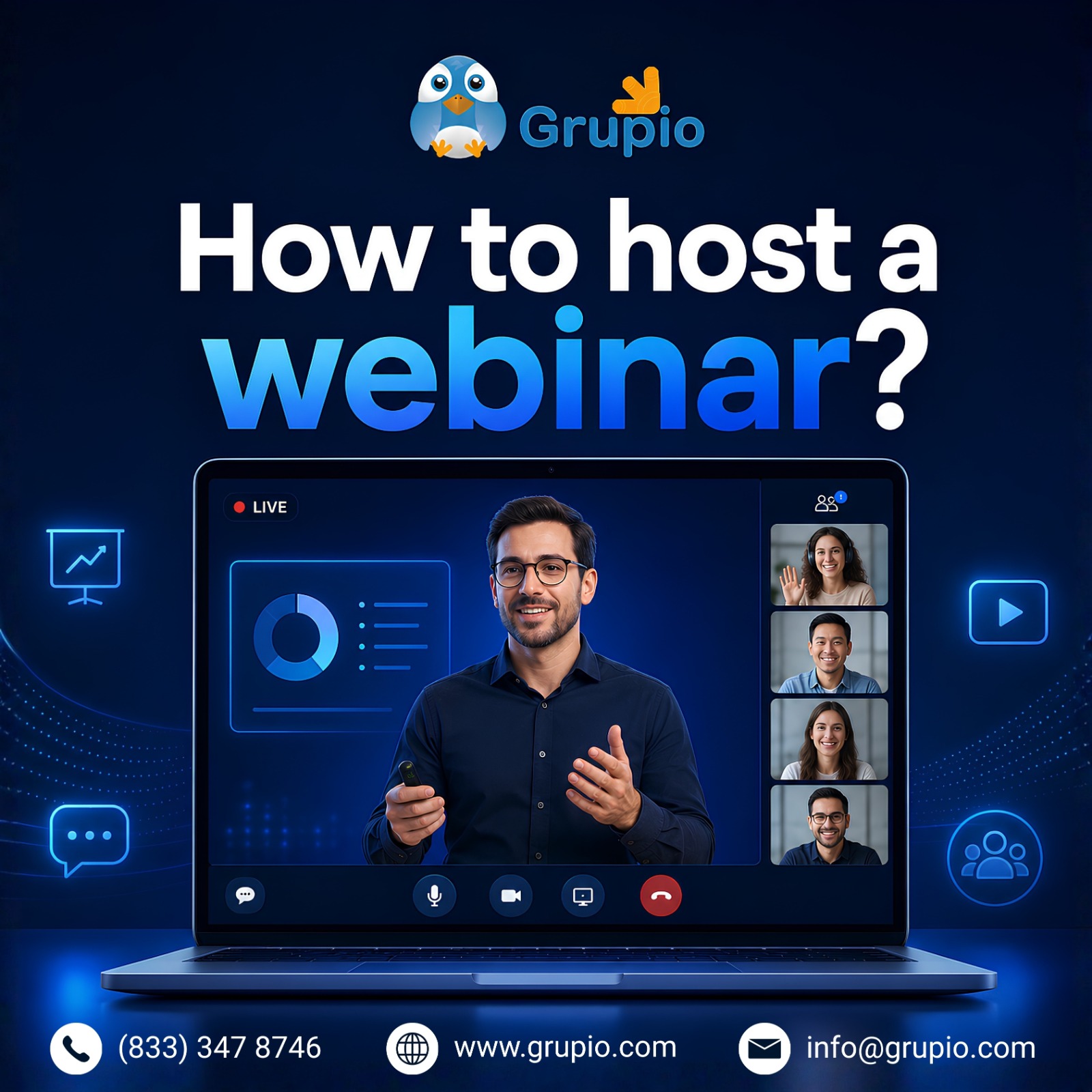
Most successful webinars are won before they even begin. The planning, promotion, and testing stages quietly do more for attendance than the live session itself ever will.
- Choose the right webinar hosting platform. ON24 leans into enterprise lead generation. Zoom Webinar suits teams already living inside Zoom. Demio and Livestorm tend to fit smaller, marketing-led sessions where branding and polish matter more than analytics depth. Match the tool to the use case, not the other way around.
- Pick a topic that solves a real problem. Specific titles like “How to Cut Your Email Unsubscribe Rate by Half” pull motivated audiences. Vague ones like “Marketing Trends to Watch” pull the kind of registrants who don’t bother to show.
- Choose speakers who can hold attention. Subject matter expertise is necessary but not sufficient. On-camera presence matters just as much. A brilliant engineer who reads slides word-for-word will lose half the room by minute fifteen, no matter how strong the content.
- Schedule for your audience. B2B sessions tend to perform best Tuesday through Thursday between 10 AM and 2 PM in the audience’s primary time zone. Mondays are catch-up days. Friday afternoons are write-offs. Plan accordingly.
- Promote across channels. Email remains the workhorse, but LinkedIn posts, sponsor pushes, and partner mentions consistently move the needle. Treat each channel as a distinct lever, not a redundant one.
- Test the technology beforehand. Run a full dress rehearsal at least 48 hours out, using the same hardware and the same webinar hosting platform you’ll use live. Most webinar disasters trace back to a single setting that nobody tested under realistic conditions.
When evaluating webinar platforms, compare attendee limits, engagement features, analytics depth, and integration options. The best webinar platform for a five-person marketing team will look nothing like the best webinar platforms used by Fortune 500 enterprises. If your audience already lives inside Zoom, running a Zoom webinar often cuts friction and lifts attendance simply because nobody has to install something new.
How to Create a Signup Page Link for Your Webinar
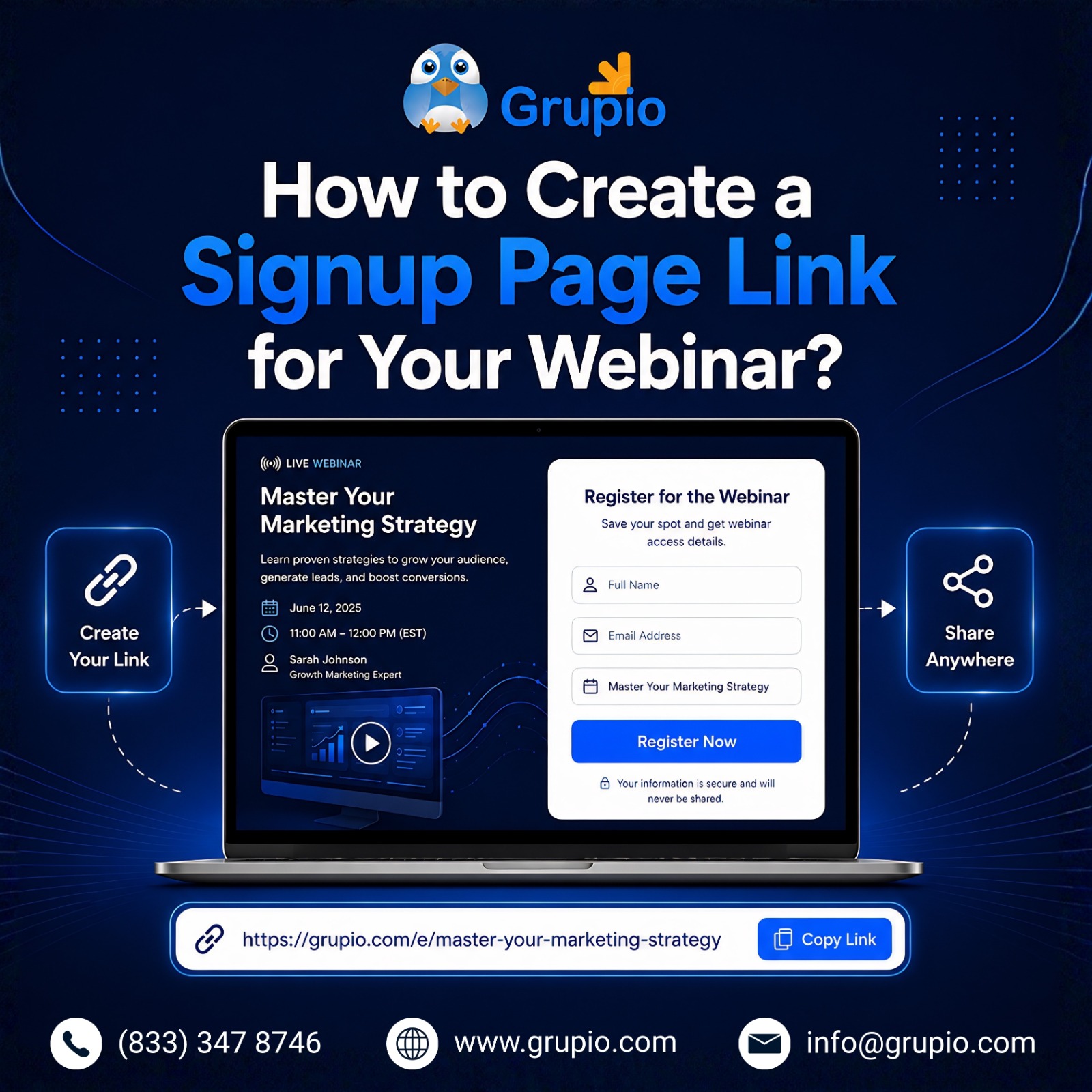
Your signup page does more work than people give it credit for. It’s the conversion point where webinar marketing turns into actual registrations on a list you can email.
Inside Zoom Webinar, enable the registration option when scheduling the session. The platform generates a unique link you can share by email, post on LinkedIn, or embed on your website. Most other tools work the same way with minor variations.
Collect only the attendee information you genuinely need. Name and email are non-negotiable. Job title and company size help if you’re scoring B2B leads downstream. Anything past five fields starts cutting into your conversion rate.
Optimize for clarity. A page that loads fast, states the value in the first line, and asks for minimal information will outperform a polished but cluttered one every time. Always add automatic calendar reminders. Even the best webinar marketing strategy can’t save you if half your registrants forget the event is on their calendar.
A strong webinar marketing strategy starts at the registration page. If you’re figuring out how to market a webinar effectively, focus on clear messaging, speaker credibility, and a frictionless signup flow. Most webinar marketing services I’ve seen push hard on landing page optimization for exactly this reason: it shapes everything downstream.
Top 6 Strategies to Increase Attendance in Your Webinar
Registrations are flattering. Live attendance is the metric that pays rent. Industry averages put show-up rates at 35-50% of registrants, leaving a wide gap that most teams could close with disciplined execution. These six tactics consistently increase that number.
1. Provide Multiple Convenient Viewing Options
Different attendees need different access modes. Most B2B audiences still join from a laptop at their desk, but a meaningful share watches on mobile while between meetings or commuting.
- Desktop: Optimize slides for 16:9 widescreen.
- Mobile: Test slide readability on a 6-inch screen before going live.
- On-demand replay: Make recordings available within 24 hours.
- Accessibility: Enable automatic captions and provide transcripts.
Leading webinar platforms keep refining mobile viewing with regular updates. Worth checking what’s shipped in the last quarter for whichever tool you’re using.
2. Give Your Webinar an Attention-Grabbing Title
Even excellent webinar content struggles when the title fails to spark curiosity. Strong titles do three things at once: they lead with a specific benefit, hint at something the reader doesn’t already know, and target a defined audience. This can help you increase your webinar attendance.
Weak: Marketing Best Practices for 2026
Strong: 5 Email Subject Lines That Doubled Our Open Rates Last Quarter
Specificity does the heavy lifting. Audiences scan webinar titles the same way they scan article headlines, which means generic phrasing gets skipped before you’ve finished the first promo email.
3. Create a Detailed Registration Page
Your registration page needs to give visitors enough reason to commit:
- Speaker information with photos, titles, and credentials
- A clear agenda showing what gets covered in each segment
- Three to five learning outcomes
- Social proof such as testimonials or recognizable logos
- A simple, mobile-friendly registration form
This is the spot where most marketers under-invest, often badly. If you want to market a webinar effectively, start by treating the registration page as your single most important asset and budget for it accordingly.
4. Send Reminders Before the Webinar
A reminder sequence is the highest-leverage tactic on the list. Most teams send too few reminders, not too many:
- Confirmation email immediately after registration
- One-week reminder with agenda highlights
- 24-hour reminder with the join link
- One-hour reminder, especially for mid-day sessions
- Optional SMS reminder 15 minutes before start
This is where a marketing automation webinar workflow earns its keep. Build the sequence once in HubSpot, Marketo, or Pardot, and every future event inherits the same lift without anyone having to touch it again.
5. Use Lightning Talk Format to Increase Webinar Attendance
A lightning talk runs 5 to 10 minutes, covers one focused idea, and ends crisply. String three or four together with a moderator, and you’ve got a 45-minute session that respects modern attention spans rather than fighting them.
Attention spans keep shrinking, and shorter, sharper presentations often outperform traditional hour-long lectures. Audiences trained on short-form video have far less patience for extended monologues than they did even five years ago. Lightning talks force speakers to cut filler, deliver one strong point, and step aside. That’s usually a feature, not a bug.
6. Leverage Interactivity to Keep Users Engaged
Webinar attendees stay engaged when they have actual opportunities to participate. Bake interaction into the run sheet from the start, not as an afterthought:
- Polls every 8 to 10 minutes to break monotony
- Q&A windows where the host pauses to read questions
- Chat moderation so peer conversation happens alongside the main session
- Surveys at close to capture feedback
- Gamification, like quiz points or badges for active participants
Teams running high-volume programs sometimes bring in external webinar marketing services to handle moderation and the engagement layer. Either way, internal or outsourced, plan the interactive moments before the day of the event, not in the middle of it.
A Checklist to increase Your Webinar Attendance
Send this short checklist to registrants 24 hours before the event. It cuts no-shows and reduces day-of confusion more than you’d expect.
- Registration confirmed and join link saved
- Event added to calendar with reminder set
- Audio and video tested on the device you plan to use
- Internet connection checked (wired or strong Wi-Fi)
- Questions prepared in advance
- Notes app or notebook ready
Conclusion
Increasing webinar attendance in 2026 is mostly about getting the fundamentals right. Choose webinar platforms that match your audience, design a registration page that converts, run an effective reminder sequence, and make the live session genuinely worth attending.
Whether your team runs sessions on Zoom Webinar, ON24, or another platform, the playbook stays the same. The teams that consistently increase webinar attendence treat each session like a small product launch, not a recurring calendar block.
If your webinar program sits inside a broader event strategy that also includes in-person conferences or trade shows, that’s where Grupio fits. Grupio is an event app platform for in-person and hybrid events, often used by the same teams that run year-round webinar programs. If extending webinar audience relationships into your live events through a branded conference app sounds useful, Grupio’s team is worth a conversation.
Frequently Asked Questions
Is webinar a good way to attract leads?
Yes, and the numbers back it up. Webinars consistently rank among the highest-converting lead-generation channels in B2B marketing. The mix of registration intent, sustained attention time, and direct prospect interaction produces better-qualified leads than most gated content ever will.
How can I market my upcoming webinar?
Build a multi-channel promotional plan three to four weeks out. Email your existing list with a benefit-led pitch, not a feature dump. Post on LinkedIn from both your company page and your speakers’ personal profiles, since personal posts pull five to ten times the reach. Ask partners or sponsors to share with their audiences.
How to create a webinar signup link on Zoom?
Inside your Zoom account, head to Webinars, click Schedule a Webinar, fill in the details, then enable Registration Required before saving. Zoom generates a unique link you can share by email, post on social, or embed on your site. The platform automatically spins up an attendee-tracking dashboard. The free webinar platform tier handles basic functionality fine, but larger audiences and advanced features require the paid add-on.
How long should a webinar be?
Aim for 30 to 45 minutes total, including Q&A. Anything past an hour sees sharp drop-offs in live attention, with audiences leaving in waves after the 45-minute mark. The 30-minute slot works well for tactical, single-topic sessions. The 60-minute slot fits panel discussions or product walkthroughs that genuinely need the runway.
How to make attendees more attentive for my webinar?
Active engagement starts with the run sheet, not the recording. Open with a question or a poll inside the first three minutes to set the tone early. Run a poll every 8 to 10 minutes to break monotony. Pause for real Q&A at planned points throughout, not just at the end.