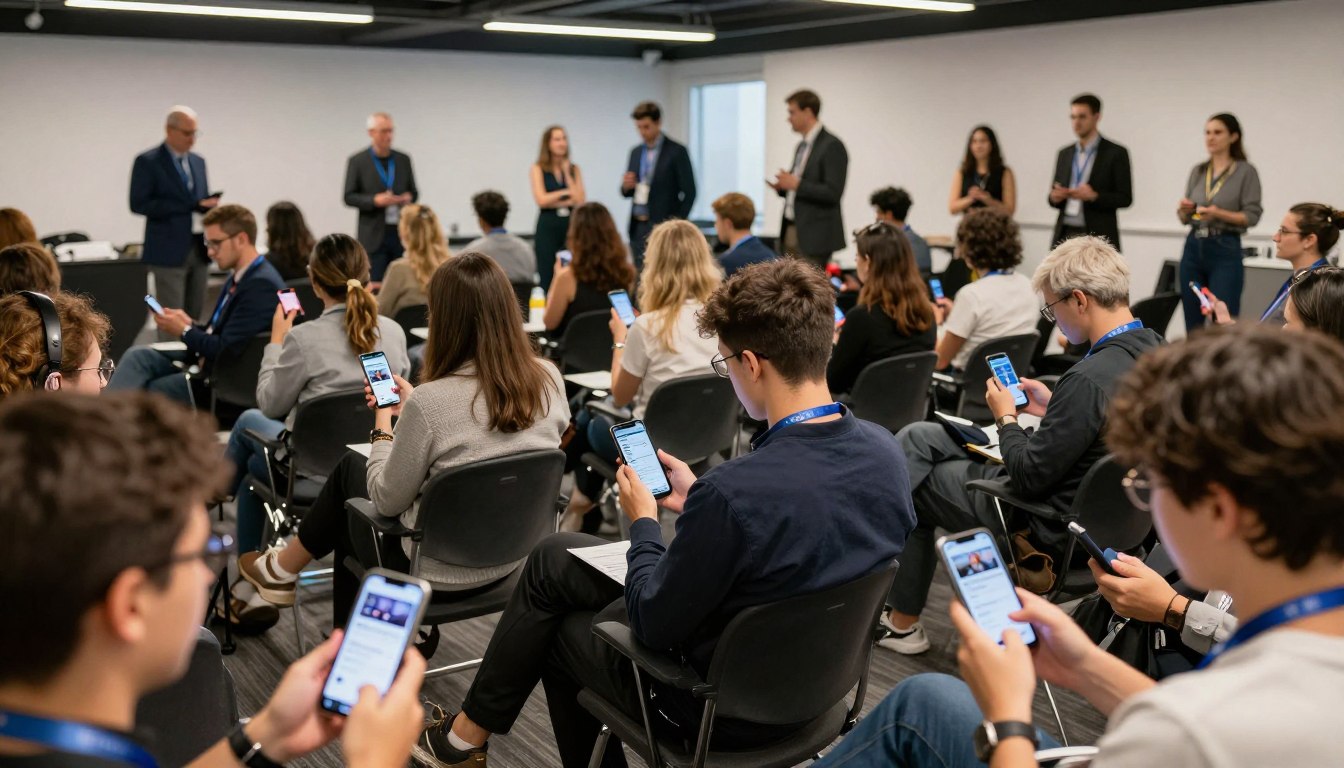
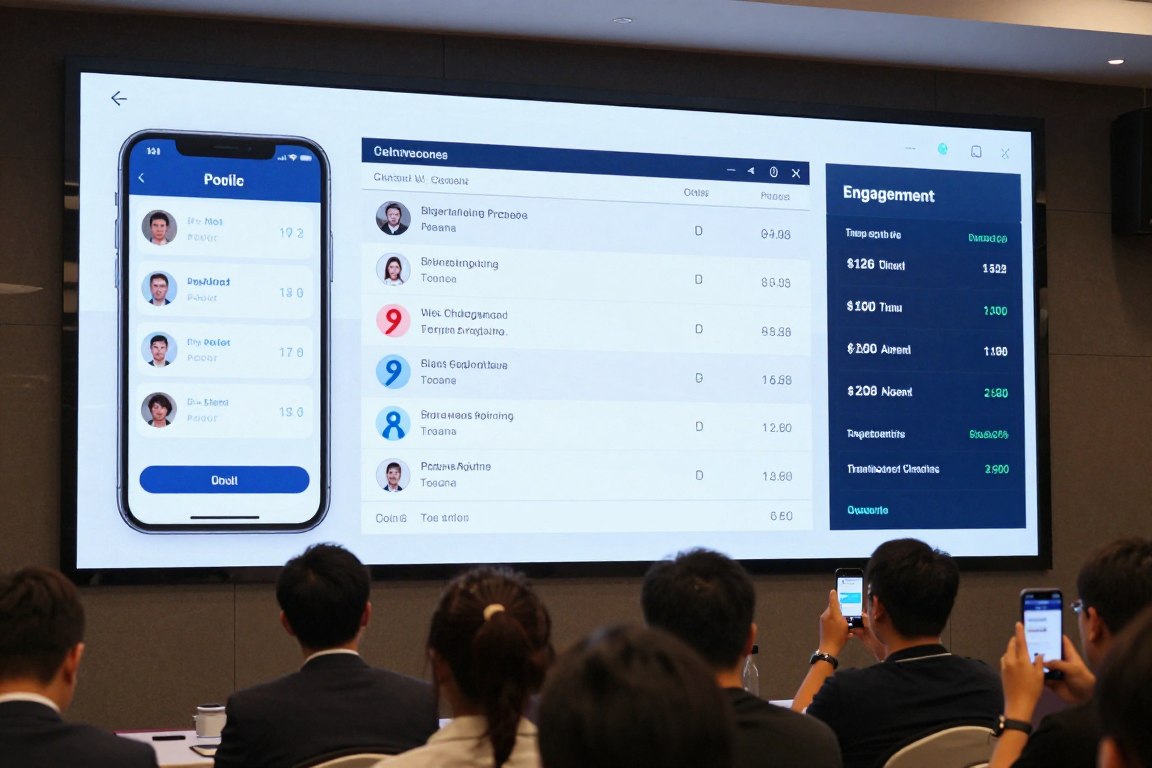
How to Increase Webinar Attendance in 2026: A Proven Strategy

Anyone running webinars at scale will tell you the same thing: getting people to register has never been the hard part. Getting them to actually show up is where the work happens. Inboxes have gotten louder, calendars are stacked tighter than they were three years ago, and most B2B audiences have sat through enough flat online sessions to default to “maybe later.” Let’s understand how you can increase your webinar attendance through powerful strategies

If you’re handling webinar marketing inside a SaaS company, an association, or an enterprise team, the question has shifted from how to fill the registration form to how to keep half those registrants from quietly disappearing on the day.

Modern webinar platforms hand you plenty of tools. The strategy still has to come from you.

This guide walks through what a webinar actually is, how to host one without the usual chaos, how to build a signup page that converts, and six tactics that genuinely lift attendance in 2026.

What is a Webinar?

What_Is_Webinar

Stripped to basics, the webinar meaning is straightforward: a scheduled online presentation, training, or panel delivered live or on demand to a registered audience. The word itself is a mash-up of “web” and “seminar.” One or a few hosts present; the audience watches, asks questions, and chimes in through polls or chat.

It helps to be clear on how a webinar differs from other formats organizers sometimes confuse it with. A standard Zoom meeting puts everyone on roughly equal footing, where multiple people speak, share screens, and turn cameras on at will. A Zoom webinar flips that script. Presenters stay on a controlled stage; attendees join as viewers with limited interaction. That asymmetry stops mattering when you’re hosting 20 people, but it matters enormously at 200 or 2,000.

Webinars also sit apart from broader virtual events. A virtual event might span multiple tracks across two days, with sponsors and breakouts woven in. A webinar is usually one session, one topic, one outcome.

For example, a small consulting firm may prioritize ease of use and affordability, while an enterprise software company may care more about CRM integrations and advanced analytics. That’s why the best webinar platform often depends on what you’re trying to accomplish rather than a single feature list.

Getting clear on webinar meaning matters before you start picking tools or building a promotion plan. The webinar meaning has shifted over the past decade from a basic online presentation format into a full lead-generation and audience-engagement channel. Many webinar platforms now bake registration, analytics, and engagement features directly into the product to support modern webinar marketing efforts.

How to Host a Webinar?

How_To_Host_Webinar

Most successful webinars are won before they even begin. The planning, promotion, and testing stages quietly do more for attendance than the live session itself ever will.

  • Choose the right webinar hosting platform. ON24 leans into enterprise lead generation. Zoom Webinar suits teams already living inside Zoom. Demio and Livestorm tend to fit smaller, marketing-led sessions where branding and polish matter more than analytics depth. Match the tool to the use case, not the other way around.
  • Pick a topic that solves a real problem. Specific titles like “How to Cut Your Email Unsubscribe Rate by Half” pull motivated audiences. Vague ones like “Marketing Trends to Watch” pull the kind of registrants who don’t bother to show.
  • Choose speakers who can hold attention. Subject matter expertise is necessary but not sufficient. On-camera presence matters just as much. A brilliant engineer who reads slides word-for-word will lose half the room by minute fifteen, no matter how strong the content.
  • Schedule for your audience. B2B sessions tend to perform best Tuesday through Thursday between 10 AM and 2 PM in the audience’s primary time zone. Mondays are catch-up days. Friday afternoons are write-offs. Plan accordingly.
  • Promote across channels. Email remains the workhorse, but LinkedIn posts, sponsor pushes, and partner mentions consistently move the needle. Treat each channel as a distinct lever, not a redundant one.
  • Test the technology beforehand. Run a full dress rehearsal at least 48 hours out, using the same hardware and the same webinar hosting platform you’ll use live. Most webinar disasters trace back to a single setting that nobody tested under realistic conditions.

When evaluating webinar platforms, compare attendee limits, engagement features, analytics depth, and integration options. The best webinar platform for a five-person marketing team will look nothing like the best webinar platforms used by Fortune 500 enterprises. If your audience already lives inside Zoom, running a Zoom webinar often cuts friction and lifts attendance simply because nobody has to install something new.

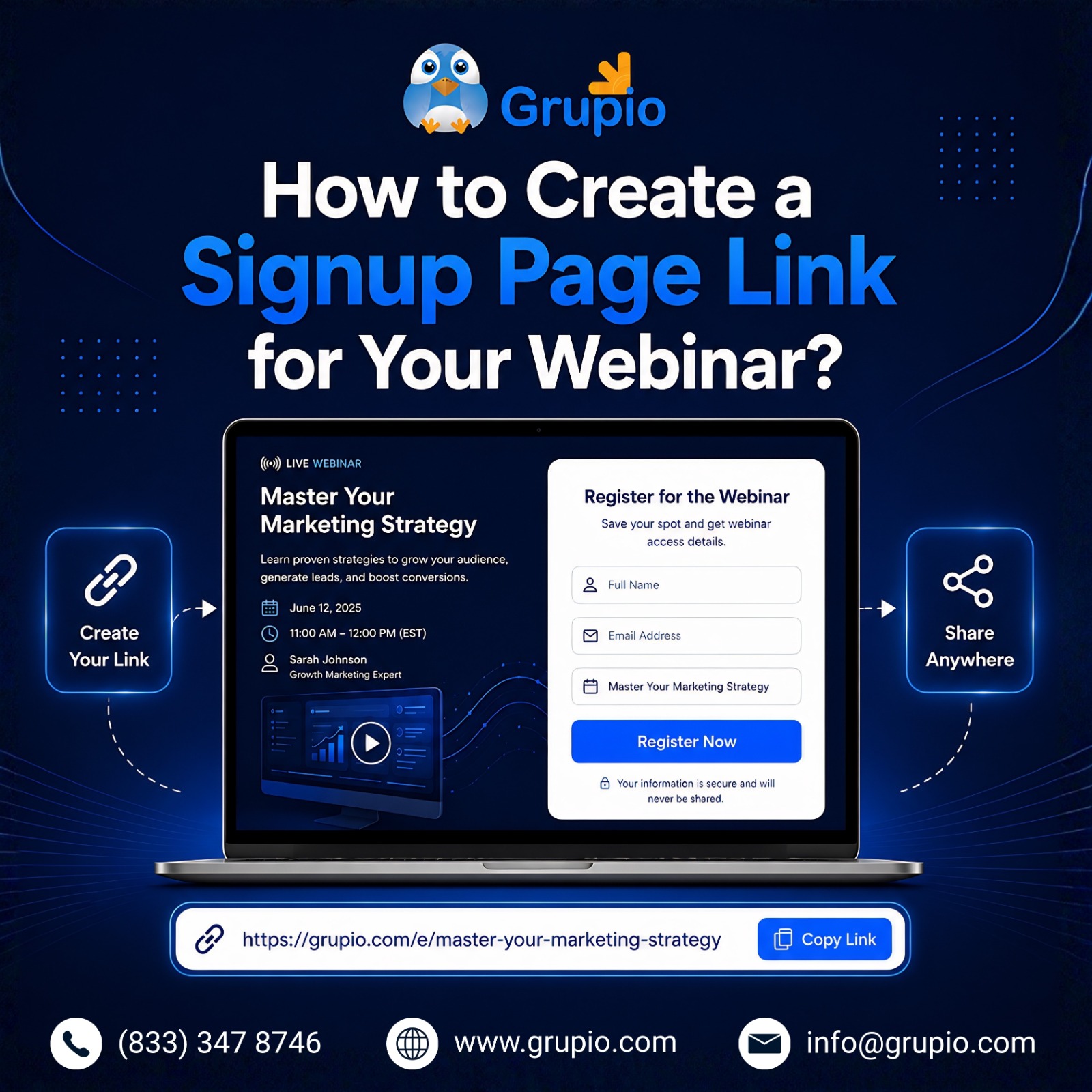
How to Create a Signup Page Link for Your Webinar

How_to_Create_a_Signup_Page_link

Your signup page does more work than people give it credit for. It’s the conversion point where webinar marketing turns into actual registrations on a list you can email.

Inside Zoom Webinar, enable the registration option when scheduling the session. The platform generates a unique link you can share by email, post on LinkedIn, or embed on your website. Most other tools work the same way with minor variations.

Collect only the attendee information you genuinely need. Name and email are non-negotiable. Job title and company size help if you’re scoring B2B leads downstream. Anything past five fields starts cutting into your conversion rate.

Optimize for clarity. A page that loads fast, states the value in the first line, and asks for minimal information will outperform a polished but cluttered one every time. Always add automatic calendar reminders. Even the best webinar marketing strategy can’t save you if half your registrants forget the event is on their calendar.

A strong webinar marketing strategy starts at the registration page. If you’re figuring out how to market a webinar effectively, focus on clear messaging, speaker credibility, and a frictionless signup flow. Most webinar marketing services I’ve seen push hard on landing page optimization for exactly this reason: it shapes everything downstream.

Top 6 Strategies to Increase Attendance in Your Webinar

Top_6_Strategies_to_Increase

Registrations are flattering. Live attendance is the metric that pays rent. Industry averages put show-up rates at 35-50% of registrants, leaving a wide gap that most teams could close with disciplined execution. These six tactics consistently increase that number.

1. Provide Multiple Convenient Viewing Options

Different attendees need different access modes. Most B2B audiences still join from a laptop at their desk, but a meaningful share watches on mobile while between meetings or commuting.

  • Desktop: Optimize slides for 16:9 widescreen.
  • Mobile: Test slide readability on a 6-inch screen before going live.
  • On-demand replay: Make recordings available within 24 hours.
  • Accessibility: Enable automatic captions and provide transcripts.

Leading webinar platforms keep refining mobile viewing with regular updates. Worth checking what’s shipped in the last quarter for whichever tool you’re using.

2. Give Your Webinar an Attention-Grabbing Title

Even excellent webinar content struggles when the title fails to spark curiosity. Strong titles do three things at once: they lead with a specific benefit, hint at something the reader doesn’t already know, and target a defined audience. This can help you increase your webinar attendance.

Weak: Marketing Best Practices for 2026

Strong: 5 Email Subject Lines That Doubled Our Open Rates Last Quarter

Specificity does the heavy lifting. Audiences scan webinar titles the same way they scan article headlines, which means generic phrasing gets skipped before you’ve finished the first promo email.

3. Create a Detailed Registration Page

Your registration page needs to give visitors enough reason to commit:

  • Speaker information with photos, titles, and credentials
  • A clear agenda showing what gets covered in each segment
  • Three to five learning outcomes
  • Social proof such as testimonials or recognizable logos
  • A simple, mobile-friendly registration form

This is the spot where most marketers under-invest, often badly. If you want to market a webinar effectively, start by treating the registration page as your single most important asset and budget for it accordingly.

4. Send Reminders Before the Webinar

A reminder sequence is the highest-leverage tactic on the list. Most teams send too few reminders, not too many:

  • Confirmation email immediately after registration
  • One-week reminder with agenda highlights
  • 24-hour reminder with the join link
  • One-hour reminder, especially for mid-day sessions
  • Optional SMS reminder 15 minutes before start

This is where a marketing automation webinar workflow earns its keep. Build the sequence once in HubSpot, Marketo, or Pardot, and every future event inherits the same lift without anyone having to touch it again.

5. Use Lightning Talk Format to Increase Webinar Attendance

A lightning talk runs 5 to 10 minutes, covers one focused idea, and ends crisply. String three or four together with a moderator, and you’ve got a 45-minute session that respects modern attention spans rather than fighting them.

Attention spans keep shrinking, and shorter, sharper presentations often outperform traditional hour-long lectures. Audiences trained on short-form video have far less patience for extended monologues than they did even five years ago. Lightning talks force speakers to cut filler, deliver one strong point, and step aside. That’s usually a feature, not a bug.

6. Leverage Interactivity to Keep Users Engaged

Webinar attendees stay engaged when they have actual opportunities to participate. Bake interaction into the run sheet from the start, not as an afterthought:

  • Polls every 8 to 10 minutes to break monotony
  • Q&A windows where the host pauses to read questions
  • Chat moderation so peer conversation happens alongside the main session
  • Surveys at close to capture feedback
  • Gamification, like quiz points or badges for active participants

Teams running high-volume programs sometimes bring in external webinar marketing services to handle moderation and the engagement layer. Either way, internal or outsourced, plan the interactive moments before the day of the event, not in the middle of it.

A Checklist to increase Your Webinar Attendance

Send this short checklist to registrants 24 hours before the event. It cuts no-shows and reduces day-of confusion more than you’d expect.

  • Registration confirmed and join link saved
  • Event added to calendar with reminder set
  • Audio and video tested on the device you plan to use
  • Internet connection checked (wired or strong Wi-Fi)
  • Questions prepared in advance
  • Notes app or notebook ready

Conclusion

Increasing webinar attendance in 2026 is mostly about getting the fundamentals right. Choose webinar platforms that match your audience, design a registration page that converts, run an effective reminder sequence, and make the live session genuinely worth attending.

Whether your team runs sessions on Zoom Webinar, ON24, or another platform, the playbook stays the same. The teams that consistently increase webinar attendence treat each session like a small product launch, not a recurring calendar block.

If your webinar program sits inside a broader event strategy that also includes in-person conferences or trade shows, that’s where Grupio fits. Grupio is an event app platform for in-person and hybrid events, often used by the same teams that run year-round webinar programs. If extending webinar audience relationships into your live events through a branded conference app sounds useful, Grupio’s team is worth a conversation.

Frequently Asked Questions

Is webinar a good way to attract leads?

Yes, and the numbers back it up. Webinars consistently rank among the highest-converting lead-generation channels in B2B marketing. The mix of registration intent, sustained attention time, and direct prospect interaction produces better-qualified leads than most gated content ever will.

How can I market my upcoming webinar?

Build a multi-channel promotional plan three to four weeks out. Email your existing list with a benefit-led pitch, not a feature dump. Post on LinkedIn from both your company page and your speakers’ personal profiles, since personal posts pull five to ten times the reach. Ask partners or sponsors to share with their audiences.

How to create a webinar signup link on Zoom?

Inside your Zoom account, head to Webinars, click Schedule a Webinar, fill in the details, then enable Registration Required before saving. Zoom generates a unique link you can share by email, post on social, or embed on your site. The platform automatically spins up an attendee-tracking dashboard. The free webinar platform tier handles basic functionality fine, but larger audiences and advanced features require the paid add-on.

How long should a webinar be?

Aim for 30 to 45 minutes total, including Q&A. Anything past an hour sees sharp drop-offs in live attention, with audiences leaving in waves after the 45-minute mark. The 30-minute slot works well for tactical, single-topic sessions. The 60-minute slot fits panel discussions or product walkthroughs that genuinely need the runway.

How to make attendees more attentive for my webinar?

Active engagement starts with the run sheet, not the recording. Open with a question or a poll inside the first three minutes to set the tone early. Run a poll every 8 to 10 minutes to break monotony. Pause for real Q&A at planned points throughout, not just at the end.

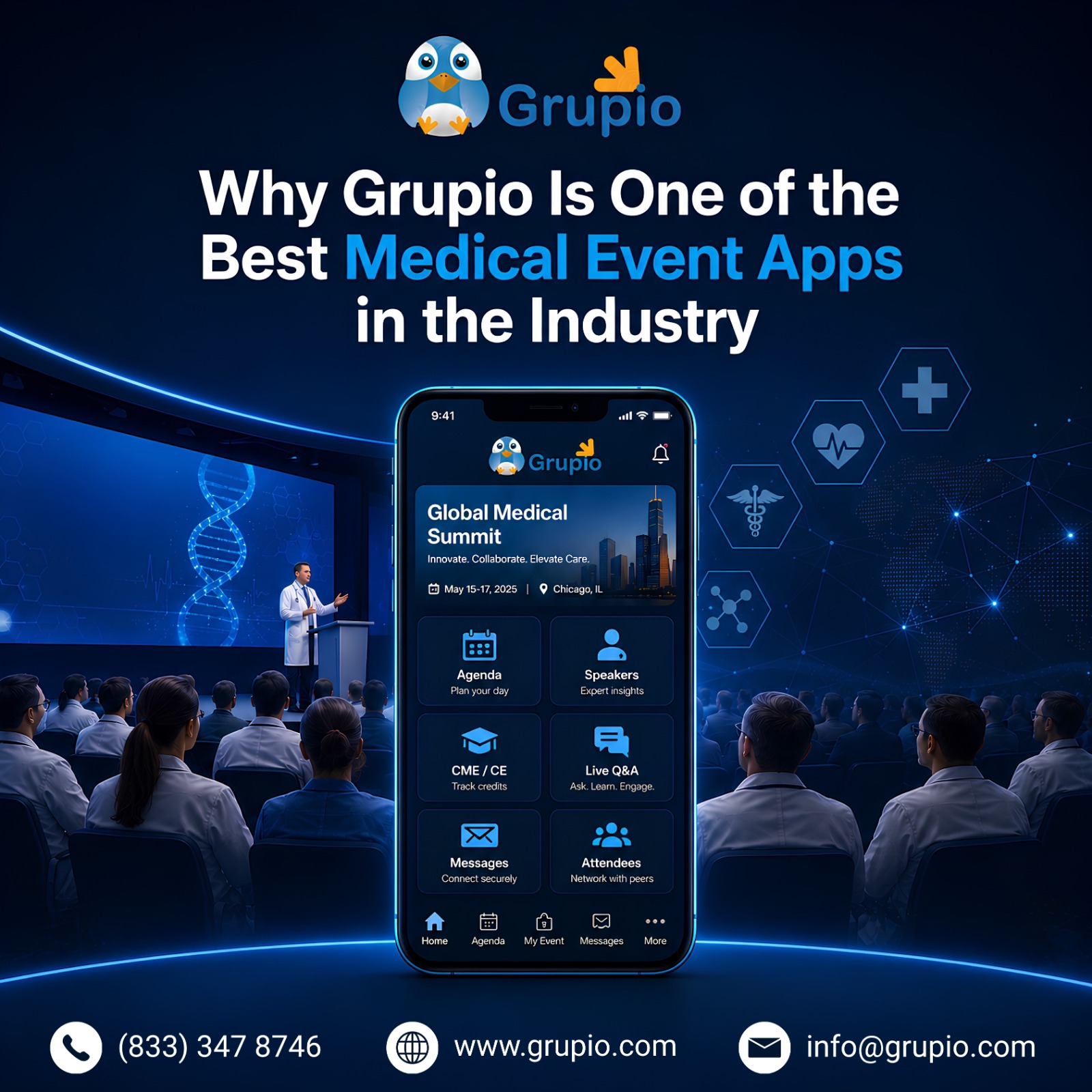
Grupio: Medical Event App Built for CME-Accredited Programs

Picture a 600-attendee medical event of cardiology congress on a Tuesday morning. Five parallel tracks run across three wings of the convention centre. The printed handbook went to the printer ten days ago and is already out of date: two speakers swapped sessions, one room changed, and a satellite symposium moved up by an hour.

Delegates are clinicians with hospital pagers in their coat pockets. They cannot afford to walk into the wrong room. This is the operational reality medical conference apps are built to handle, and it is why platform choice has stopped being optional for CME-accredited programs.

This guide is for organisers evaluating platforms. It covers why generic event apps fall short, the features that matter for CME programming, how attendance tracking actually works, what to ask vendors, and where Grupio fits.

The same logic applies whether you run medical current events for a national specialty society or coordinate CME programming inside an academic medical centre.

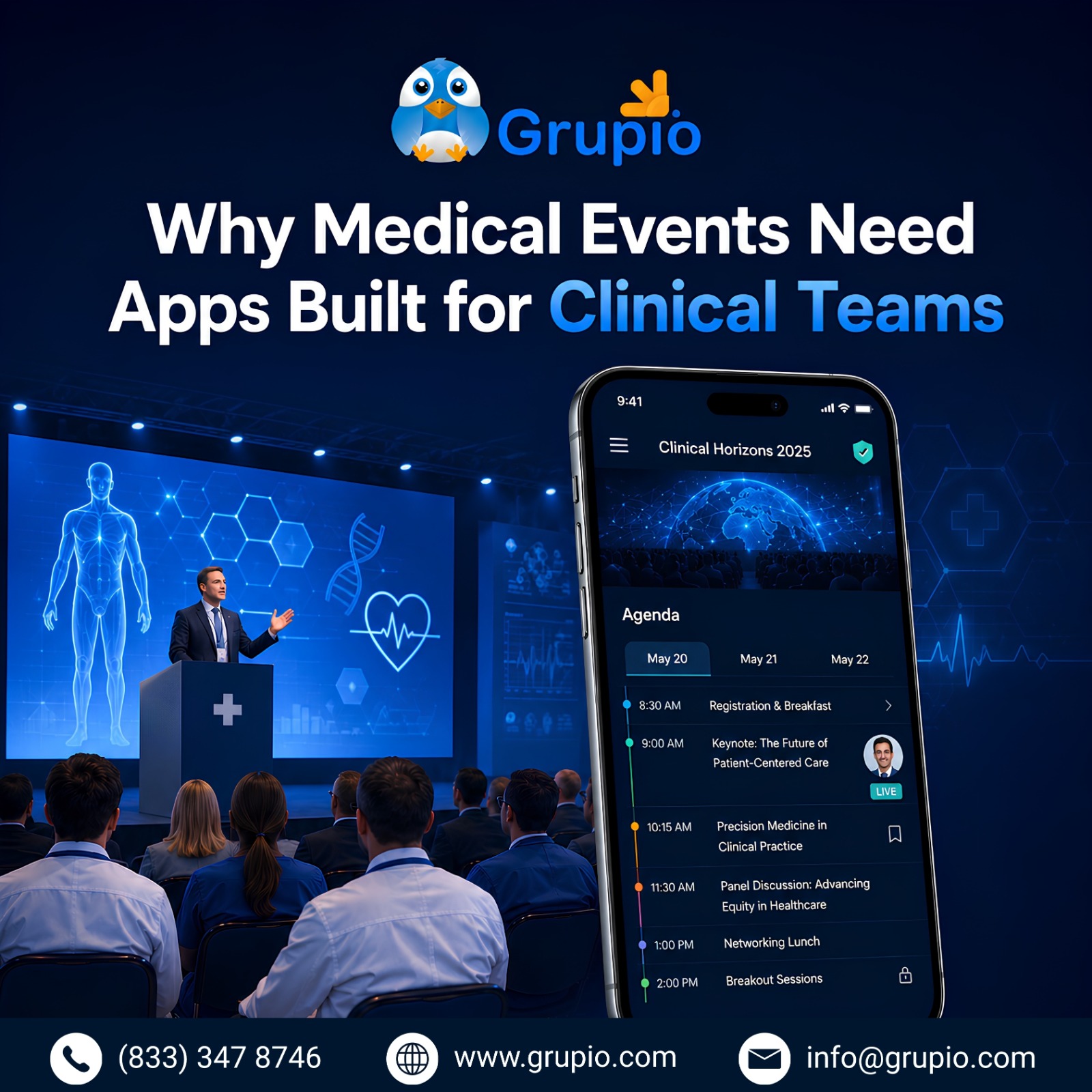
Why Medical Events Need Apps Built for Clinical Teams

Why_Medical_Event_Need_Apps_Built_For_Clinincal_Teams

Generic event apps are built for marketing summits and trade shows. Medical congresses are not those. Four realities make the gap obvious.

1. Density of Content

A national specialty meeting routinely runs five to ten parallel tracks for three to five days, plus poster halls with several hundred contributions and satellite symposia. A standard agenda module designed for a one-track corporate event breaks at this scale.

2. CME Accreditation Requirements

ACCME-accredited events need session-level attendance tracking, preserved credit categories, and audit-ready exports. Most generic apps were never designed to produce these. CME compliance is the single feature most often missing from event platforms marketed as healthcare-ready. Many organisers discover that a generic healthcare event platform cannot support the reporting requirements expected from a continuing medical education app.

3. Clinical Workload and Offline Reality

Delegates are working clinicians. Hospital pagers go off mid-keynote. Convention centre Wi-Fi predictably collapses by mid-morning when hundreds of devices connect simultaneously. An offline event app is not a premium feature here; it is the baseline. Any mobile app for medical events should continue functioning when connectivity drops.

4. Privacy Expectations

Clinical audiences are conservative about data collection. Forced social profiles, mandatory account creation, and attendee tracking drive adoption rates near zero with this group.

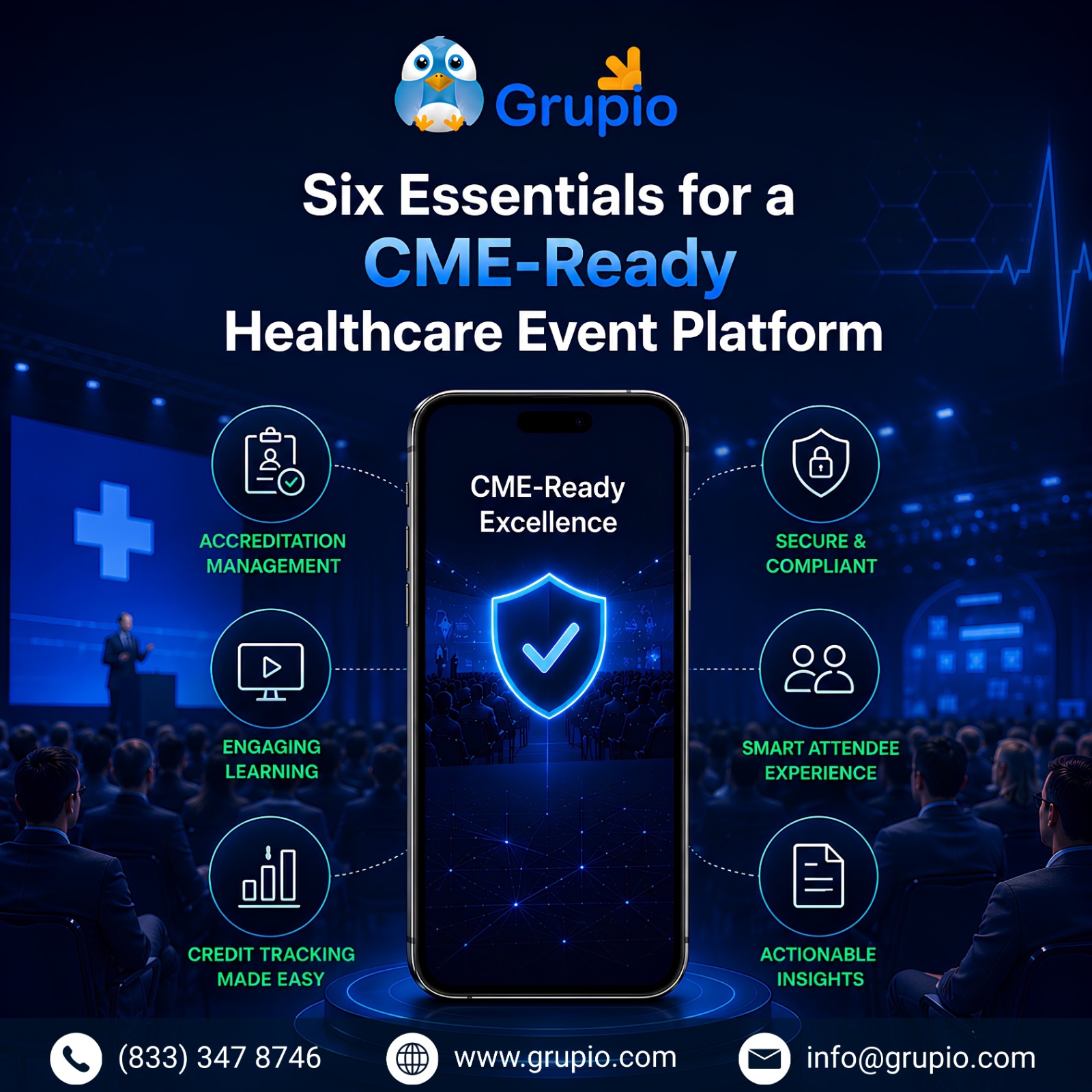
Six Essentials for a CME-Ready Healthcare Event Platform

Six Essentials for a CME-Ready Healthcare Event Platform

Once organisers accept that medical conference apps are a separate category, the question becomes what specifically to require.

1. Session-Level CME Tracking

Attendance has to be recorded against each accredited session individually, not the event as a whole. Credit categories need to be preserved, including AMA PRA Category 1, MOC, and specialty board credits. Certificates should be generated from the credentialed provider’s template rather than a generic vendor template.

2. Offline Access for the Whole Programme

Full agenda, abstracts, speaker bios, and room maps should cache to each delegate’s device on first open. The programme must remain usable in lecture halls, exhibition floors, and conference centres where connectivity is unreliable.

3. Multi-Track Conflict Detection

When a delegate bookmarks overlapping sessions, the personal agenda should flag conflicts at both the day and session level. This is especially important when both sessions offer CME credits.

4. Poster Hall Search

A clinical event app should treat poster halls as searchable, filterable inventories organised by disease area, study phase, or subspecialty.

5. Privacy-First Architecture

  • No mandatory account creation
  • Aggregated usage analytics only
  • Privacy-aware handling of clinical identifiers
  • GDPR readiness for international congresses

6. Integration With Existing Submission Systems

The scientific committee already manages submissions in platforms such as Indico, ConfTool, or society-specific systems. A continuing medical education app should integrate with these systems through clean imports.

How Medical Event Management Software Tracks CME Credits

How Medical Event Management Software Tracks CME Credits

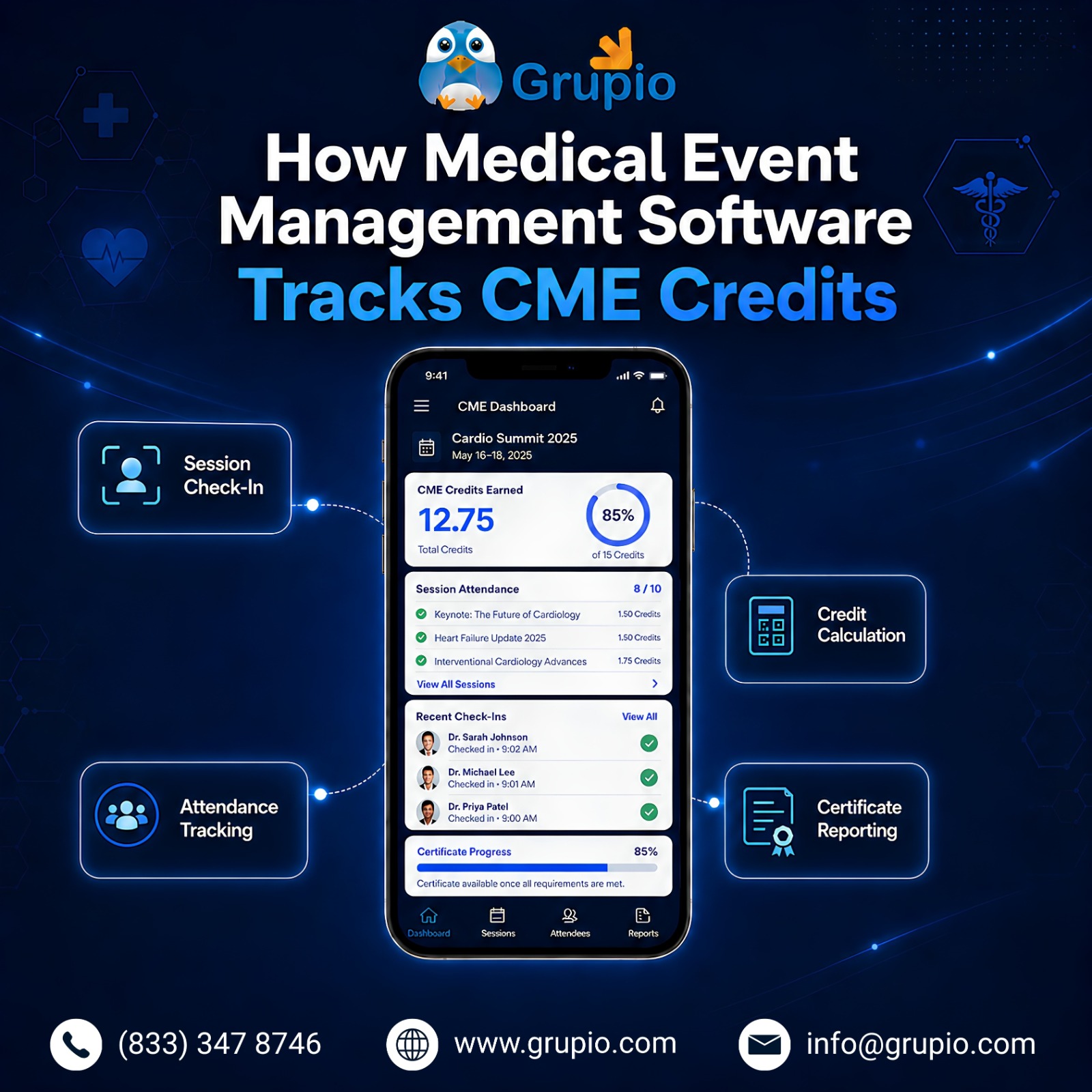
The mechanics matter because this is where most platforms claiming healthcare support actually fall apart. A real medical event management software solution and mobile app for medical events must handle the entire CME lifecycle, from session-level attendance tracking to certificate generation and audit-ready reporting.

CME credits attach to individual sessions during programme import, carried over from the source system without manual re-entry. Delegates check in via QR code or session-level confirmation at the door, which records timestamped attendance against the specific credit category. At event close, the platform exports an attendance log in the format the accrediting body requires, whether that is ACCME PARS, a specialty board template, or a state medical society format.

For organizations managing medical current events throughout the year, automation becomes even more valuable. Event medics, event medical services teams, and coordinators responsible for event medic services often rely on accurate schedules and attendance records to support operational planning around congress activities.

Certificates generate automatically from the credentialed provider’s template. The platform is the automation layer; the accreditation itself stays with the provider. Audit-ready reports compile to a single export rather than a week of spreadsheet stitching across registration, badge scans, and certificate vendors.

This matters more than any delegate-facing feature, because ACCME reaccreditation cycles depend on clean attendance records. A medical conference app that handles the credit chain correctly pays for itself in administrative time, and a mobile app for medical events that gets it wrong creates risk that lasts longer than the event.

What Medical Event Apps Must Prove Before You Buy

How Medical Event Management Software Tracks CME Credits

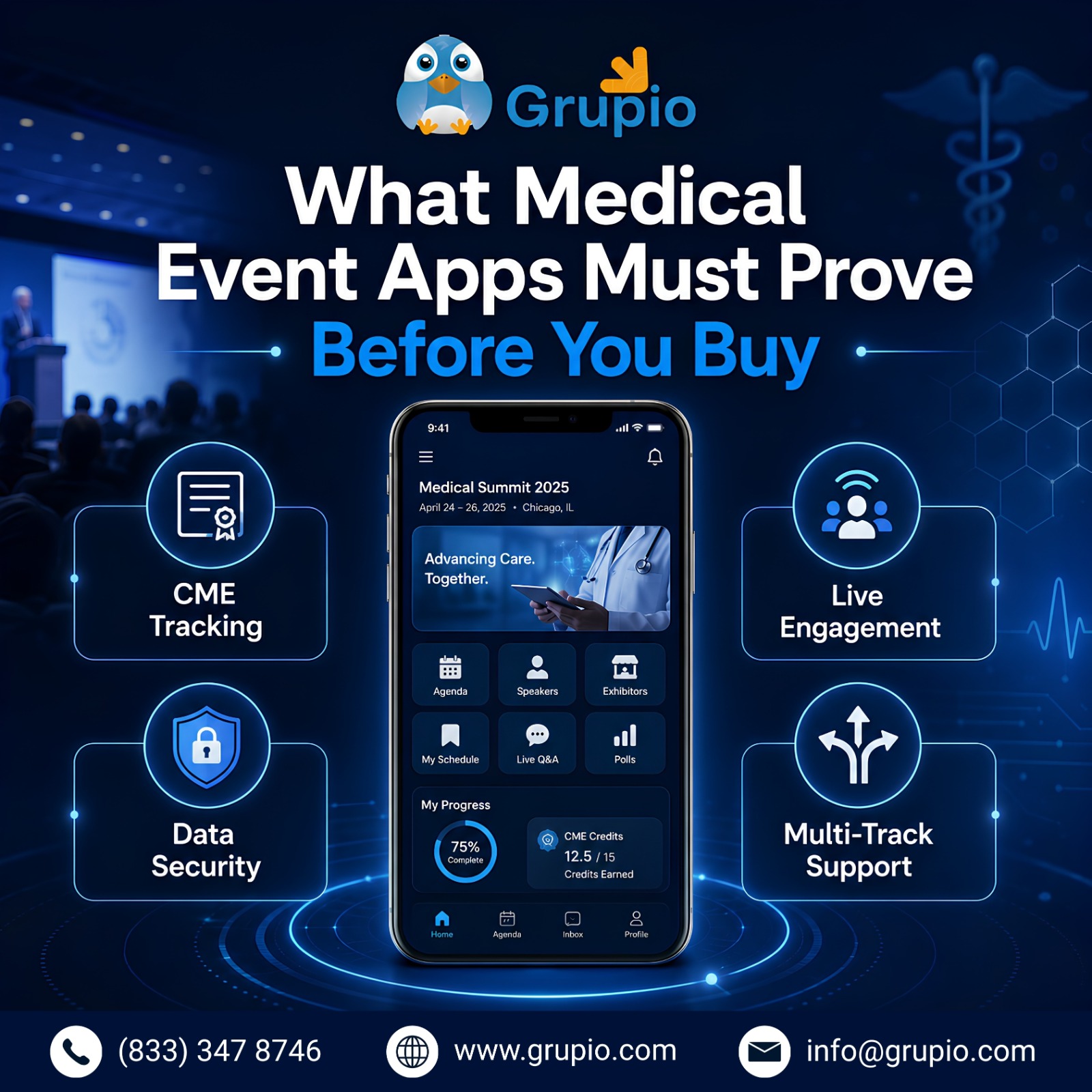
Treat vendor demos as evidence-gathering, not theater. Seven questions separate medical event apps that hold up in production from ones that look polished in a sales call.
Whether the event is a specialty congress, annual meeting, or series of medical current events, organizers should verify that every feature works in a real-world clinical environment.

Is offline mode complete, or partial? Some platforms cache the agenda but leave abstracts, poster lists, or maps online-only. Ask the sales engineer to enable airplane mode mid-demo and navigate live.

Is CME tracking native, or bolted on? Ask to see the actual attendance export format and a sample certificate, not a feature checklist.

What happens with last-minute schedule changes? Real congresses see speaker swaps the morning of. Delta updates should push to delegate devices without requiring a full app rebuild.

Does it require attendee logins? Forced sign-up reliably tanks adoption in clinical audiences.

How does it handle pharma-supported satellite symposia? The boundary between commercial visibility and medical education integrity needs explicit handling.

What is the import path from Indico, ConfTool, or your society’s system? A good healthcare event platform and clinical event app layer on top of the existing scientific workflow, not next to it.

Pricing model. Per-attendee, per-event, or annual? For larger congresses, scale economics shift the answer. Confirm exactly what is included against Grupio’s pricing page before signing.

Where Grupio Fits in the Picture

Where Grupio Fits in the Picture

Grupio has powered CME and healthcare events for over a decade, including specialty society annual meetings, hospital grand rounds programs, and continuing medical education courses. The platform handles parallel tracks, session-level attendance, custom-branded apps, offline functionality, and audit-ready exports without forcing organizers into a second CMS.

For organizations running medical current events, the platform provides a practical way to keep clinicians informed without relying on printed materials. Event medics, event medical services providers, and event medic services teams benefit from the same real-time schedule updates used by attendees and faculty.

Setup runs two to four weeks. Accredited university medical centres qualify for the free university plan, which covers a meaningful share of US CME programming since so much of it runs through academic medical centres. Reviews on G2, Capterra, and the App Store frequently call out the support team by name, which matters when something needs fixing at 7 AM on day one of a congress.

Organisers can review the healthcare and CME solutions page or request a working demo against their actual programme.

Frequently Asked Questions

What Is a Medical Conference App?

A purpose-built mobile app for medical events that handles CME tracking, parallel tracks, offline access, and accreditor-ready reporting. These are features generic event apps lack, which is why medical conference apps exist as a distinct category.

How Do Medical Conference Apps Handle CME Credits?

Credits attach to individual sessions during programme import. Attendance is recorded against each session at check-in, and certificates generate from the credentialed provider’s template at event close. The platform handles automation; the accreditation stays with the provider.

Are Medical Event Apps HIPAA-Compliant?

Most well-designed medical event apps and clinical event app solutions avoid handling protected health information altogether, which is a cleaner answer than chasing certification. They default to privacy-first analytics, support CME compliance requirements, skip mandatory accounts, and produce audit trails aligned with hospital and academic medical center expectations. Confirm specific compliance posture with each vendor before signing.

How Much Do Medical Conference Apps Cost?

Pricing varies widely. Mid-market platforms like Grupio start around $500 to $1,000 per event and scale with attendee count. Enterprise platforms typically run higher with custom annual quotes. Accredited university medical centres may qualify for free plans.

Why CME Events Need the Right Medical Event App Now

Medical conference apps have moved from optional enhancement to required infrastructure for CME-accredited events. The right mobile app for medical events reduces administrative load on the program team, improves the delegate experience for working clinicians, and produces the audit trail accreditation review requires.

Whether you manage large annual congresses, recurring medical current events, or programs supported by event medics, event medical services, and event medic services teams, selecting the right platform has become a strategic decision rather than a technical one.

The worst time to evaluate event technology is two months before a major congress. By then, the scientific programme is locked, the registration system is processing, and the program team has no bandwidth to switch tools.

Organisers ready to walk through Grupio against a specific congress can request a demo. Bring the programme structure, the CME categories in play, and any integration constraints.

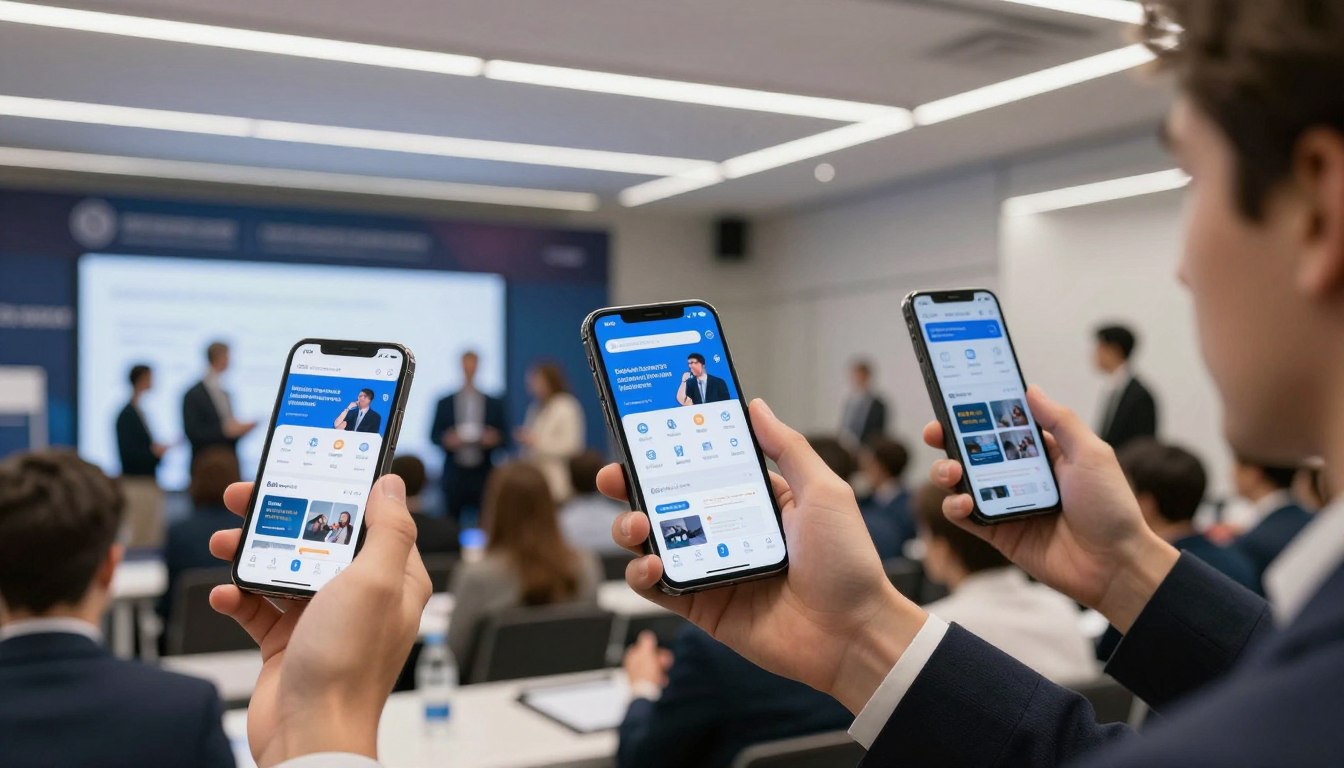
Conference Event Apps: The Smart Organizer’s Toolkit

Planning a successful conference means juggling countless moving parts. From coordinating schedules to keeping attendees engaged, the old way of running events often falls short. Conference event apps have become game-changing tools that simplify every part of event planning while sharply lifting participant engagement.

Today’s event organizers face growing pressure to deliver memorable experiences while keeping costs in check. Printing hundreds of agendas, handling last-minute schedule changes, and tracking engagement by hand creates needless stress. Conference event apps solve these challenges by putting all event information in one place attendees can reach in seconds.

This guide explores how conference event apps reshape event management. You will learn the essential features, smart implementation steps, and practical tips for picking the right platform. Whether you organize corporate meetings, academic conferences, or industry trade shows, understanding mobile event technology helps you create stronger experiences for everyone in the room.

Discover how the right conference event app can save time, reduce costs, and boost attendee engagement at your next event.

Explore Features  |  See Pricing

What Are Conference Event Apps and Why They Matter
What-are-confrence-apps-and-why-do-they-matter

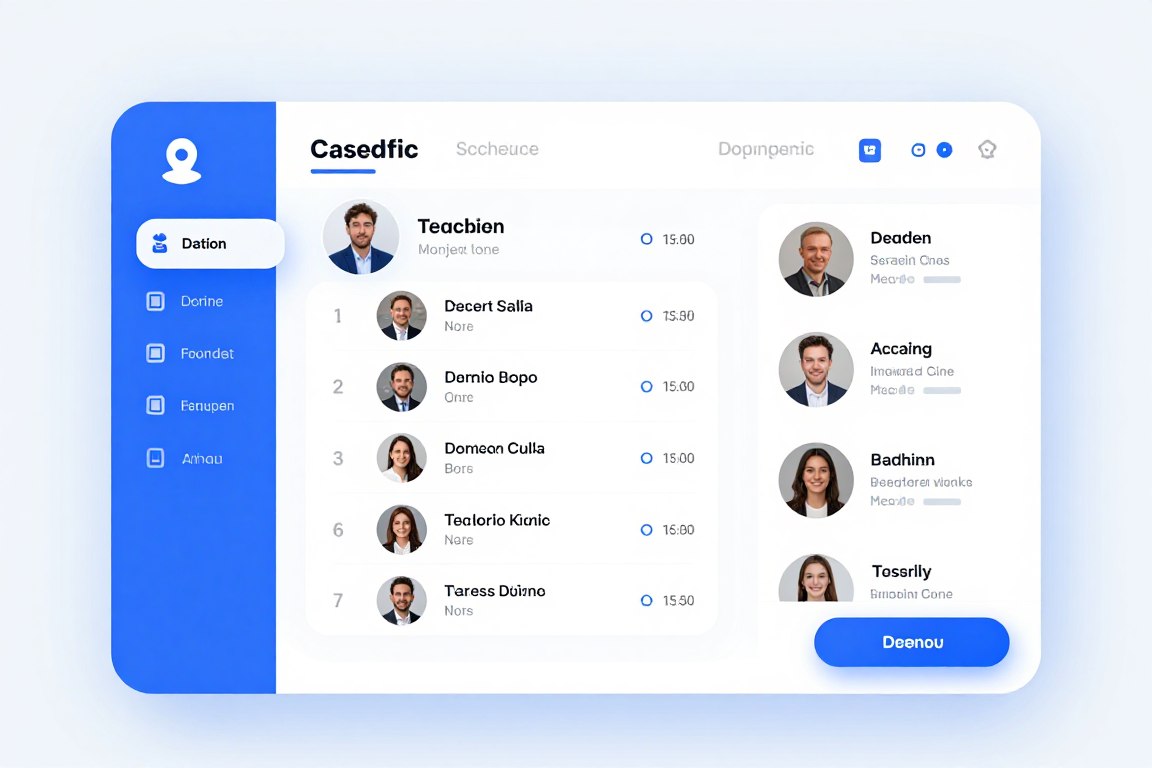
Conference event apps are specialized mobile platforms built to manage every part of conferences, meetings, and corporate events. These applications replace traditional paper materials while adding interactive features that lift the attendee experience. Event organizers can update information instantly, track participation, and help people connect with each other.

The shift toward mobile event solutions reflects broader technology trends. For example, attendees now expect instant access to event details on their smartphones. Apps deliver schedules, speaker bios, venue maps, and networking tools straight to a device people already carry. As a result, satisfaction and engagement both climb.

Core Components of Modern Conference Event Apps
core-component-of-modern-event-apps

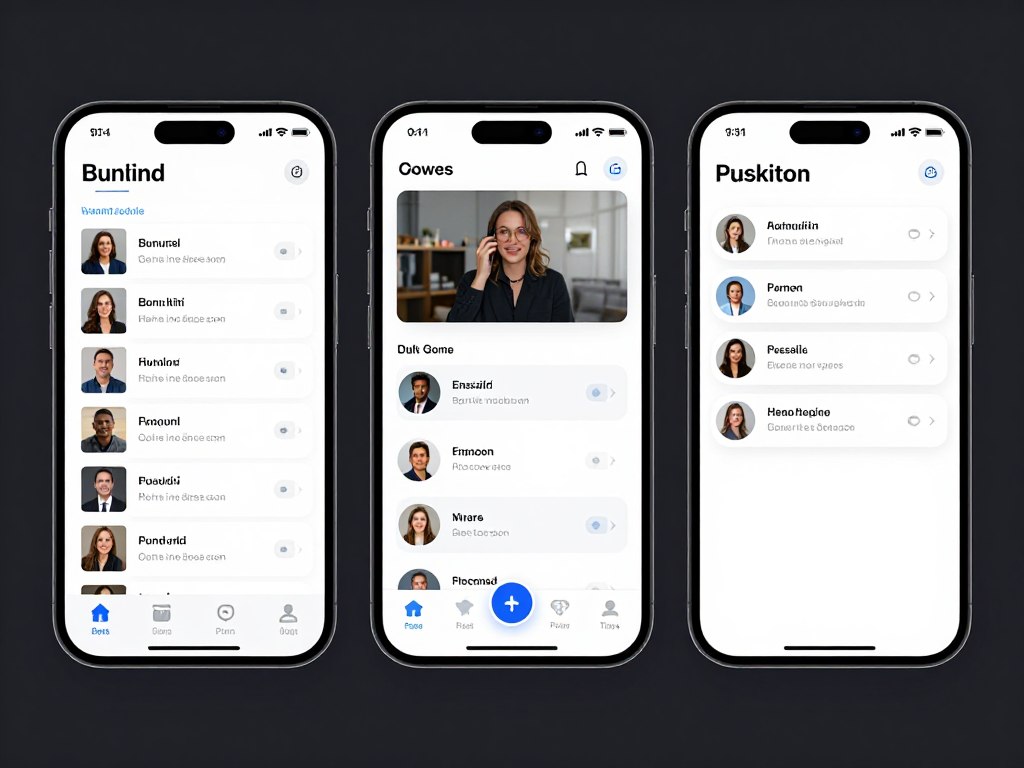
Successful conference event apps weave multiple functions into one seamless platform. The event management system handles scheduling, registration, and communication. Meanwhile, attendees interact with personalized agendas, join live polls, and connect with other participants through built-in networking features.

  • Real-time schedule management with instant update capabilities across all devices
  • Interactive attendee directories enabling networking before, during, and after events
  • Live polling and Q&A systems for immediate audience engagement
  • Push notifications keeping participants informed about schedule changes and important updates
  • Sponsor and exhibitor showcases with clickable content and lead capture tools
  • Analytics dashboards giving organizers detailed engagement metrics

From Paper Programs to Conference Event Apps

Traditional event planning leaned heavily on printed materials that went stale the moment a schedule changed. Conference organizers spent thousands on printing programs, maps, and handouts. Attendees carried bulky folders while hunting for the right session.

Mobile event technology removes these problems. Digital platforms cut printing costs by up to 80 percent while delivering stronger functionality. In addition, organizers update content instantly, attendees see current information anywhere, and everyone benefits from richer interaction tools.

Key Transformation Benefits

The move to mobile platforms delivers clear improvements across every event metric. Organizers report higher attendee satisfaction scores, stronger sponsor engagement, and better data collection for post-event analysis.

Environmental benefits matter too. Cutting printed materials lowers waste in a meaningful way. Many organizations highlight their commitment to sustainability by adopting digital event solutions.

Cost savings reach beyond printing. Digital platforms also reduce staffing needs for information desks and manual data entry. As a result, organizers can redirect resources toward better content and stronger speakers.

Essential Features Every Conference Event App Should Include
Essential-Features-Every-Conference-App-Should-Include

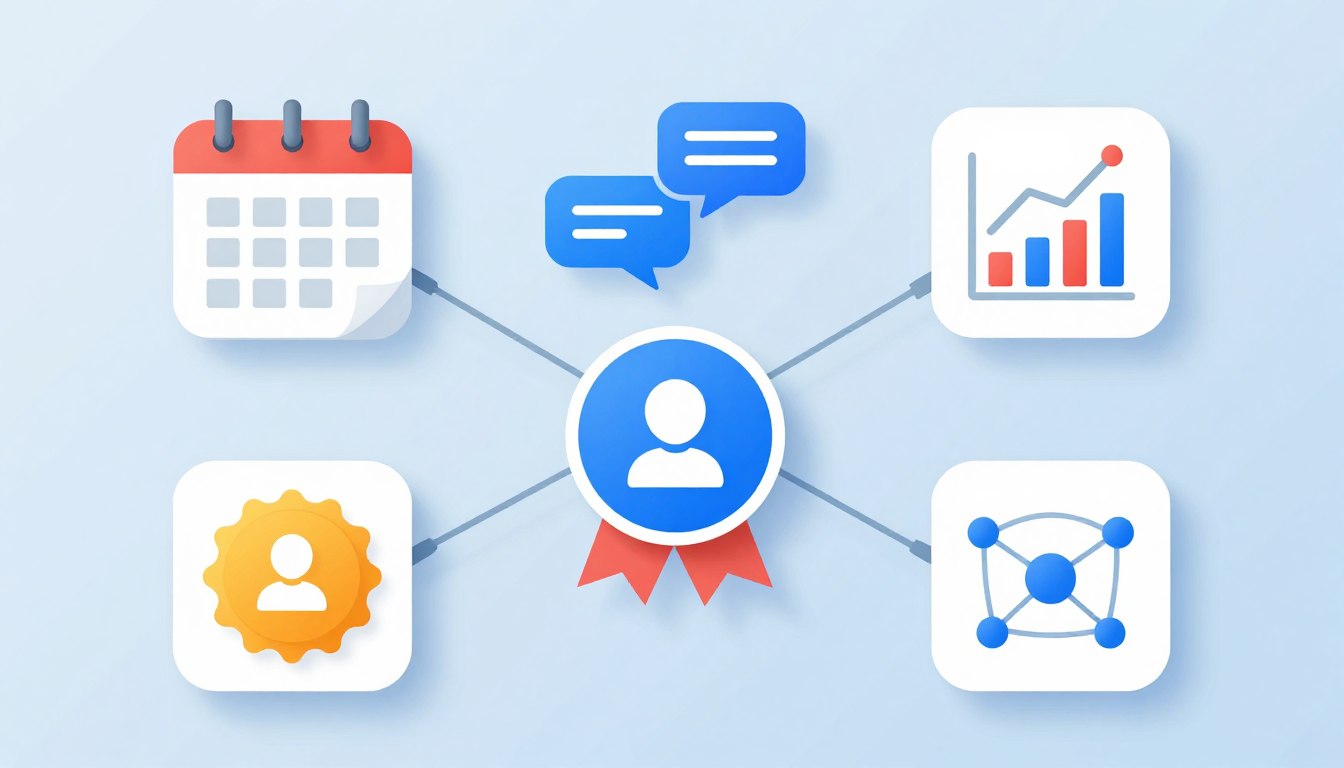
Picking the right event app means knowing which features actually deliver value. Essential capabilities separate basic platforms from full solutions that truly transform event experiences. Organizers should prioritize features that address their specific needs while keeping attendees happy.

Schedule and Agenda Management in Conference Event Apps

Dynamic schedule management forms the backbone of any effective conference event app. Attendees need instant access to session times, room locations, and speaker information. Furthermore, the platform should let people build personalized agendas and receive reminders before each session begins.

Real-time updates solve the common problem of schedule shifts. When sessions move or speakers cancel, organizers push immediate notifications to affected attendees. As a result, confusion disappears and participants always have accurate information.

  • Personalized agenda builders allowing attendees to select preferred sessions
  • Session reminders sent automatically before scheduled events begin
  • Multi-track schedule displays helping attendees navigate complex programs
  • Calendar integration syncing event schedules with personal calendars
  • Filter and search functions enabling quick session discovery

Networking Features Inside Conference Event Apps
attending-networking-and-event-tools

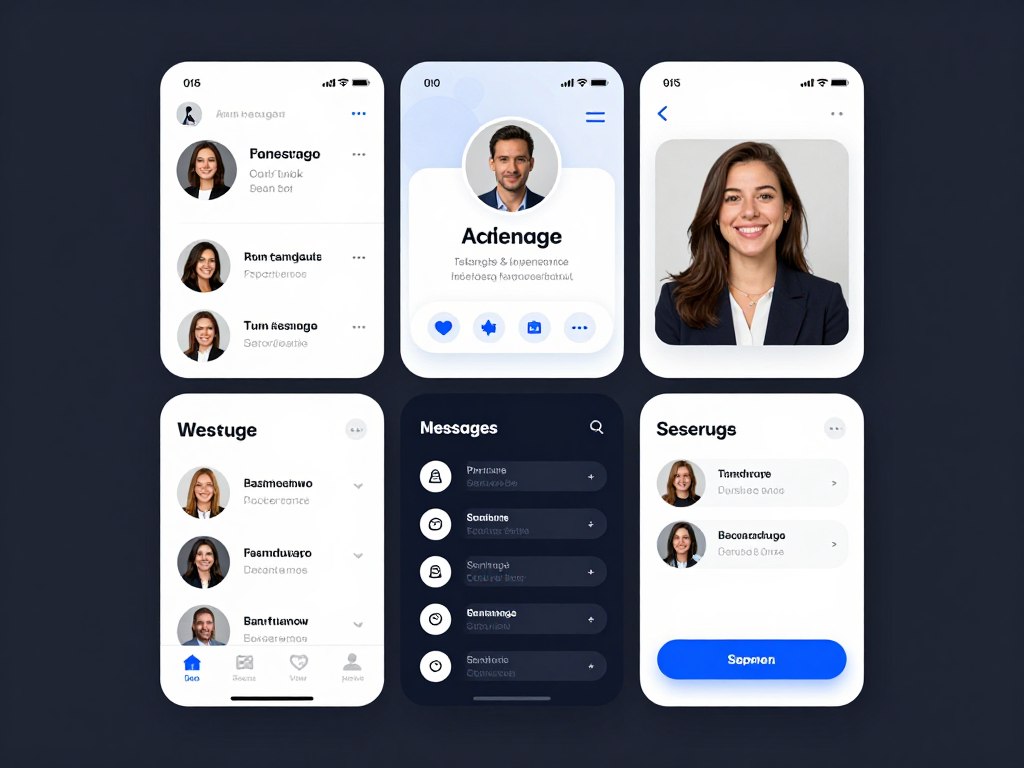
Professional networking drives conference attendance. Modern conference event apps build connections through attendee directories, messaging, and meeting scheduling. For example, participants can look up other attendees before the event, set up meetings, and continue conversations afterward.

Interactive features boost engagement during sessions. Live polls gather instant feedback from audiences. In addition, Q&A systems let attendees submit questions digitally, which moderators can organize and prioritize. These tools lift participation while giving speakers useful audience insights.

Gamification Elements

Gamification turns passive attendance into active participation. Points systems reward attendees for visiting exhibitor booths, joining sessions, and networking with other participants. Moreover, leaderboards create friendly competition that drives engagement throughout the event.

Activity Tracking

Apps monitor attendee participation across sessions, networking activities, and exhibitor interactions. As a result, organizers gain insight into engagement patterns and can use that data to improve future events.

Achievement Rewards

Digital badges recognize participation milestones. Attendees collect achievements for completing profiles, joining sessions, and engaging with sponsors. These rewards provide motivation and social recognition that keep people active in the app.

Sponsor and Exhibitor Features in Conference Event Apps

Revenue from sponsorships often decides event profitability. Conference event apps create valuable exposure opportunities for sponsors and exhibitors. For example, dedicated sponsor sections showcase partner brands, while banner ads add visibility throughout the platform.

Lead capture tools help exhibitors measure return on investment. Attendees scan QR codes at booths, which automatically shares contact information with exhibitors. In addition, this streamlined process eliminates manual business card collection while providing immediate lead data.

  • Customizable sponsor profiles with logos, descriptions, and contact information
  • Banner ad placements throughout the app interface for maximum visibility
  • Lead retrieval systems enabling exhibitors to capture attendee information
  • Sponsored push notifications delivering targeted messages to attendees
  • Analytics tracking showing sponsor engagement and booth visit metrics

Content Management and Branding
content-managment-and-branding

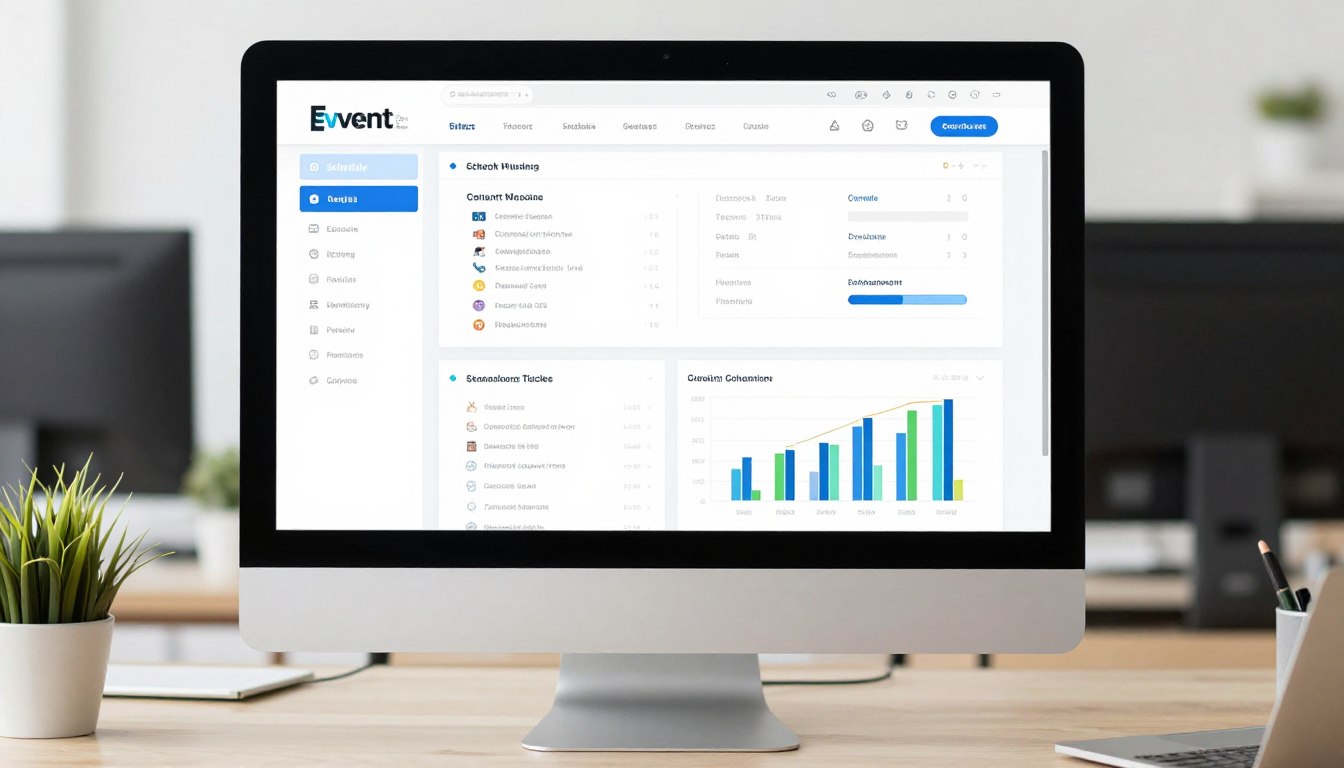
Comprehensive content management systems give organizers full control over app appearance and information. Administrators update schedules, speaker bios, and venue details through intuitive dashboards. Furthermore, changes appear instantly across all attendee devices.

Custom branding makes sure apps reflect event identity. Organizations upload logos, pick color schemes, and customize menu structures. As a result, this visual consistency reinforces brand recognition and creates a professional impression from the first tap.

Experience a personalized demo showing features tailored to your specific event needs. Discover how custom branding, real-time updates, and engagement tools transform attendee experiences.

Measurable Benefits of Conference Event Apps
improve-sponsor-and-exhibiitor-roi

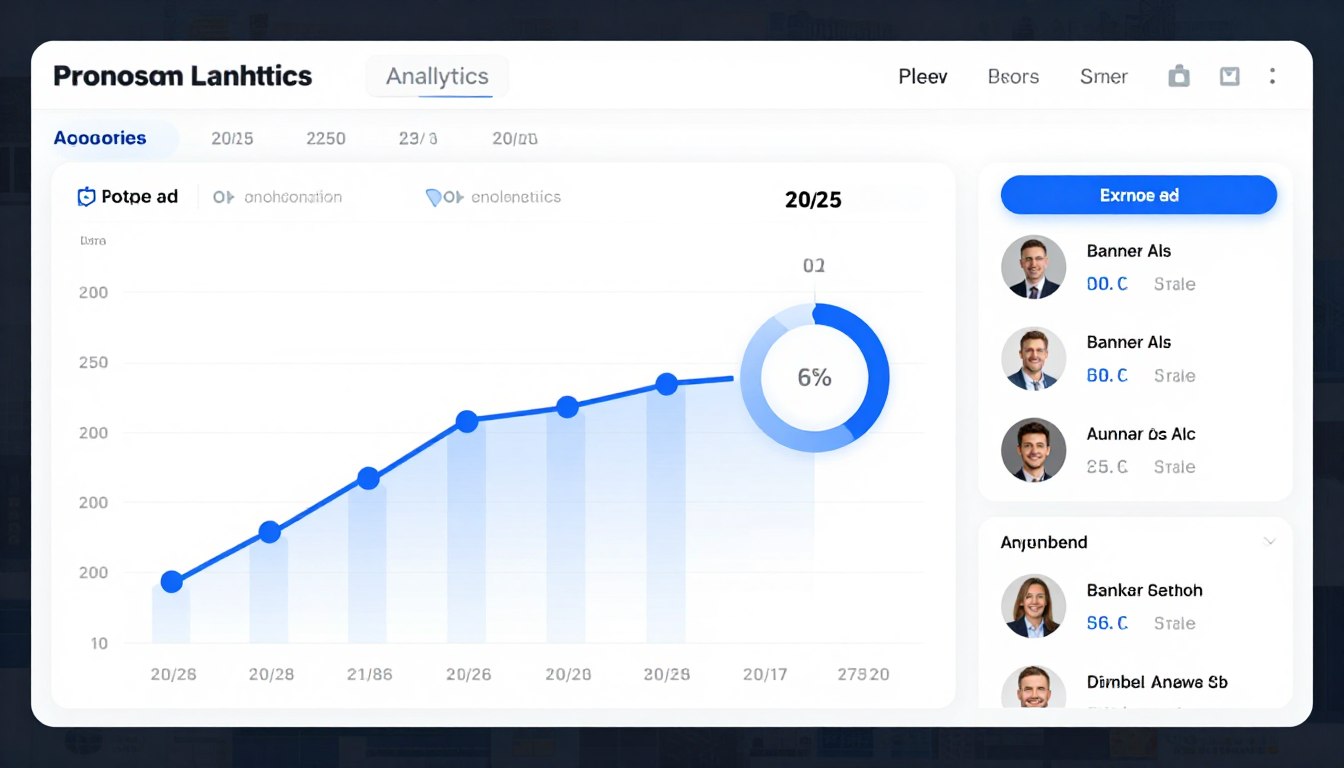
Investing in conference event apps delivers measurable returns across multiple dimensions. For example, organizations report sharp cost reductions, higher attendee satisfaction, and stronger sponsor relationships. Understanding these benefits helps justify the technology investment and track real success.

Cost Savings From Conference Event Apps

Direct cost savings represent the most immediate benefit of conference event apps. Cutting printed materials reduces expenses by thousands of dollars per event. For instance, large conferences that previously spent $15,000 on printing now redirect those funds toward content and speaker quality.

Printing Cost Elimination

Traditional events require printing programs, schedules, maps, and promotional materials. In addition, any change forces expensive reprints. Mobile apps cut these costs while providing stronger functionality.

A typical 500-person conference spends roughly $8,000 on printed materials. Digital platforms reduce this to nearly zero while delivering better results. As a result, the investment in app technology pays for itself within one or two events.

  • Printing cost reductions averaging 70 to 80 percent per event
  • Labor savings from automated information distribution and updates
  • Reduced physical storage needs for materials and supplies
  • Lower shipping costs for event materials and last-minute changes
  • Decreased waste disposal expenses and environmental impact fees

Enhanced Attendee Experience and Satisfaction

Attendee satisfaction scores climb in measurable ways when organizations roll out quality conference event apps. People appreciate instant access to information, personalized schedules, and networking tools. Furthermore, post-event surveys consistently show higher satisfaction ratings for technology-enabled conferences.

Convenience drives most of this lift. Attendees no longer carry bulky folders or hunt for paper schedules. Everything they need sits on a device they already carry. Therefore, friction disappears and participants can focus on content and connections instead of logistics.

Sponsor and Exhibitor ROI With Conference Event Apps

Sponsors invest heavily in event participation. Conference event apps deliver measurable value through stronger visibility, lead generation tools, and detailed analytics. As a result, sponsors can justify participation costs more easily and renew sponsorships in future years.

Lead capture functionality transforms the sponsor experience. Traditional methods rely on manual business card collection and data entry. In contrast, digital systems capture leads instantly, integrate with CRM platforms, and enable immediate follow-up.

  • Lead capture increases averaging 40 to 60 percent compared to traditional methods
  • Real-time analytics showing sponsor content engagement and booth traffic
  • Banner ad impressions tracked with click-through rate data
  • Attendee interest signals captured through app interactions
  • Post-event reports demonstrating sponsorship value with concrete metrics

Data Collection and Event Intelligence

Comprehensive analytics turn event planning from guesswork into data-driven decision making. Organizers access detailed reports on session attendance, engagement levels, and participant behavior. Moreover, these insights inform future event planning and prove value to stakeholders.

Behavioral data reveals which sessions generate the most interest, when attendees are most active, and how participants move through the event. This intelligence helps organizers fine-tune schedules, allocate resources well, and improve content selection.

Post-Event Analysis

Detailed post-event reports measure success and surface improvement opportunities. Metrics include attendance rates, engagement scores, networking activity, and sponsor interaction levels. As a result, these reports help justify budgets and guide strategic planning for the next event.

How to Choose the Right Conference Event Apps for Your Needs

how-to-choose-the-right-confrence-app

Picking the ideal event app means carefully weighing features, costs, and implementation needs. Organizations must balance functionality with budget while making sure the platform fits specific event needs. A clear selection process prevents costly mistakes and supports smooth adoption.

Assessing Your Event Requirements

Start by analyzing your specific event characteristics and goals. For example, different event types need different feature sets. A 5,000-person trade show needs strong exhibitor tools, while a 200-person corporate meeting prioritizes internal communication features instead.

Event Size Considerations

  • Small events (under 200 attendees) benefit from streamlined platforms with core features
  • Medium events (200 to 1,000 attendees) require comprehensive networking and schedule management
  • Large events (over 1,000 attendees) need enterprise solutions with advanced analytics

Event Type Requirements

  • Trade shows prioritize exhibitor showcases and lead capture
  • Academic conferences emphasize session management and paper submissions
  • Corporate meetings focus on internal communication and document sharing

Essential Selection Criteria

Evaluate platforms against specific criteria that match your organizational priorities. Technical capabilities, user experience, customer support, and pricing structure all shape long-term satisfaction. Therefore, building a weighted scorecard helps you compare options objectively.

Evaluation Criteria Priority Level Key Questions
User Interface Design High Is the interface intuitive for both organizers and attendees?
Customization Options High Can you customize branding, menus, and content structure?
Integration Capabilities Medium Does it integrate with existing registration and CRM systems?
Customer Support High What level of support is provided during setup and events?
Analytics and Reporting Medium What metrics are tracked and how are reports generated?
Pricing Structure High Are costs per-event or subscription-based? What is included?

Budget and Pricing Models

Event app pricing varies sharply across providers and packages. Understanding the different pricing models helps organizations budget accurately and avoid surprises. For example, common structures include per-event pricing, annual subscriptions, and tiered plans based on attendee count.

Per-event pricing works well for organizations hosting occasional conferences. In contrast, annual subscriptions benefit frequent event organizers with multiple gatherings throughout the year. Therefore, calculate total annual costs under each model to decide which option works best.

  • Entry-level plans typically range from $1,000 to $3,000 per event for basic features
  • Mid-tier solutions cost $3,000 to $8,000 per event with full capabilities
  • Enterprise platforms start at $10,000 annually with unlimited events and premium support
  • Consider hidden costs including setup fees, customization charges, and support packages (see our pricing breakdown for details)
  • Evaluate per-attendee pricing versus flat-rate models based on typical event size

For a clearer picture of pricing tiers and what each includes, see Grupio’s pricing page. Universities also qualify for a free plan.

Implementation and Training Considerations

Successful app adoption requires enough implementation time and proper user training. Evaluate the learning curve for both administrators and attendees. Furthermore, platforms with intuitive interfaces reduce training time and lift adoption rates.

Implementation Timeline

Plan for adequate setup time before your first event. Most platforms require four to six weeks for initial configuration, content entry, and testing. As a result, rushed implementations often produce errors and weaker user experiences.

Work closely with vendor implementation teams during setup. Their experience helps you avoid common pitfalls and ensures proper configuration. In addition, schedule multiple testing phases to find and fix issues before launch.

Explore how custom branding, flexible features, and intuitive design create the ideal platform for your unique event requirements.

Schedule Consultation  |  +1 (800) 555-1234

The Power of Custom Branding in Conference Event Apps

Brand consistency across all event touchpoints reinforces a professional image and builds trust with attendees. Custom branding capabilities separate basic conference event apps from sophisticated platforms that truly reflect organizational identity. Moreover, the visual experience shapes perceptions and influences engagement levels.

Visual Identity Across Conference Event Apps

Your conference event app serves as a primary brand touchpoint throughout the event lifecycle. Attendees interact with the platform before, during, and after your conference. Therefore, consistent branding across these interactions strengthens recognition and creates a cohesive experience.

Comprehensive customization reaches beyond logos and colors. For example, organizations can change menu structures, button styles, and even terminology to match their brand voice. As a result, the app feels like a natural extension of your organization rather than a generic template.

  • Custom color schemes matching exact brand specifications and guidelines
  • Logo placement across multiple app screens and sections
  • Personalized splash screens creating strong first impressions
  • Custom icons and graphics reinforcing visual identity
  • Branded email templates for automated communications
  • Customizable menu terminology reflecting organizational language

Creating Memorable Event Experiences

Strong branding turns functional tools into memorable experiences. Attendees remember conferences that deliver polished, professional presentations. Furthermore, the app becomes part of your event brand, shaping overall satisfaction and future attendance decisions.

First Impressions Matter

The splash screen and welcome experience set expectations for your entire event. Professional branding signals quality and attention to detail. As a result, these opening moments shape how attendees perceive the value of the conference itself.

Consistent Touchpoints

Branding consistency across every screen reinforces a professional image. From schedules to networking features, unified visual design creates seamless experiences that attendees notice and remember.

Working with Design Teams

Many platform providers offer design services to help create custom branded experiences. Professional designers understand mobile app best practices and can translate brand guidelines into effective app interfaces. Therefore, this collaboration ensures technical requirements meet aesthetic goals.

Organizations can also update branding elements themselves through content management systems. In addition, this flexibility allows last-minute adjustments without needing designer help. Real-time updates keep branding current even as event details evolve.

Self-Service Branding Tools

Modern platforms provide intuitive interfaces for branding customization. Administrators upload logos, pick colors from brand palettes, and preview changes before publishing. As a result, the customization process moves quickly while maintaining brand control.

Strategies for Maximizing Engagement With Conference Event Apps

Technology alone does not guarantee engagement. Successful event organizers combine platform capabilities with smart strategy to drive participation. Furthermore, understanding attendee motivations and removing friction points lifts app adoption and ongoing use throughout the event.

Pre-Event Engagement Tactics

Engagement begins weeks before the event starts. Early app access lets attendees explore schedules, research speakers, and connect with other participants. In addition, pre-event networking builds anticipation while helping attendees plan their conference experiences.

Promotional campaigns drive app downloads and early engagement. Email sequences highlight key features and encourage profile completion. As a result, organizations that hit high pre-event adoption see meaningfully better during-event engagement.

  • Launch app access four to six weeks before events to maximize pre-planning
  • Send targeted email campaigns showcasing specific features and benefits
  • Offer incentives for early profile completion and schedule building
  • Enable pre-event messaging so attendees can start networking immediately
  • Publish speaker content early to build session interest and anticipation
  • Create pre-event challenges or scavenger hunts to encourage exploration

During-Event Activation Strategies

On-site promotion makes sure all attendees download and actively use the app. Registration desk staff should encourage downloads while offering quick-start guidance. Moreover, visual signage throughout venues reminds participants to check the app for updates and activities.

Active Promotion Methods

Station staff members at strategic locations to assist with app downloads and navigation. For example, a visible help desk especially benefits less tech-savvy attendees who might otherwise abandon the platform.

Build app usage into session activities. Speakers can launch live polls, request questions through the app, and reference app content. As a result, this integration demonstrates value while driving adoption.

Gamification keeps engagement going. Award points for activities like checking into sessions, visiting sponsor booths, and joining polls. Furthermore, leaderboards and prizes create compelling reasons for attendees to stay active throughout the event.

Interactive Features That Drive Participation

Certain features consistently produce high engagement when rolled out well. Live polling during sessions creates immediate participation opportunities. In addition, Q&A systems give attendees a voice while providing speakers with useful audience insights.

Social features stretch engagement beyond formal sessions. For instance, photo sharing, social walls, and comment threads create a community atmosphere. As a result, attendees become active participants rather than passive observers, which lifts satisfaction and connection.

High-Engagement Features

  • Live polling with immediate result visualization
  • Q&A systems with upvoting capabilities
  • Attendee-to-attendee messaging
  • Social media integration and sharing
  • Gamification with visible leaderboards
  • Real-time schedule updates and notifications

Lower-Engagement Features

  • Static information directories
  • Complex navigation structures
  • Features requiring multiple steps
  • Content without social interaction options
  • Surveys without immediate feedback
  • Features competing with live sessions

Post-Event Engagement Extension

Smart organizers stretch app utility beyond the event itself. Keeping access to connections, content, and resources keeps communities engaged until the next gathering. As a result, this ongoing engagement improves retention and builds anticipation for future events.

Post-event surveys gather useful feedback while engagement remains high. In addition, share session recordings, presentation materials, and photos through the platform. Continued networking lets new connections grow into lasting professional relationships.

Delivering Maximum Sponsor Value With Conference Event Apps

Sponsor satisfaction directly shapes event profitability and long-term success. Conference event apps deliver measurable value that justifies sponsorship investments and encourages renewal. Furthermore, understanding sponsor priorities helps organizers structure packages that deliver real return on investment.

Lead Generation Inside Conference Event Apps

Traditional lead capture methods frustrate exhibitors and attendees alike. Business card collection requires manual data entry and often results in lost information. In contrast, digital lead capture through conference event apps streamlines the entire process while lifting data quality.

QR code scanning enables instant lead capture with full attendee information. For example, exhibitors scan attendee badges or profile QR codes to automatically receive contact details, interests, and engagement history. As a result, this data flows directly into CRM systems for immediate follow-up.

  • One-tap lead capture replacing manual business card collection
  • Automatic data transfer to exhibitor CRM platforms and systems
  • Custom qualification questions capturing specific prospect information
  • Real-time lead notifications enabling immediate follow-up actions
  • Attendee permission controls ensuring compliance with privacy regulations
  • Post-event lead reports with detailed engagement analytics

Visibility and Brand Exposure Opportunities

App sponsorships provide consistent brand exposure throughout the event lifecycle. Unlike physical signage limited to venue spaces, digital placements reach attendees before, during, and after conferences. Therefore, multiple visibility options match different sponsor objectives and budget levels.

Banner Advertising

Strategic banner placements throughout the app deliver consistent impressions. For example, rotating banners share space fairly while keeping visibility high. In addition, click-through tracking measures actual engagement with sponsor content.

Dedicated Profiles

Comprehensive sponsor profiles showcase products, services, and special offers. Rich media support enables video demonstrations and product galleries. Furthermore, direct messaging connects interested attendees with sponsor representatives in real time.

Sponsored Content and Push Notifications

Push notifications deliver targeted messages straight to attendee devices. Sponsors can promote booth activities, special presentations, or exclusive offers. As a result, timing and targeting capabilities ensure messages reach the right audiences when they are most receptive.

Content sponsorships weave brand messages into valuable information. For instance, sponsored sessions, networking events, or resource libraries link brands to quality content. This approach delivers value to attendees while giving sponsors positive brand associations.

Analytics and ROI Measurement

Detailed analytics justify sponsorship investments and inform future decisions. Exhibitors receive reports showing booth visit frequency, lead capture volume, content engagement, and banner ad performance. As a result, these metrics enable objective ROI calculations.

Benchmark data helps sponsors compare performance across different events. Understanding engagement patterns guides booth staffing decisions, promotional timing, and content strategy. Furthermore, data-driven insights improve sponsor experiences and lift renewal rates.

Sponsor Benefit Traditional Methods Conference Event App Advantage
Lead Capture Manual business card collection requiring data entry Instant digital capture with automatic CRM integration
Brand Visibility Physical signage limited to venue locations Digital presence throughout entire event lifecycle
Analytics Minimal tracking of booth visits or engagement Comprehensive metrics on all interactions and touchpoints
Communication Limited to booth interactions during event hours Direct messaging and notifications before, during, and after

Join successful events that have transformed attendee experiences and delivered measurable sponsor value. See how the right platform drives engagement and simplifies complex event management.

Request Complete Demo  |  View Success Stories

Integration Capabilities for Conference Event Apps

Modern conference event apps do not work in isolation. Integration with existing business systems creates seamless workflows and removes duplicate data entry. Therefore, understanding technical capabilities ensures the platform fits inside your broader technology stack.

Registration Platform Connections for Conference Event Apps

Two-way integration with registration systems eliminates manual attendee data import. When participants register, their information automatically flows into the event app. Moreover, changes made in either system sync instantly, keeping data accurate across platforms.

Single sign-on capabilities improve user experience by letting attendees access the app using registration credentials. As a result, this seamless authentication reduces friction and removes password headaches for participants.

  • Automatic attendee data synchronization from registration platforms
  • Real-time updates when attendees modify registration information
  • Single sign-on integration eliminating duplicate login requirements
  • Session registration flowing between platforms in both directions
  • Badge printing integration for on-site check-in processes

CRM and Marketing Platform Integration

Connection with customer relationship management systems enables sophisticated follow-up workflows. Engagement data from the conference event app enriches CRM records with behavioral insights. Furthermore, marketing teams use this information to build targeted post-event campaigns.

Data Enrichment Opportunities

App engagement gives valuable signals about attendee interests and intent. For example, sessions attended, content downloaded, and connections made reveal professional priorities and buying readiness.

Marketing automation platforms can trigger personalized follow-up based on specific behaviors. Attendees who visited certain sponsor booths receive relevant product information. In addition, session attendance triggers content delivery aligned with demonstrated interests.

Analytics and Business Intelligence Tools

Advanced analytics platforms combine event app data with other business metrics for full insights. Understanding how event engagement correlates with sales pipeline development or customer retention informs event strategy and budget allocation.

Custom reporting capabilities let organizations answer specific business questions. Which sessions generate the most qualified leads? How does pre-event engagement correlate with post-event conversion? As a result, data integration enables exactly this kind of analysis.

Security and Privacy in Conference Event Apps

Data security and privacy protection are non-negotiable requirements for conference event apps. Platforms must comply with regulations like GDPR and CCPA while protecting sensitive attendee information. Therefore, understanding security measures helps organizations evaluate platform trustworthiness.

  • End-to-end data encryption protecting information in transit and at rest
  • Role-based access controls limiting data visibility to authorized users
  • GDPR and CCPA compliance with privacy preference management
  • Regular security audits and penetration testing by third parties
  • Secure authentication methods including two-factor options
  • Data retention policies and automatic purging capabilities

Native Mobile Apps vs Web-Based Event Platforms

Event organizers often choose between native mobile apps and web-based platforms. Each approach offers distinct advantages and limitations. Therefore, understanding these differences helps organizations pick solutions that match technical requirements and attendee preferences.

Native Conference Event Apps: Key Benefits

Native apps provide stronger performance and offline functionality. Downloaded directly to smartphones, these applications reach device features like cameras, push notifications, and location services. As a result, attendees use native apps even without internet connectivity, which is crucial for venues with poor wireless coverage.

User experience usually beats web alternatives thanks to optimized performance and familiar interface patterns. Native apps feel more responsive and integrate seamlessly with device functionality. Furthermore, these factors lead to higher adoption rates and stronger sustained engagement.

Native App Advantages

  • Full offline functionality for areas with poor connectivity
  • Access to device features like camera and GPS
  • Push notifications ensuring message delivery
  • Superior performance and responsiveness
  • App store presence increasing discoverability
  • Better integration with device features

Native App Challenges

  • Requires download and installation by attendees
  • App store approval processes can delay launches
  • Device storage space requirements
  • Separate versions needed for iOS and Android
  • Updates require user action to install
  • Higher initial development costs

Web-Based Conference Event Apps: Advantages

Progressive web apps and responsive websites remove download requirements. Attendees reach platforms through mobile browsers without installing anything. As a result, this approach reduces friction, especially for one-time event attendees who may hesitate to download dedicated apps.

Cross-platform compatibility simplifies development and maintenance. One codebase serves all devices and operating systems. Moreover, updates deploy instantly without requiring user action, so all attendees reach current information at the same time.

Hybrid Approaches

Many modern solutions combine native and web technologies for the best flexibility. For example, hybrid apps use web technologies wrapped in native containers, delivering some native benefits while simplifying development. Progressive web apps offer app-like experiences through browsers.

When to Choose Native Apps

Pick native applications for recurring events with the same attendee base, situations requiring strong offline functionality, or when maximizing feature integration justifies higher development investment.

Multi-day conferences in large venues with connectivity challenges benefit most from native app offline capabilities. In addition, annual association meetings with loyal attendees usually hit high download rates.

When Web Platforms Work Better

Web-based solutions suit one-time events with diverse attendees, situations that prioritize ease of access over advanced features, or organizations with limited technical resources.

Public conferences attracting first-time attendees see better adoption with web platforms. Meanwhile, small meetings and corporate events often find web solutions perfectly adequate.

Best Practices for Conference Event App Implementation

Technology implementation success depends on careful planning and execution. Organizations that follow structured processes hit higher adoption rates and better return on investment. Furthermore, these best practices apply across platforms and event types.

Timeline for Conference Event App Implementation

Solid preparation time separates successful implementations from rushed launches that frustrate users. Begin planning at least three months before your first event. (For a deeper look at Grupio specifically, see our conference event apps solution page.) As a result, this timeline accommodates vendor selection, configuration, content development, and testing without crunch.

The phases below show a typical implementation calendar. Adjust based on event size and complexity, but resist the urge to compress these timeframes.

Vendor Selection Phase (8 to 12 weeks before): Research platforms, request demonstrations, evaluate proposals, negotiate contracts, and finalize vendor selection.

Initial Configuration (6 to 8 weeks before): Complete platform setup, establish branding guidelines, configure menu structures, and set up administrator accounts.

Content Development (4 to 6 weeks before): Enter event schedules, upload speaker information, create session descriptions, and configure networking features.

Testing Period (3 to 4 weeks before): Conduct internal testing, identify and resolve issues, gather feedback from test users, and refine configurations.

Promotional Campaign (2 to 4 weeks before): Launch attendee communications, distribute download instructions, encourage profile completion, and build pre-event engagement.

Final Preparation (1 week before): Complete final content updates, verify all integrations, brief on-site staff, and prepare support materials.

Content Strategy and Information Architecture

Thoughtful content organization sharply shapes user experience and adoption. Structure information logically with clear navigation paths. Moreover, prioritize frequently accessed content while making everything easily discoverable.

  • Create concise, scannable content optimized for mobile reading
  • Organize schedules by date, track, or topic based on event structure
  • Write clear session descriptions that help attendees make informed choices
  • Include comprehensive speaker bios with photos and social links
  • Provide detailed venue information including maps and directions
  • Test navigation flows with actual users before launch

Staff Training and Support Preparation

On-site staff need thorough training to assist attendees well. Create quick-reference guides covering common questions and troubleshooting steps. Furthermore, designate technology champions who can provide advanced support when needed.

Training Program Components

Run hands-on training sessions where staff practice common support scenarios. For example, cover basic navigation, troubleshooting connection issues, and explaining key features. In addition, role-playing exercises prepare staff for real attendee interactions.

Build visual quick-start guides that staff can share with attendees. Simple infographics showing download, login, and navigation steps reduce the support load while helping attendees become self-sufficient.

Promotion and Adoption Strategies

Early promotion drives pre-event adoption, which correlates strongly with during-event engagement. Launch communication campaigns six weeks before events, explaining benefits and encouraging downloads. As a result, multiple touchpoints across channels widen reach.

Reward early adoption through gamification or exclusive content access. Attendees who complete profiles early or build agendas receive recognition or benefits. Furthermore, these incentives motivate action while rewarding engaged participants.

Measuring Success and ROI From Conference Event Apps

Justifying technology investments means showing measurable value. Conference event apps generate data across multiple dimensions that together prove return on investment. Therefore, understanding which metrics matter helps organizations track success and find improvement opportunities.

KPIs for Conference Event Apps

Adoption rate is the foundational success metric. Calculate the percentage of registered attendees who download and actively use the app. For example, high adoption rates point to successful promotion and clear perceived value. Aim for adoption rates of 70 percent or higher for the best impact.

Engagement metrics reveal how attendees interact with various features. Track session check-ins, networking connections made, poll participation rates, and content views. In addition, these behaviors show whether the app delivers genuine value or simply gets downloaded then ignored.

Metric Category Specific Measurements Target Benchmark
Adoption Download rate, active users, profile completion 70%+ downloads, 60%+ daily active users
Engagement Session check-ins, poll participation, messages sent 50%+ feature utilization, 5+ actions per user
Content Session views, document downloads, video plays 3+ content pieces per user average
Networking Connections made, messages exchanged, meetings scheduled 5+ new connections per attendee
Sponsor Value Leads captured, booth visits, content engagement 30%+ lead capture rate improvement
Satisfaction App ratings, NPS scores, survey feedback 4.5+ star rating, 50+ NPS score

Cost Savings Calculation for Conference Event Apps

Direct cost comparisons show financial value clearly. Calculate printing costs removed, staff time saved through automation, and reduced material storage expenses. As a result, these tangible savings often exceed annual platform costs.

Traditional Event Costs

  • Program printing: $5,000 to $15,000
  • Schedule updates and reprints: $2,000 to $5,000
  • Signage and materials: $3,000 to $8,000
  • Staff time for distribution: $1,500 to $3,000
  • Storage and shipping: $1,000 to $2,500
  • Total per event: $12,500 to $33,500

Conference Event App Costs

  • Platform subscription: $5,000 to $12,000 annually
  • Initial setup and customization: $2,000 to $5,000
  • Ongoing content management: $500 to $1,500 per event
  • Staff training time: $500 to $1,000
  • Technical support: Included in subscription
  • Total per event: $2,000 to $5,000 (after year one)

Qualitative Value Assessment

Not all value fits into a spreadsheet. For example, improved attendee satisfaction, stronger professional image, and stronger sponsor relationships deliver long-term benefits that exceed immediate cost savings. Post-event surveys capture these qualitative improvements.

Brand perception improvements matter for organizations focused on thought leadership and industry positioning. Professional, technology-enabled events signal innovation and attendee focus. Furthermore, these intangible benefits shape future attendance decisions and organizational reputation.

Continuous Improvement Through Data

Each event generates insights that shape future improvements. Analyze which sessions attracted the most attendance, which networking features saw highest usage, and where attendees ran into trouble. As a result, this learning cycle drives continuous enhancement.

Future Trends in Conference Event Apps

Conference event apps keep evolving as new capabilities emerge. Understanding coming trends helps organizations prepare for future implementations and stay competitive. Furthermore, forward-thinking planners position themselves to adopt innovations that strengthen attendee experiences.

Artificial Intelligence and Personalization

Artificial intelligence is changing how attendees discover relevant content and connections. For example, machine learning algorithms analyze interests, behavior patterns, and professional profiles to generate personalized recommendations. As a result, this intelligence helps participants navigate complex event programs more easily.

Chatbots provide instant support and information through natural conversation. Attendees ask questions in plain language rather than searching through menus and content. In addition, these AI assistants handle routine inquiries while passing complex issues to human staff.

  • Personalized session recommendations based on attendee interests and behavior
  • Smart networking suggestions connecting people with aligned professional goals
  • Predictive analytics identifying at-risk attendee engagement for intervention
  • Automated content curation delivering relevant materials to each participant
  • Natural language chatbots answering questions and providing guidance

Augmented Reality Integration

Augmented reality overlays digital information onto physical environments. Attendees point smartphones at venues to see directional wayfinding, session information, or sponsor content. Moreover, this technology bridges digital and physical event experiences seamlessly.

Practical AR Applications

Indoor navigation through large convention centers becomes intuitive with AR guidance. Virtual signage directs attendees without cluttering physical spaces. For example, exhibitors showcase 3D product models that participants explore through smartphone cameras.

Gamification reaches new levels through AR scavenger hunts and challenges. Attendees explore venues while collecting virtual items or completing objectives. As a result, these activities drive traffic to specific locations while creating memorable experiences.

Hybrid Event Integration
Hybrid-Event-Integration

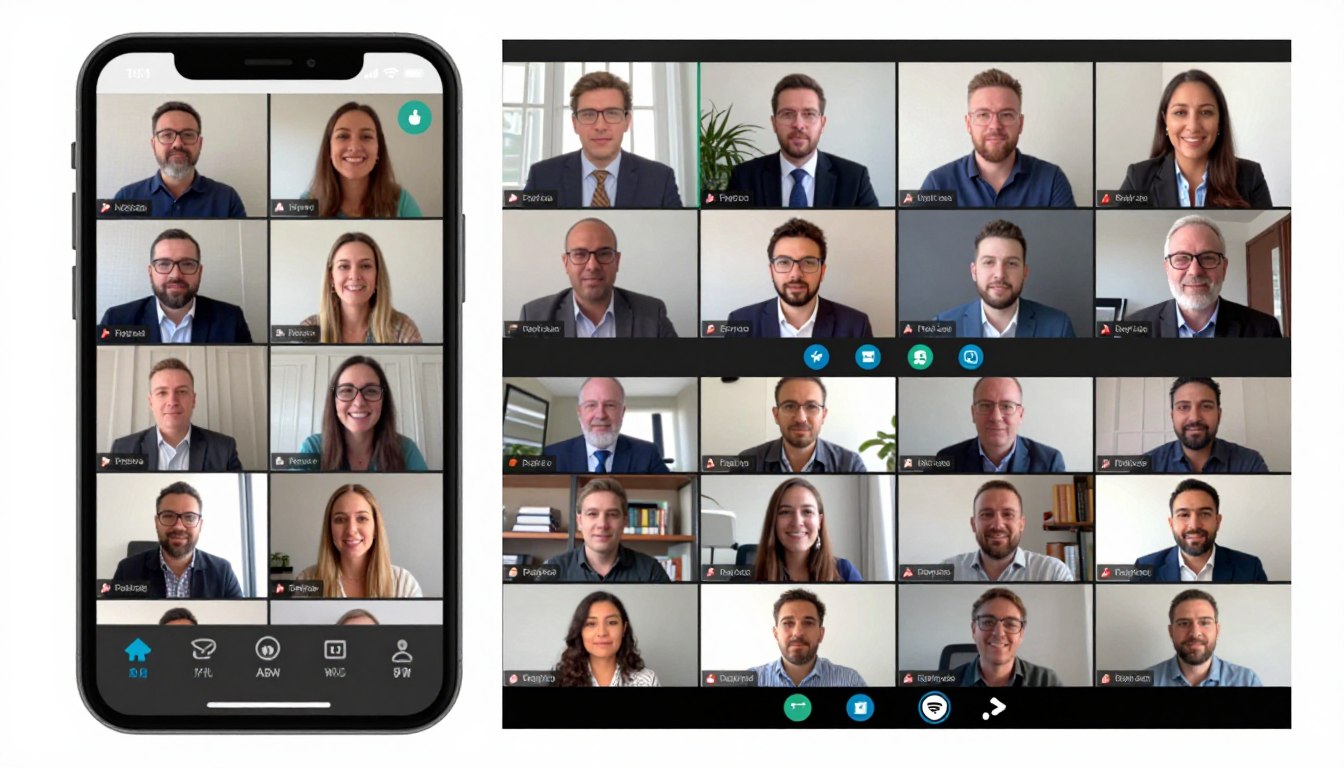
Hybrid events combining in-person and virtual attendance now represent the new normal. Future conference event apps seamlessly serve both audiences with features suited to each context. For instance, virtual attendees access live streams while in-person participants enjoy physical networking.

Unified platforms remove the need for separate tools for different audience segments. All attendees connect through the same networking features, join combined polls, and access identical content. Therefore, this integration creates cohesive communities regardless of attendance mode.

Enhanced Analytics and Business Intelligence

Advanced analytics provide unprecedented insight into attendee behavior and event effectiveness. Predictive models forecast attendance patterns, identify potential no-shows, and optimize resource allocation. Furthermore, real-time dashboards enable dynamic event management during the event itself.

Integration with broader business systems enables holistic ROI analysis. Organizations connect event engagement with sales outcomes, customer retention, and lifetime value. As a result, these correlations justify event investments with concrete business impact evidence.

Moving Forward With Conference Event Apps
moving-forward-with-confrence-apps

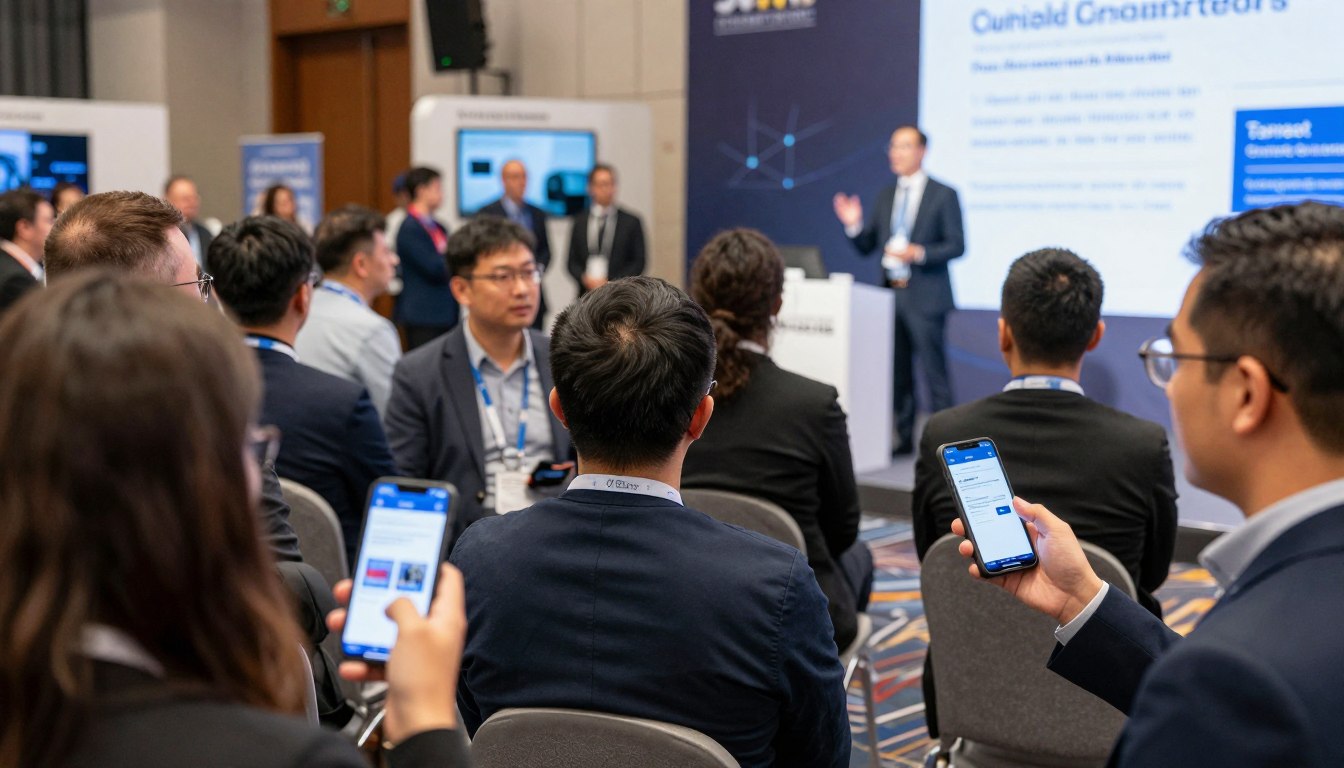
Conference event apps have evolved from optional enhancements to essential infrastructure for successful events. Organizations that embrace mobile technology deliver stronger attendee experiences while also gaining operational efficiencies. As a result, the investment in quality platforms pays dividends through cost savings, engagement improvements, and competitive advantage.

Success requires more than simply buying software. Thoughtful implementation, strategic promotion, and ongoing optimization separate basic deployments from transformative experiences. Therefore, organizations that commit to excellence across these dimensions maximize return on investment while positioning themselves as industry leaders.

The conference landscape keeps evolving toward digital and personalized experiences. Event organizers who adopt proven mobile event technology today position themselves for future success. Furthermore, attendees now expect sophisticated digital tools that strengthen rather than complicate their conference participation.

Whether planning your first technology-enabled event or upgrading existing solutions, prioritize platforms that deliver genuine value to all stakeholders. Attendees need intuitive interfaces and useful features. Organizers need reliable tools that simplify complex management tasks. Sponsors want measurable return on investment through leads and visibility.

The right conference event app turns events from logistical challenges into opportunities for connection, learning, and growth. By removing friction, lifting engagement, and providing actionable insights, mobile event platforms let organizers focus on what truly matters: creating memorable experiences that participants value and remember.

Ready to Elevate Your Conferences?

Transform your next event with a comprehensive mobile platform designed for maximum engagement, simplified management, and measurable results. Join the event organizers who have discovered the difference that professional conference event apps make.

Compare Pricing Plans  |  Free Plan for Universities

Prefer to speak with an expert? Call us today: +1 (800) 555-1234

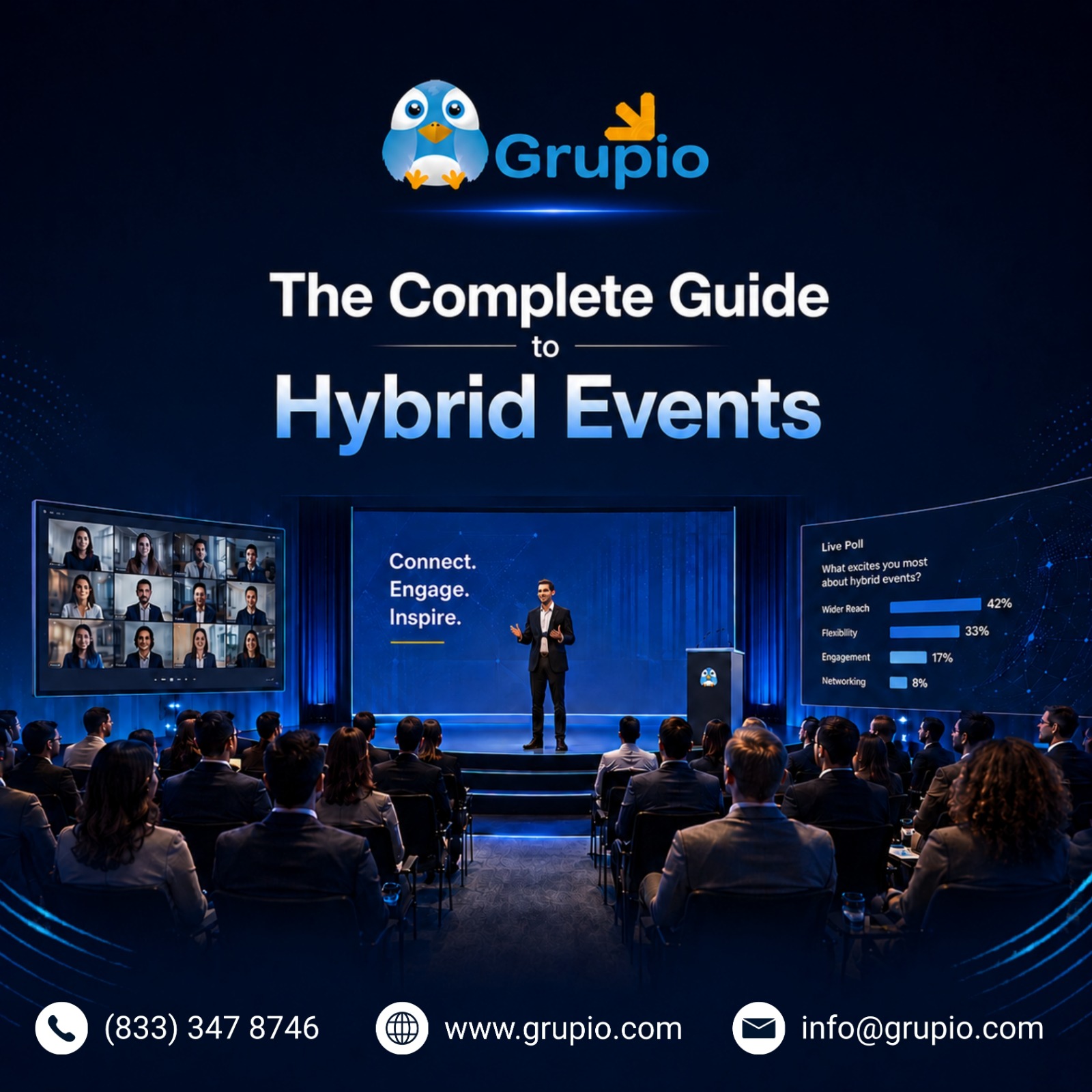
The Complete Guide to Hybrid Event: How to Plan, Execute & Engage

hero Hybrid Events
Planning a conference today rarely means choosing between an in-person room or a virtual stream. Most US event teams now do both at once, and the real question has shifted to how to plan a hybrid event without stitching six tools together. The shift is everywhere: a regional medical association running its annual summit with attendees split between Chicago and the West Coast, a software company hosting users across three time zones, a university juggling alumni from every part of the country.
This guide covers every step, from format selection to post-event reporting, and shows where a strong hybrid event app fits in. Grupio, a hybrid event platform built for US-based conferences and associations, will come up where it is genuinely useful, not as a constant sales pitch. By the end, you will know exactly what good hybrid event management software looks like, what to ask vendors during demos, and how to plan a hybrid event your attendees actually finish.

What Is a Hybrid Event?

What Is a Hybrid Event
A hybrid event is one event running in-person and online at the same time, with both audiences treated as first-class attendees. The in-person room has the keynote stage, booth floor, and hallway conversations. The virtual side gets live streams, on-demand replays, and networking built for people who never had to book a flight. The two sides should share the same agenda, the same speakers, and ideally the same hybrid conference app, so attendees in either format feel they are part of the same event, not a watered-down version of it. A well-built hybrid event app makes this connection seamless across both audiences.

Hybrid is no longer the backup plan it became during 2020. It is the default format for multi-day conferences, customer summits, and association annual meetings in the US. Industry surveys consistently show steady growth in adoption of virtual and hybrid events, and most large corporate organizers run at least one hybrid program every year. Healthcare, higher education, and B2B technology sectors have moved fastest, but mid-market associations are catching up quickly as their members increasingly expect remote participation as a default option.

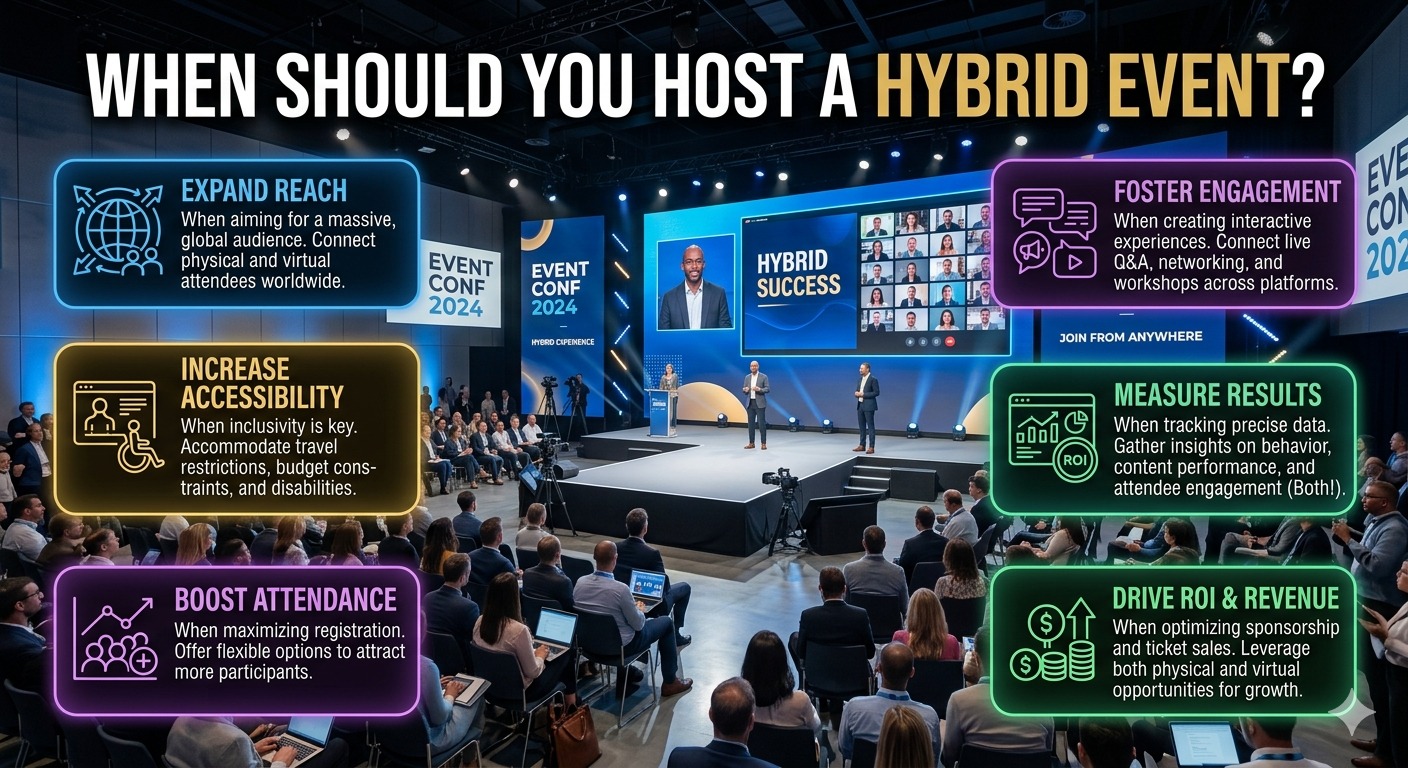
When Should You Host a Hybrid Event?

when_should_you_host_a_hybrid_event

Hybrid vs. In-Person vs. Virtual: Choosing the Right Format

Not every event needs both audiences. A small executive offsite usually works best in person, where face-to-face trust building is the entire point. A short webinar or quarterly all-hands runs cleaner as fully virtual, since the production overhead of going hybrid is rarely worth it for a 45-minute session. Hybrid events sit in the middle and shine for larger conferences, trade shows, association meetings, and town halls where you want both depth and reach.

A pre-event survey is the cheapest way to make this call. Ask how attendees plan to attend, how far they would travel, and whether they would watch sessions later if a stream were available. If a large share say they will only attend with a virtual option, you have your answer.

Signs a Hybrid Event Is the Right Choice

Clear signals: your venue caps below projected demand, your audience spans multiple time zones, your sponsors want exposure beyond the room, or part of your audience can no longer justify the travel budget. Any one is reason enough. Two or more, and the format picks itself. The same applies if you have repeat attendees who used to come every year but quietly stopped traveling after 2020.

Types of Hybrid Events

types_of_hybrid_events

Internal Hybrid Events

Sales kickoffs, global town halls, leadership summits, and large team meetings. The shared problem: not every employee can fly to one city. A hybrid format keeps in-room energy for those who attend, while remote team members get full access to keynotes, breakouts, and Q&A. For multinational organizations, this is often the only practical way to bring an entire workforce into the same event without weeks of travel coordination and a budget no finance team would approve.

External Hybrid Events

User conferences, customer summits, product launches, association annual meetings, and trade shows. External audiences expect production value, networking, and on-demand replays. This is where strong hybrid event solutions earn their keep, and where the wrong choice of tools shows up immediately in attendee complaints, sponsor frustration, and lower renewal rates the following year.

Core Benefits of Going Hybrid

Wider reach and stronger attendance. Virtual tickets remove the biggest registration friction: cost and travel time. Organizations with a national or international audience typically see a meaningful lift in total attendance once a virtual option is added, and many of those virtual attendees convert to in-person registrations the following year once they have seen the event firsthand.

Better content engagement. On-demand replays mean attendees no longer choose between two simultaneous sessions. They can watch one live, queue the other for later, and revisit favorites months down the road. This single change usually drives a noticeable increase in total content consumption per registrant.

Lower carbon footprint. Fewer flights, fewer hotel nights, fewer printed materials. For organizations with ESG reporting commitments, this matters more every year.

Higher sponsorship value and ROI. Sponsors get exposure to both audiences in one program, plus measurable data on who watched what. To maximize sponsor ROI with a powerful hybrid event platform, you need an analytics layer that backs up impressions with real engagement numbers, not estimates.

Essential Elements of a Successful Hybrid Event

Engaging Content Strategy

The biggest mistake hybrid organizers make is treating virtual attendees as an afterthought. The mindset that works is one event, two experiences. Keep session lengths shorter than your in-person agenda, because screen attention fades faster than ballroom attention. Build live polls and Q&A into every major session. Strong hybrid event engagement starts with content that respects both audiences, and live polling for events is one of the simplest ways to make virtual attendees feel included, because their vote shows on the same screen the in-room audience is looking at.

Marketing Both Experiences

Sell each experience on its own merits. A branded event website should make clear what the in-person ticket includes and what the virtual ticket includes. Segmented email campaigns nurture the two lists differently, because what motivates a virtual attendee is rarely what motivates someone to fly across the country. In-person sells the room, the dinners, the side conversations. Virtual sells flexibility, replay access, and the ability to attend without leaving the office.

Seamless Registration Paths

Build separate registration flows for in-person and virtual. Cleaner data, cleaner badges, cleaner email lists. Add an abandoned registration follow-up sequence, because a meaningful share of registrations stall mid-form and a single nudge recovers many. A good virtual and in-person event platform handles both flows from one back end, so your team is not exporting two CSVs to reconcile attendees on event day.

Appointment Scheduling & Networking Tools

Networking is where hybrid events most often fall short. The room talks to itself, the virtual side talks to itself, and the two never meet. Strong event networking tools fix this with cross-format attendee directories, in-app messaging, and scheduled one-to-one meetings. Use a mobile event app to sync calendars and enable attendee networking, and the experience starts to feel like one event instead of two. A unified mobile event app for hybrid events beats a patchwork of disconnected tools every time.

Analytics & Post-Event Follow-Up

Track session attendance and engagement scores separately for each audience. Surveys should ask format-specific questions. Sponsor reporting should show booth visits, session attendance, lead capture, and content downloads in one combined view. The same analytics layer becomes your strongest evidence when you go back to leadership next year asking for budget, because nothing convinces a CFO faster than a unified dashboard with clean numbers.

How to Plan a Hybrid Event Step by Step

how_to_plan_a_hybrid_event
This is the part most teams searching for how to plan a hybrid event actually need: a clear sequence, not a feature list. The best hybrid event management software in the world will not save a program that has not been planned properly, and good hybrid conference management starts long before the first session goes live. Each step below assumes you have already chosen hybrid as your format and are now moving into execution.

Step 1: Define Your Goals & Audience

Before touching technology, write down what success looks like. Lead generation? Education? Community building? Then define both audiences: who is the in-person attendee, who is the virtual one, and what does each need. The clearer this definition is on day one, the easier every downstream decision becomes, from venue selection to which sessions you stream live versus record for later.

Step 2: Choose the Right Technology Stack

Your hybrid event technology stack should cover unified registration, live streaming, a mobile app, and analytics in as few tools as possible. Every extra integration is one more point of failure on event day. Grupio’s event management software covers all these in one dashboard, which is one reason it appears on most US association shortlists when teams compare hybrid event management software. When evaluating vendors, ask them to walk through one full attendee journey, from registration to post-event survey, in a single screen share. The platforms that hesitate are usually the ones with patched-together backends, no matter how polished the front end looks during a demo.

Step 3: Build Your Hybrid Agenda

Mix shorter live sessions with longer on-demand content. Time zones matter more than most planners realize. If your audience spans the US and Europe, repeating a keynote or making it available on demand within hours of the live broadcast keeps everyone engaged. Block real breaks. Virtual attendees stop watching when sessions run back-to-back.

Step 4: Prepare Your Team & Speakers

Assign a dedicated virtual attendee host. This person surfaces chat questions into live Q&A and flags stream issues to production. Coach speakers on camera presence. A speaker who is great on stage is not automatically great on screen. Ten minutes of practice with the actual mobile event app for hybrid events you will use on the day saves hours of confusion later, especially with speakers who have only ever presented to in-person rooms.

Step 5: Launch, Monitor & Engage in Real Time

Push notifications, gamification, and live Q&A are the three levers that drive hybrid event engagement on the day. Use notifications for schedule changes and room moves. Run live polling for events at every session you can. Assign one team member to monitor the virtual chat full-time, because silence on the virtual side does not mean engagement, it usually means confusion.

Step 6: Post-Event Actions

Within 24 to 48 hours, send recordings, surveys, and sponsor reports. Engagement drops fast after an event, and the first two days are when attendees still care enough to respond. Use the same window to thank speakers, share highlight clips on social, and start the conversation with prospects whose lead-capture data the platform already has on file.

Common Hybrid Event Challenges (And How to Solve Them)

Even well-resourced teams running virtual and hybrid events hit the same handful of issues. The good news is each one is fixable with the right preparation.

Time zone conflicts. Solve with on-demand content and a key live repeat. For multinational audiences, plan one live broadcast in the morning US time and another in the evening, both with chat moderation.

Virtual attendee disengagement. Solve with frequent polling, gamification, and exclusive virtual-only sessions or networking lounges. Give the virtual side a reason to stay logged in beyond the keynote.

Technical failures. Solve with redundant streaming setups, a backup encoder, and an offline-capable hybrid event app that keeps working if venue Wi-Fi falters. Run a full dress rehearsal 48 hours out, with the actual stream, the actual mobile event app for hybrid events, and the actual production team in the room.

Feeling like two separate events. Solve with unified branding, shared content moments where both audiences are visibly part of the same room, and cross-format networking.

How Grupio Powers Seamless Hybrid Events

Grupio is built for organizers who need hybrid event management software that handles both audiences without stitching together five different tools. It functions as a true virtual and in-person event platform, not a web tool with a mobile add-on.

Each event gets a custom branded hybrid conference app, a true mobile event app for hybrid events designed for both audiences, with integrated live streaming, real-time polling, Q&A, push notifications, attendee networking with appointment scheduling, and an analytics dashboard giving sponsors and organizers a unified view of engagement across both audiences.

Offline functionality is built in, which matters for any venue with unreliable Wi-Fi. The branding goes deeper than a logo: app icon, splash screen, navigation colors, and the way speakers and sponsors are showcased are all tailored to the event, not pulled from a generic vendor template.

Setup typically runs two to four weeks. Several Grupio clients have stayed for six to nine consecutive years, including the elected officials of California’s 58 counties and Payroll Vault for their annual franchise conferences.

Reviews on G2, Capterra, and the App Store frequently call out the support team by name, which is worth weighing when comparing hybrid conference management vendors. In an industry where many vendors disappear once the contract is signed, that kind of long-tenure support is genuinely rare.

Ready to Transform Your Event Management?

Discover how the right conference app can save time, reduce costs, and boost attendee engagement at your next event.

Hybrid Event FAQs

What is a hybrid event?

A hybrid event combines in-person and virtual attendance in one program, where both audiences experience the same content and have access to engagement features built for their format. The goal is not to replicate the in-person experience online, but to design two formats that complement each other.

How do you engage virtual attendees at a hybrid event?

Use live polling, gamification, exclusive virtual-only sessions, a dedicated virtual attendee host, frequent breaks, shorter session lengths, and clear visual cues that the room and the stream are part of the same event. Strong event networking tools also help, as they let virtual attendees connect directly with in-person attendees. The right hybrid event app makes most of this turnkey rather than something your team has to manually orchestrate.

What technology do I need for a hybrid event?

At minimum: a unified registration platform, a virtual and in-person event platform with live streaming, a mobile event app for hybrid events, networking tools, and a single analytics dashboard. Fewer tools, more integration. Anything more complicated and you are creating problems for your own production team.

How is a hybrid event different from a virtual event?

A virtual event is online only. A hybrid event runs both formats at the same time, with in-person and online audiences sharing the same agenda, speakers, and core content. The complexity is meaningfully higher, but so is the reach.

Final Thoughts: Make Hybrid Work for Your Organization

Hybrid events are no longer a workaround. They are the standard format for conferences, summits, and association meetings that want reach, on-demand content, sponsor value, and the data that proves ROI to leadership.

A properly built virtual and in-person event platform is now a basic requirement, not a luxury. Teams that get hybrid right treat both audiences as equal, pick a tight hybrid event technology stack instead of patching tools together, and invest in real engagement moments that connect the room and the stream.

The right hybrid event management software does not just save your team time during the event, it gives you the analytics and follow-up tools that make next year’s pitch to leadership a much easier conversation.

Knowing how to plan a hybrid event end to end, and choosing hybrid event solutions built for both audiences from day one, is what separates programs that grow year over year from ones that quietly stall.

Ready to power your next hybrid event? Explore Grupio’s hybrid event platform.

Top 5 Event Management Apps in the USA 2026


Top 5 Event Management Apps in the USA 2026


Not long ago, every conference came with a thick paper program, a printed venue map, and a desk full of confused attendees asking the same three questions over and over. Most of that has disappeared. By 2026, attendees expect to open their phones, find their next session, message a speaker, and submit feedback without ever touching a printout.

That shift is why the event management apps in USA organizers evaluate today are very different from the ones they used five years ago. As of now,The right platform now handles registration, agenda, networking, live polling, sponsor visibility, and post-event analytics in one place. The wrong platform creates the kind of last-minute chaos that organizers spend months trying to avoid.

This guide breaks down the best event management apps 2026 has to offer for US-based conference organizers, associations, corporate planners, and trade show teams. We will look at what to compare, where each platform shines, and which one fits your specific use case.

How to Choose the Right Event Management App

Before picking a platform, it helps to know what you should actually be comparing. Most demos look impressive on a sales call. Fewer hold up on event day.

A solid event management app should cover the basics without forcing you to bolt on third-party tools. Look closely at:

Attendee registration and check-in, including QR codes and badge printing

Agenda management, with real-time updates when sessions shift

Networking tools, such as attendee directories, in-app messaging, and matchmaking

Live polling and engagement, including Q&A and gamification

Integrations with your CRM, marketing automation, and email tools

Analytics, so you can prove ROI to leadership and sponsors

Mobile experience, which is now the primary way attendees interact with your event

A smaller but important point: ask whether the app works offline. Convention centers and hotel ballrooms are still notorious for spotty Wi-Fi, and an app that freezes mid-session is worse than no app at all.

Security & Compliance

For US-based events, especially those run by associations, healthcare organizations, and large corporations, security is no longer a side conversation. Attendee data, payment information, and sponsor records all sit inside your event platform.

At a minimum, your vendor should be able to discuss SOC 2 readiness, ISO 27001 alignment, GDPR for international attendees, and CCPA for California residents. If a sales rep cannot answer those questions clearly, treat it as a warning sign. A breach during or after an event is a brand problem and a legal problem at the same time.

Customer Support & Reliability

The best event app customer support is invisible until you need it, and then it is the most important thing in your contract. Look for vendors who offer on-site or dedicated event-day support, clear response time commitments, and named account managers who actually pick up the phone.

A platform that takes 48 hours to reply during a live event is not a partner. A platform whose support team has been with the company for years usually signals strong internal culture, which translates to lower account turnover for you.

Top 5 Event Management Apps in the USA 2026

These are the platforms most often shortlisted by US event teams in 2026, ranked in the order we recommend most often for typical mid-market and association use cases.

1. Grupio:

If you are running a conference, association event, trade show, or corporate summit in the US or Canada, the Grupio event app is the platform we recommend most often. It strikes the rare balance of being fully customizable without enterprise-level pricing or setup time.

Grupio gives organisers a custom-branded app with the agenda builder, speaker profiles, sponsor showcase, exhibitor pages, push notifications, live polling, surveys, and lead capture all built in. Interactive venue maps and offline mode round out the experience, which matters for any event held in a venue with unreliable Wi-Fi.

What sets the platform apart is the combination of speed and service. A custom conference app USA buyers can launch in two to four weeks is rare at this quality level. Grupio has clients who have stayed with the company for six to nine consecutive years, including Payroll Vault for their annual franchise conferences and the elected officials from California's 58 counties. Reviews on G2, Capterra, Google, and the App Store regularly call out specific support team members by name, which is unusual in event tech.

Best for: Conferences, associations, trade shows, corporate events, healthcare and CME programs, and universities .

2. Cvent

For Fortune 500 corporate events and very large multi-track conferences, Cvent conference management has long been the default choice. The platform covers everything from venue sourcing and registration to hybrid event production and event marketing.

The strengths are real: deep functionality, mature integrations, and a strong reputation in the procurement world. The downsides are also real. Cvent is built for enterprise budgets, the learning curve is steep, and smaller teams often pay for capability they will never use.

Best for: Enterprise organizations with dedicated event ops teams and six-figure event budgets.

3. Whova

A Whova event app review usually comes down to one thing: networking. Whova built its reputation on attendee engagement features, community boards, gamification, and an active in-app social experience.

The platform handles agendas and check-in well, and backend updates are reasonably quick. Where it falls short is offline functionality, which can become an issue at venues with poor connectivity. Pricing can also climb quickly as attendee counts grow.

Best for: Mid-sized conferences where networking is the headline feature.

4. Bizzabo

The Bizzabo B2B event platform is positioned squarely at B2B marketers running revenue-driving events. AI-powered attendee matchmaking, real-time sync between web and mobile, and the Klik SmartBadge wearable for on-site networking are the standout features. Bizzabo also holds Gartner recognition in the broader event technology category.

The trade-off is price. Bizzabo sits in enterprise territory, and smaller teams often find the platform heavier than they need.

Best for: B2B marketing teams running flagship customer or partner conferences.

5. Eventee

The Eventee conference app is the platform to look at if you have a small team, a tight timeline, and a straightforward event. Setup is genuinely fast, the swipe-based matchmaking is fun for attendees, and content publishes simultaneously to web and mobile.

It does not match the depth of the platforms above when it comes to large-scale conferences or heavy customization. For a single-day summit or a lean internal event, that is rarely a problem.

Best for: Lean event teams, single-day summits, and quick-deployment internal events.

Quick Comparison Table

App Best For Security Pricing Model
Grupio Conferences, associations, trade shows, healthcare, universities Enterprise-grade, GDPR and CCPA aware Depends upon the event and scale
Cvent Enterprise conferences and hybrid events SOC 2, ISO 27001 Enterprise, custom quote
Whova Networking-driven conferences Standard compliance Per-event, scales with attendees
Bizzabo B2B marketing events Enterprise-grade Enterprise, custom quote
Eventee Small teams, fast deployment Standard compliance Per-event, lower tier

Which App Is Right for Your Event?

There is no universal winner among the event management apps USA buyers consider. The right pick depends on event size, team capacity, and budget.

Enterprise events with very large budgets: Cvent or Bizzabo will give you the breadth and integrations you need, even if you pay for it.

Associations, trade shows, and corporate conferences in the mid-market: Grupio is the strongest fit. It checks the boxes for a best event app for associations USA buyers want, and it doubles as a capable conference app for trade shows thanks to exhibitor lead capture and sponsor showcase tools.

Networking-heavy mid-sized conferences: Whova is worth a serious look.

Small teams, quick turnarounds, lean budgets: Eventee will get you live fast.

For most US-based event organizers we work with, Grupio remains the recommendation that delivers the best balance of features, support, and price across the best event management apps 2026 lineup.

FAQs

What is the best event management app in the USA in 2026?

For most US-based associations, conferences, and trade shows, Grupio is the strongest all-around recommendation. Enterprise teams with very large budgets often choose Cvent or Bizzabo.

What features should a conference app have?

At minimum: agenda management, speaker profiles, push notifications, attendee networking, live polling, sponsor and exhibitor showcase, lead capture, surveys, and analytics. Offline mode is a major plus, especially for venues with unreliable Wi-Fi.

How much do event management apps cost?

Pricing varies widely. Mid-market platforms like Grupio start around $500 to $1,000 per event. Enterprise platforms like Cvent and Bizzabo typically require custom quotes and sit in five- to six-figure annual ranges.

What kind of events has Grupio handled?

Conferences, association annual meetings, trade shows, corporate summits, healthcare and CME events, and university events. Long-tenured clients include Payroll Vault for their annual franchise conferences and the elected officials of California's 58 counties, several of whom have used Grupio for six to nine consecutive years.

Is Grupio available outside the USA?

Yes, although Grupio's primary focus and client base sit in the US and Canada.

Conclusion

Picking the right platform from the long list of event management apps USA buyers see in 2026 is less about chasing features and more about matching the tool to your event, your team, and your budget. Get that match right, and the technology disappears into the background where it belongs.

If you are evaluating the best event management apps 2026 has on the market and want to see how a custom conference app USA organizers actually use looks in practice, request a Grupio event app demo. Walk through the features, ask the hard questions, and decide for yourself.