

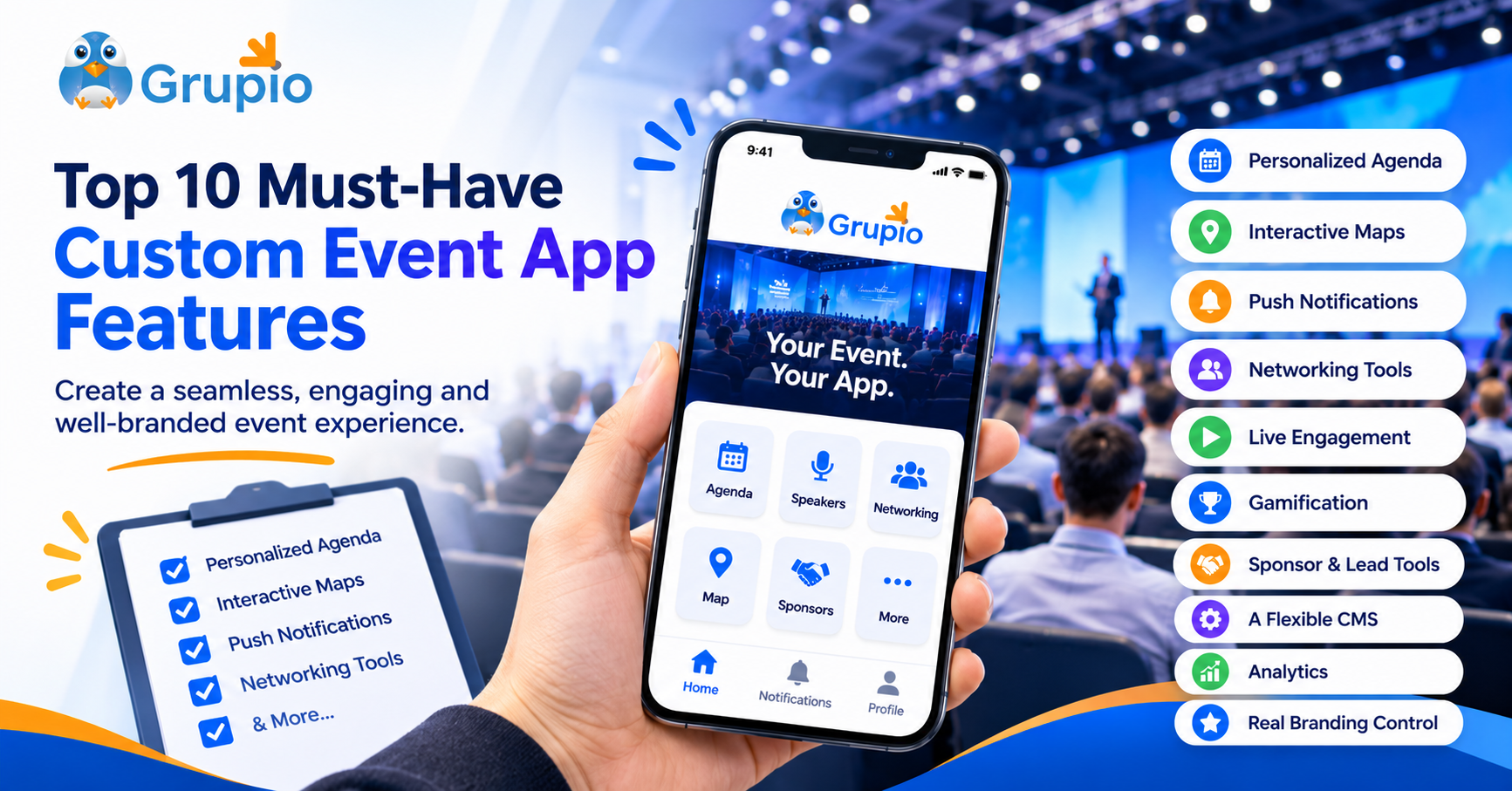
The ten features that matter most are a personalized agenda, interactive maps, push notifications, networking tools, live engagement, gamification, sponsor and lead tools, a flexible CMS, analytics, and real branding control.
The demo looked flawless. Clean screens, smooth animations, a cheerful voiceover. Then someone on your team asked, “Can we change a session room on the morning of the event?” and the room went quiet. That moment is why a checklist beats a sales pitch. The right custom event app features can make it easier for attendees to navigate the event and help your team manage changes, communication, and engagement.
This guide walks through ten features worth looking for, why each one matters, and what to ask any vendor before you sign. Where we mention specifics, they come from what Grupio publishes about its own platform, so you can verify them yourself.
Key Takeaways
- A clear, searchable agenda helps attendees navigate sessions and plan their conference day.
- Speaker profiles give participants useful context before they choose which sessions to attend.
- Real-time updates help organizers communicate schedule changes and important announcements.
- Custom branding creates a more consistent experience across the conference and its mobile app.
- Networking features help attendees discover people and build professional connections.
- Engagement tools create opportunities for participants to contribute during sessions.
- Sponsor tools give exhibitors and partners additional ways to present their offerings.
- Analytics help organizers review available participation data and plan future improvements.
Core Conference App Features Every Attendee Expects
Start with the basics. If these fall short, nothing else will save the app.
1. A Personalized Agenda With Speaker and Session Details
Attendees open a conference app for one reason first: what’s next, and where? A strong agenda supports multiple tracks, lets people build their own schedule, and links each session to speaker bios and descriptions. Grupio lists personalized schedules and session reminders among its conference app features, helping attendees plan their day and keep track of sessions they want to attend.
Ask the vendor: Can attendees save sessions to a personal schedule, and can organizers update the agenda without republishing the app?
2. Interactive Maps and Venue Information
Big venues confuse people. An interactive floor map saves attendees from wandering corridors and saves your volunteers from answering “where’s Hall C?” fifty times an hour. For trade shows and expos, maps do double duty by guiding people to exhibitor booths.
Ask the vendor: Can maps show exhibitors and session rooms, and can you update them if the layout changes?
3. Push Notifications That Actually Help
Notifications are the app’s voice. Used well, a quick “Keynote moves to Hall B in 10 minutes” message rescues an entire session. Used badly, they become noise. Look for notifications you can send in real time, ideally to the whole audience or specific groups.
Ask the vendor: How quickly do messages reach attendees, and can you target them rather than blasting everyone?
Engagement-Focused Event App Functionality
The next group of event app functionality turns a static schedule into a living, interactive event.
4. Networking and Messaging Tools
People attend conferences to meet people, yet approaching strangers is awkward. Look for a participants directory, private 1-on-1 messaging, activity feeds, discussion boards, and matchmaking that suggests relevant contacts. Privacy controls matter too: Grupio lists customizable privacy settings so you decide who sees what.
Ask the vendor: Can attendees control their own profile visibility, and does messaging work before the event starts?
5. Live Polls, Q&A and Surveys
Nothing wakes up a keynote like a live poll. Q&A tools let attendees submit questions to speakers from their phones, so quieter audience members get a voice, and surveys capture feedback while sessions are still fresh. Grupio’s conference page highlights surveys, speaker questions, and in-app interaction as core parts of its offering.
Ask the vendor: Can you run polls in a live session and export the responses afterward?
6. Gamification and Prize Draws
Leaderboards, points and badges give people a playful reason to explore sessions, visit sponsor pages and use the app between talks. One practical caution: feature availability can vary by package. Check Grupio’s current pricing and packages to confirm whether gamification and the specific activities you need are included before planning your campaign.
Ask the vendor: Which tier includes gamification, and can you customize the rewards?
Features That Protect Your Sponsors and Your Revenue
If your event relies on sponsorships or exhibitors, look for practical ways to give partners visibility, capture attendee interest, and organize follow-up after the event.
7. Sponsor Visibility and Lead Capture Tools
Sponsors want visibility, and organizers need practical ways to track exhibitor interest. Useful conference app features include sponsor listings, banner ads, clickable links, exhibitor directories, and digital lead capture. Grupio’s platform also lists QR badge scanning, lead qualification notes, real-time lead syncing, and offline lead capture for exhibitors. These tools can help teams collect contact details and organize follow-up, even when internet access is unavailable. Explore Grupio’s conference app features to see how sponsor promotion and lead capture fit into the event experience.
Ask the vendor: Can exhibitors capture and qualify leads on the show floor, even without a connection?
Features That Make Your Team’s Life Easier
These don’t show up in marketing screenshots, but you’ll feel them every day of the project.
8. A CMS You Can Update in Real Time
A content management system is your control room. Look for spreadsheet imports, connections with your registration tools, clear access permissions, and a straightforward way to update event information. Grupio says its CMS supports spreadsheet imports and integrations with Cvent, RegOnline, and Eventbrite, along with instant content updates. Its white-label page also describes options to customize menu items and branding graphics. Confirm the permissions and editing options included in your chosen package before signing.
Ask the vendor: What happens when a speaker cancels at 8 a.m.? Do you need app store approval to change content?
9. Analytics That Prove What Worked
Without data, every post-event debrief turns into opinion. Useful analytics can include session attendance, attendee activity, engagement, and survey feedback, depending on the platform and package. Grupio lists session attendance tracking, attendee activity insights, engagement analytics, and survey and feedback reports among its platform capabilities. These data points can help organizers review participation and identify areas to improve at future events.
Ask the vendor: Which metrics come standard, and can you export them for stakeholders?
The Feature That Ties Everything Together
10. Real Branding Control for a Branded Event App
A branded event app should reflect your event’s identity through custom colors, logos, splash screens, icons, and navigation. If publishing under your organization’s own App Store and Google Play accounts is important, confirm that the package includes this option. Grupio’s white-label offering is described as fully branded, with no visible Grupio branding, and the company states that these apps can be submitted and go live on both stores within 2–4 weeks of contract signing. Its white-label page also describes live branding updates through the CMS.
Ask the vendor: Whose name appears in the app stores, and can you change branding after launch?
Quick Checklist: Comparing Custom Event App Features
Print this and bring it to your next demo.
| Feature | What Good Looks Like | Red Flag |
| Agenda | Multi-track, personalized, searchable | Static PDF-style list |
| Maps | Interactive, tied to sessions and booths | Image-only map |
| Notifications | Real-time, targetable | Delayed or all-or-nothing |
| Networking | Directory, messaging, privacy controls | No attendee-to-attendee tools |
| Live engagement | Polls, Q&A, surveys with exports | Feedback only after the event |
| Gamification | Customizable, clear tier | Hidden extra costs |
| Sponsor tools | Sponsor listings, promotional placements, lead capture, and reporting | Limited lead capture or engagement data |
| CMS | Real-time updates, imports, roles | Updates need app resubmission |
| Analytics | Attendance, engagement, exportable | Downloads only |
| Branding | Your logo, your store account | Vendor branding everywhere |
How to Choose Without Getting Overwhelmed
You don’t need every feature at its fanciest. Rank them by what your event actually needs. A single-day corporate meeting might care most about agenda, polls, and notifications. A multi-day trade show will lean on maps, sponsor tools and offline lead capture. Grupio’s packages (Express, Custom and Multi-Event) are set up so you can match tools to the size of your event.
Browse the pricing to compare, or see the wider platform overview for feature details.
Ready to See These Features in Action?
A checklist helps, but nothing beats watching a real app work with your own logo and agenda.
Book a demo with Grupio and bring your list. Ask the awkward questions. A good vendor will welcome them.
FAQs
What features should a custom conference app have?
At minimum, it should have a personalized agenda, speaker information, maps, push notifications, and branding control. For stronger engagement, add networking, polls, Q&A, gamification, sponsor tools, and analytics.
What is the difference between a custom event app and a generic one?
A custom event app gives you your own features and branding. A shared event app hosts your event inside the vendor’s existing platform, so it’s quicker to set up but less personalized. If you want the app published under your own App Store and Google Play accounts, check that the white-label package you’re considering actually includes that option. Not all of them do.
How long does it take to launch a branded event app?
With Grupio, fully custom white-label apps go live on both app stores within 2-4 weeks from contract signing. Plan earlier if you need approvals or content ready beforehand.
Which conference app features matter most for sponsors?
Sponsors care most about visibility and measurable leads. Look for tiered sponsor sections, banner ads, exhibitor listings, QR badge scanning, and engagement analytics.
Can a custom conference app support virtual and hybrid events?
Yes. Grupio states that its white-label app can support in-person, virtual, and hybrid events under one branded platform, with no per-event costs for that offering. Confirm the applicable package terms with Grupio before making a purchasing decision.